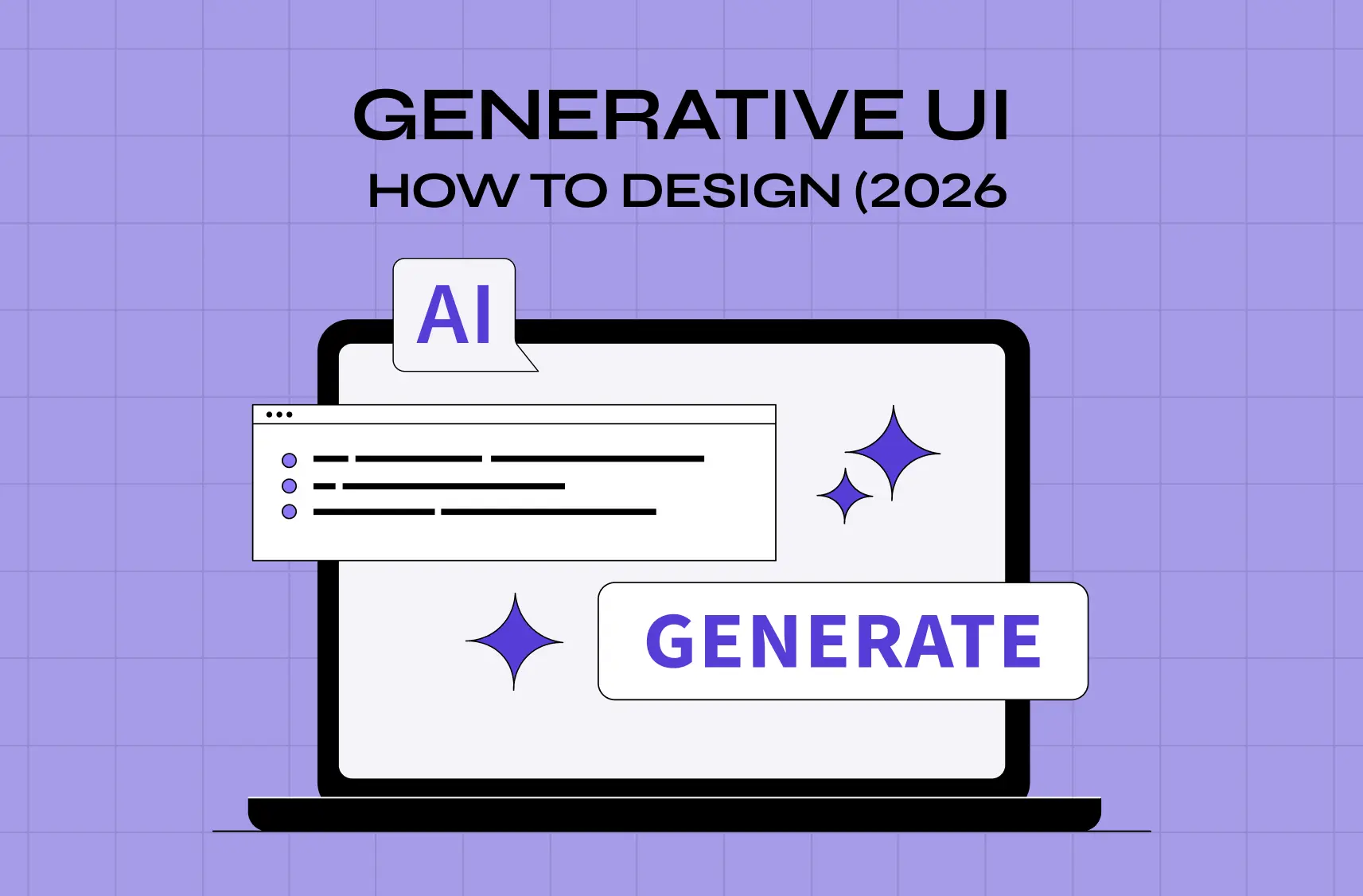
Generative UI is changing how interfaces get built, shifting from fixed screens to AI-assembled experiences shaped around user intent. This guide explains what it is, how it works, its benefits and risks, and the principles for designing it well.
Understand generative UI: what it means, how it works, and how to design for it.
TL;DR
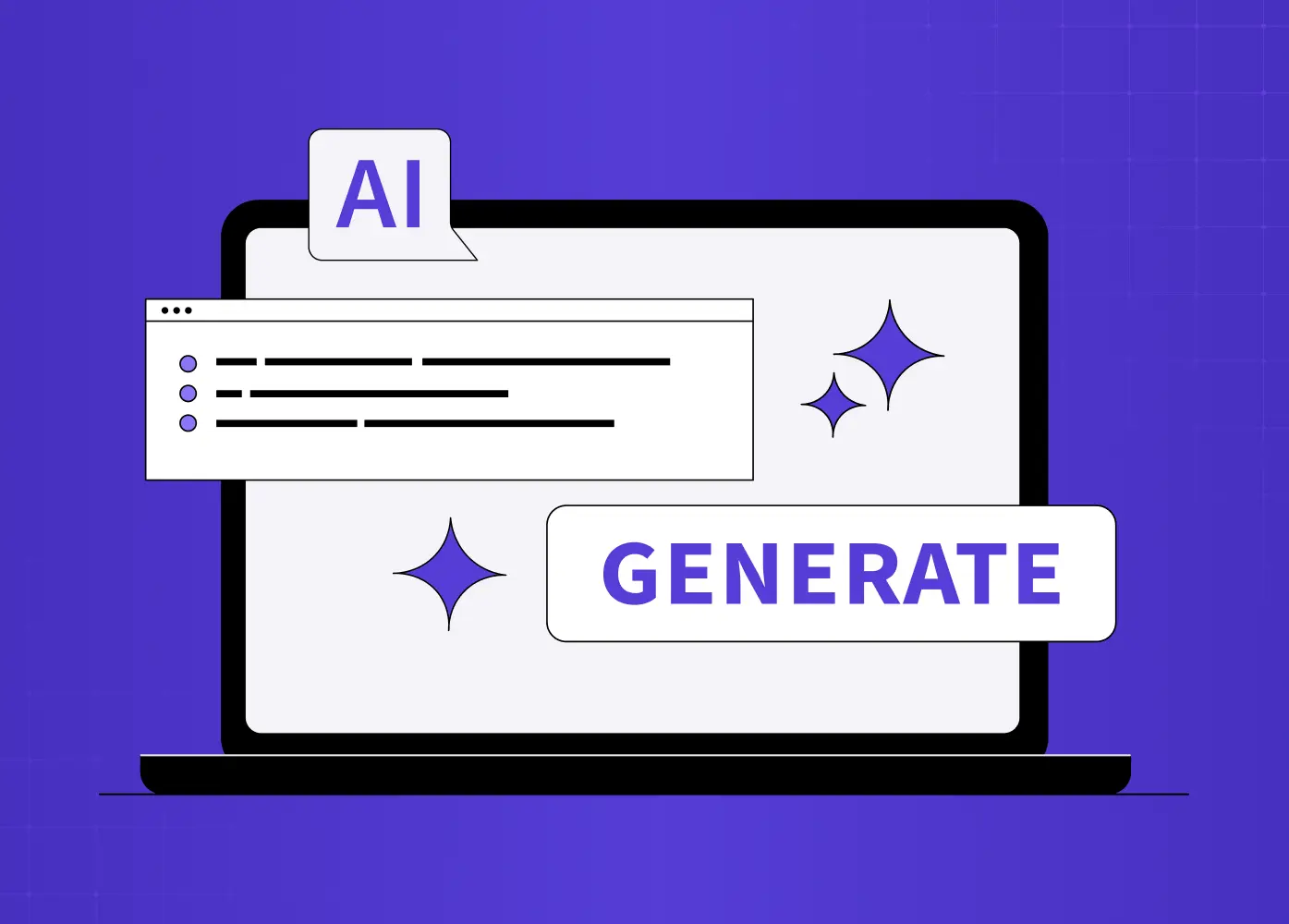
Generative UI (GenUI) is a pattern where an AI builds parts of the interface at runtime, instead of a designer drawing every screen in advance.
It goes further than responsive or adaptive design because it adapts to a user's intent and context, not just their device or a predefined rule.
It's moving into real products now because LLMs finally understand intent well enough, design systems are mature enough to supply components, and users expect adaptive experiences.
The upside is real: less navigation friction, more personalized workflows, and faster iteration for teams. The risks are just as real: latency, brand drift, learnability loss, and testing a system that has no fixed set of screens.
Designing for it well means designing the system and the guardrails, not the individual screen.
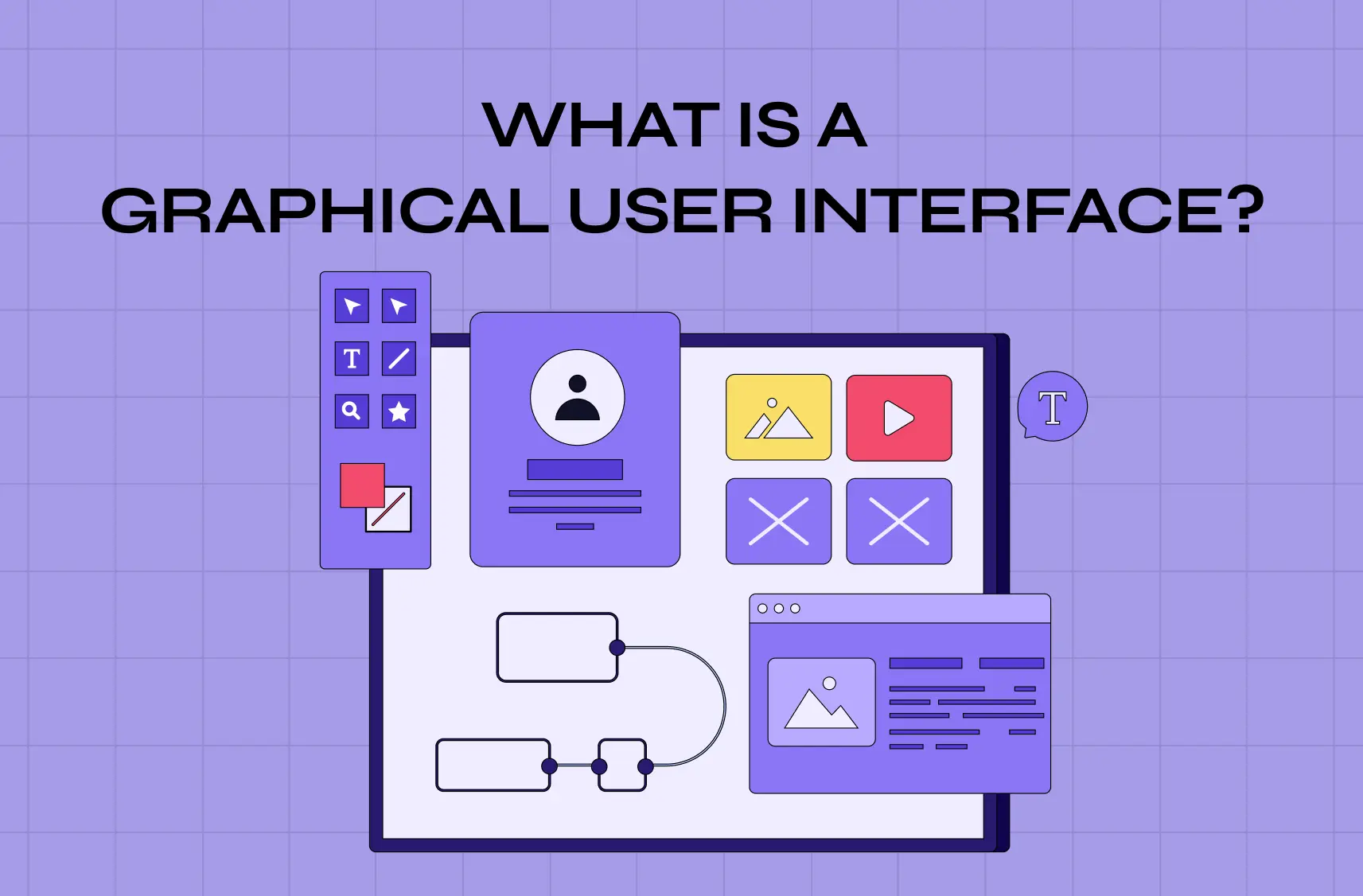
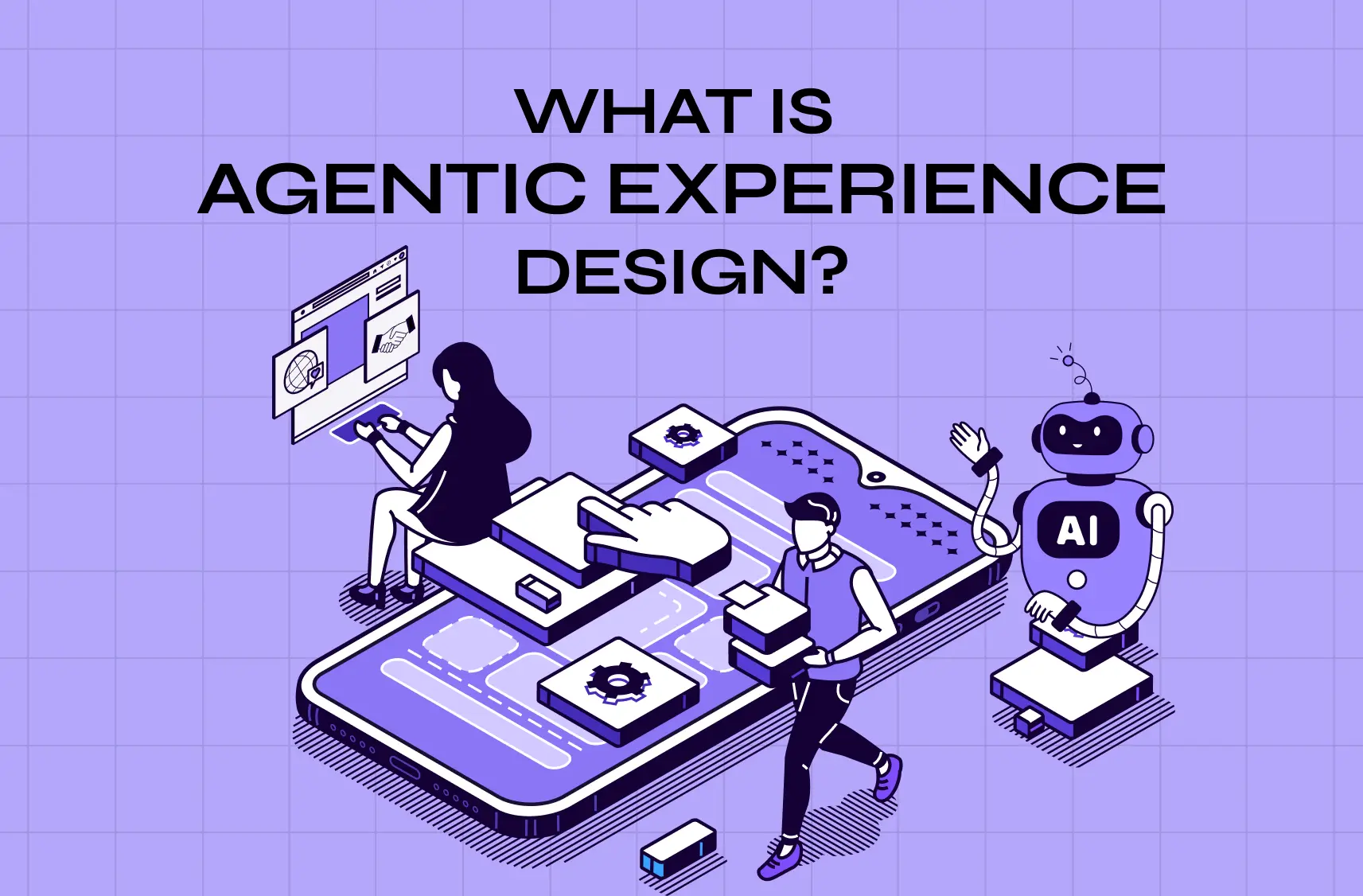
For thirty years, ever since the graphical user interface became the default way we interact with software, a designer's job was to draw every screen a user might see. Generative UI quietly upends that assumption. Instead of serving a fixed interface designed in advance, the product assembles the interface on the fly, with an AI deciding, in the moment, what a specific user needs to see and building it around their intent. It's the difference between a restaurant with a printed menu and one where the kitchen cooks exactly what you're in the mood for. And in 2026, it's moving from research demos into real products.
If you keep hearing generative UI (or "GenUI") and aren't quite sure what it means, how it differs from responsive design, or where it sits inside the broader shift toward AI UX design, this guide is for you. We'll define it clearly, explain how it actually works, show what it looks like in practice with real examples, cover the benefits and the very real challenges, and lay out the design principles that separate a genuinely useful generative interface from an unpredictable mess. Let's demystify one of the most important shifts in interface design since mobile.
What is generative UI?
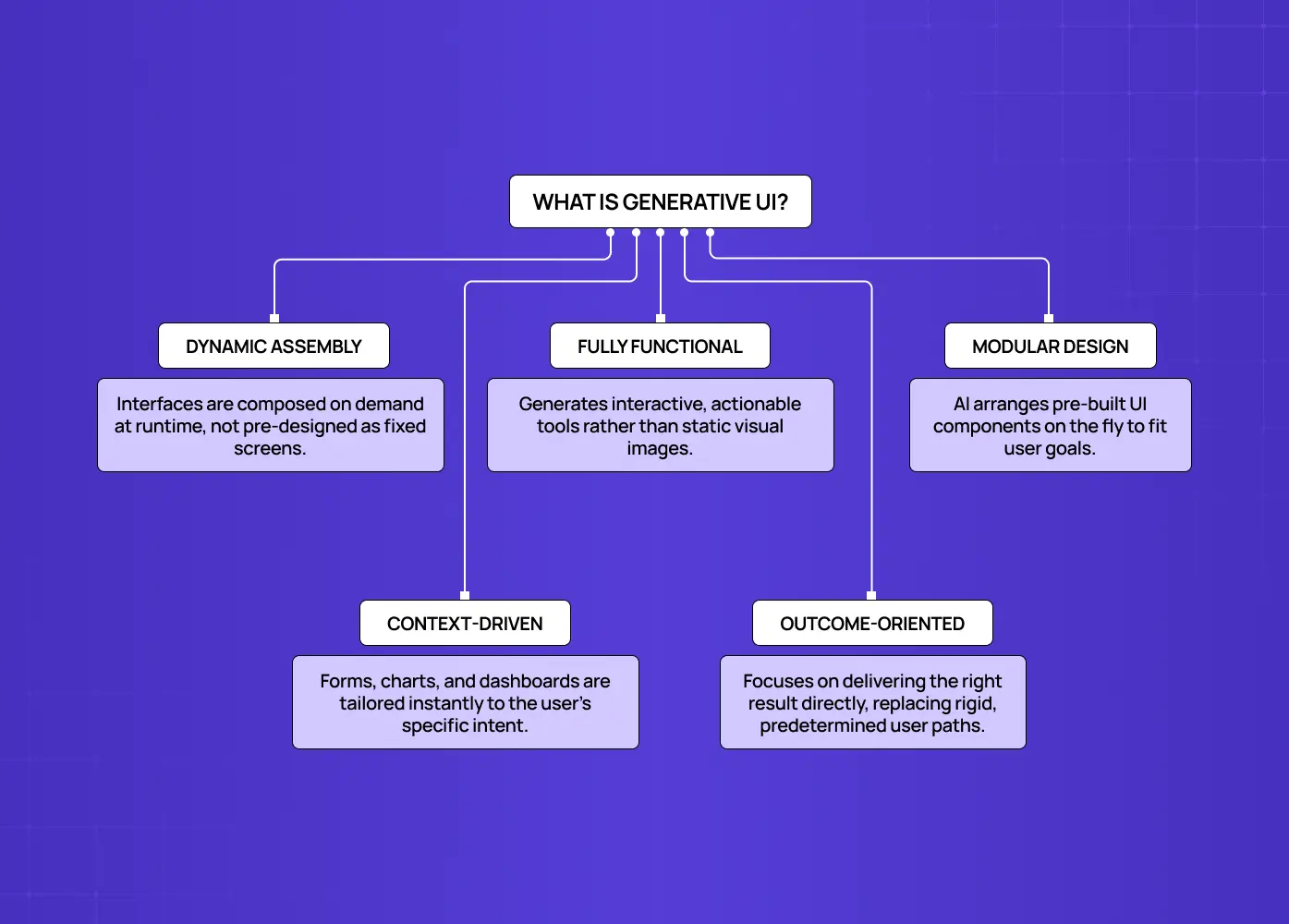
Generative UI is a pattern in which parts of the user interface are generated, selected, or controlled by an AI at runtime, rather than being fully predefined by designers and developers in advance. Instead of an AI returning a block of plain text that a user has to read and act on, generative UI has the AI build the interface around the answer.
In practice, that means:
The interface is assembled, not retrieved. Forms, tables, charts, dashboards, and controls are shaped to the user's specific intent and context in the moment, rather than pulled from a fixed set of pre-built screens.
The output is functional, not just visual. A generated dashboard or comparison table is something the user can act on directly, not a static image of one.
The decision-making happens at runtime. The AI decides what to show and how, using the current request and context, not a rule that was written months earlier.
It's outcome-oriented. Nielsen Norman Group frames this as a shift toward outcome-oriented design: rather than designing the path to a result, you design the system that can produce the right result and interface for each user.
The screen a user sees isn't drawn ahead of time. It's composed on demand from building blocks the AI arranges to fit what that person is trying to accomplish.
Generative UI vs. responsive and adaptive design
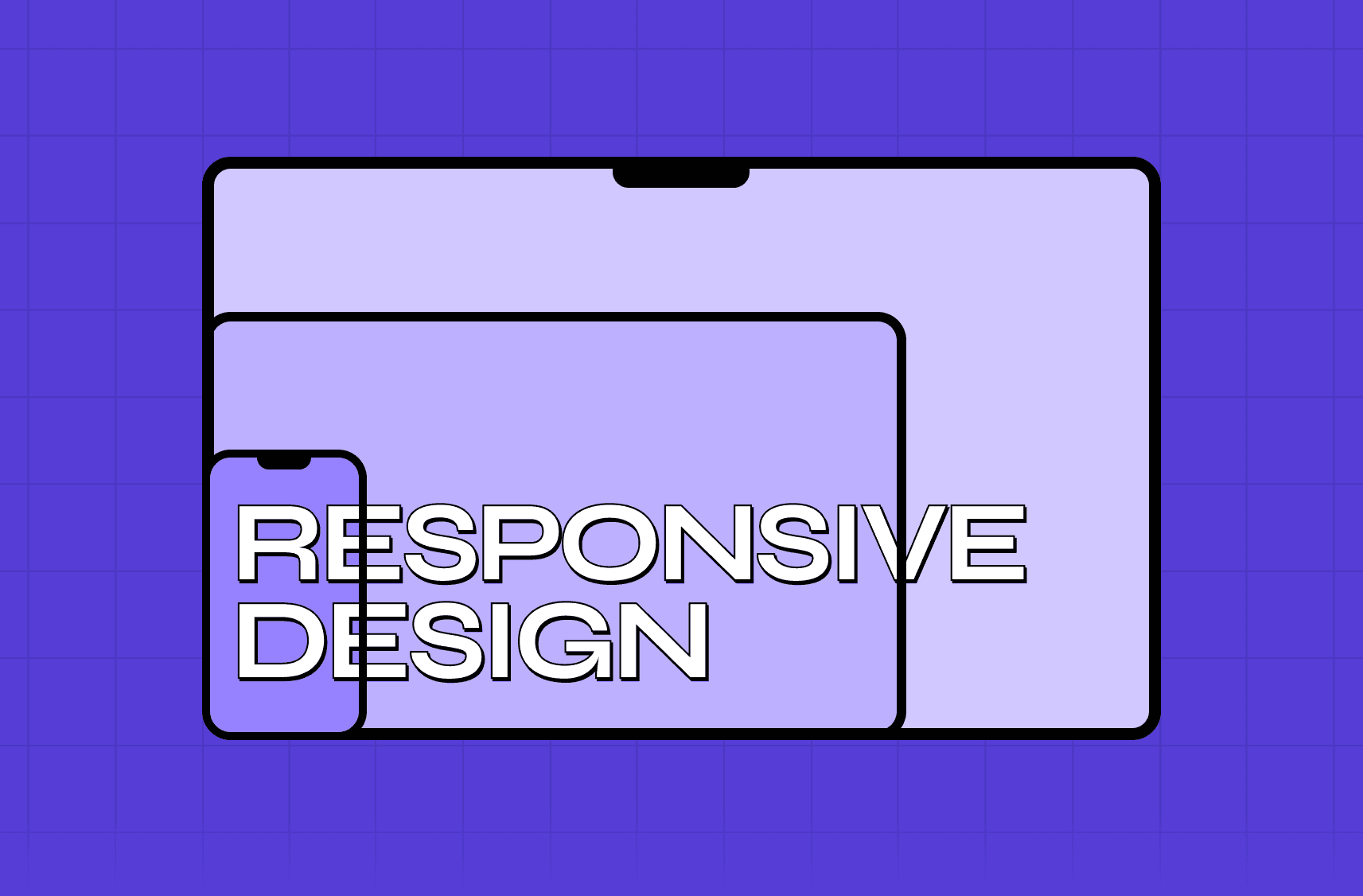
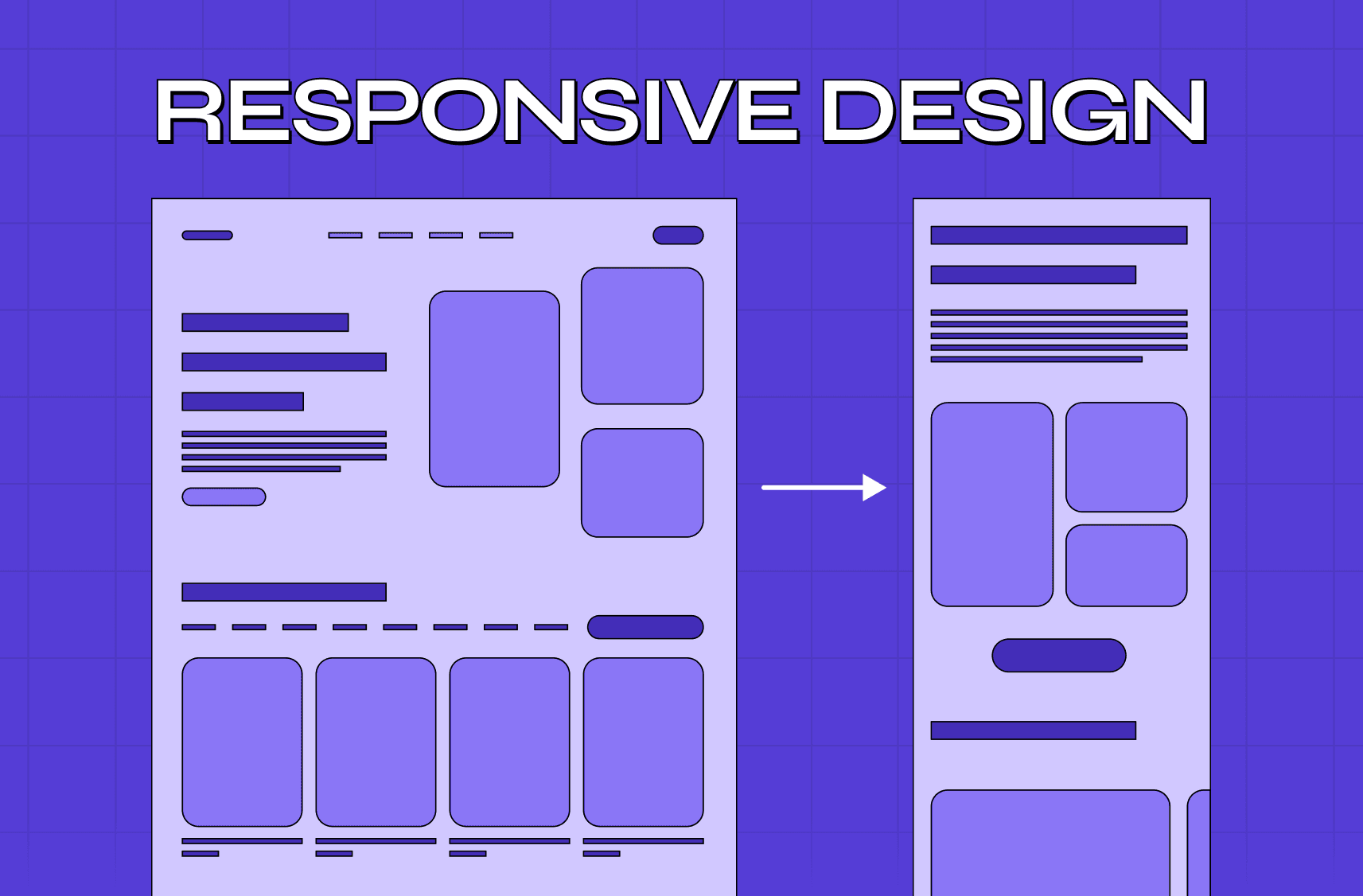
It's easy to confuse generative UI with things we already have, so here's the clean distinction. Responsive design adapts a fixed layout to the device, with the same content reflowing for phone, tablet, or desktop. Adaptive design shows different predefined variations based on rules (if logged in, show X). Generative UI goes further: it adapts to the user's intent and context by generating the interface itself, not just rearranging predefined pieces.
Approach | Adapts to | Who designs the screen |
Responsive | Screen size / device | Designer (one flexible layout) |
Adaptive | Predefined rules / segments | Designer (several fixed variants) |
Generative | User intent & context | AI, at runtime, from components |
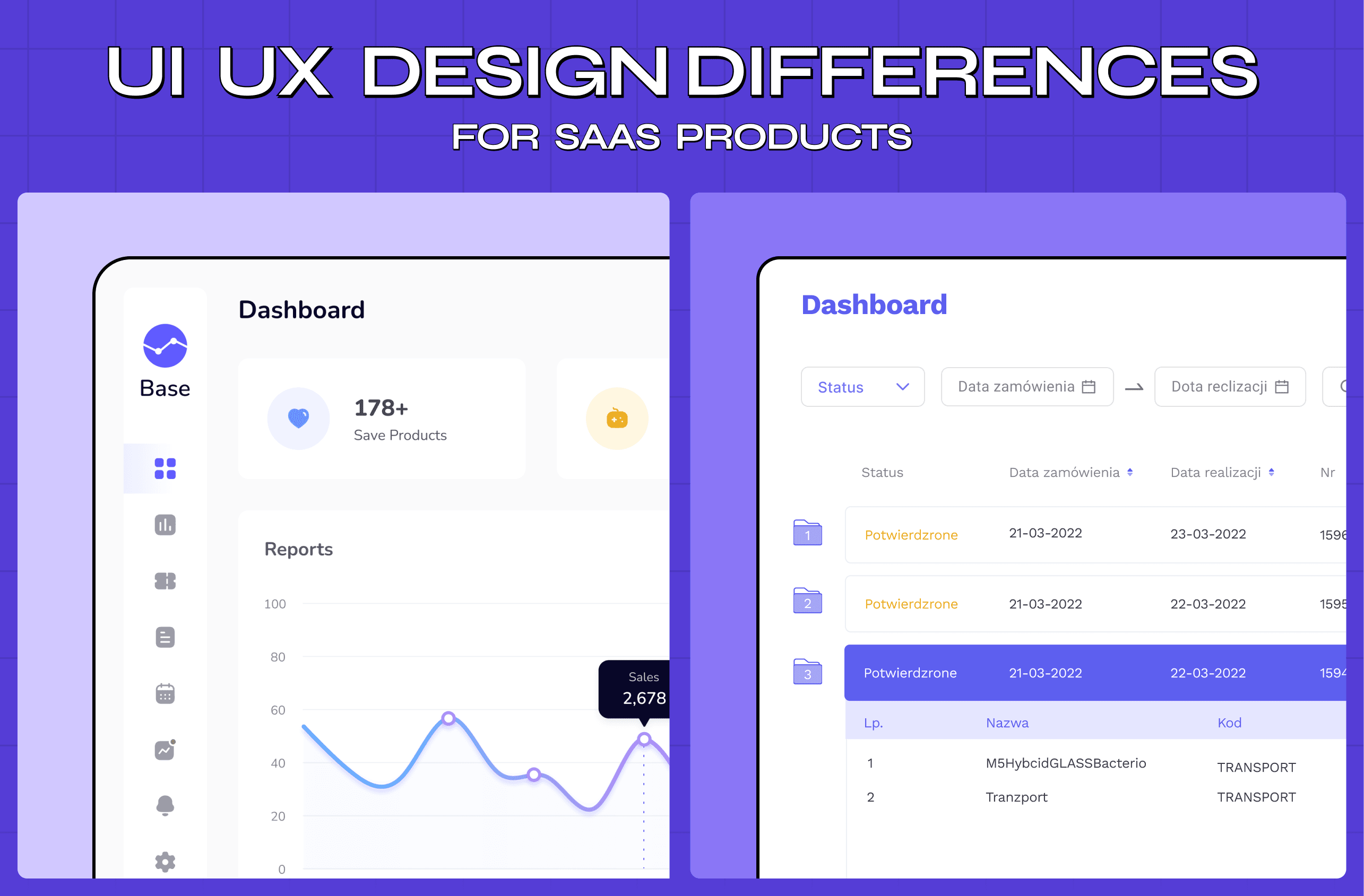
The leap is that with generative UI, two users with different goals and contexts will see materially different interfaces, because the system inferred what each needed and built it on the fly - a clear version of the AI UX vs traditional UX split playing out across SaaS products.
How generative UI works
Under the hood, generative UI is driven by an AI agent making interface decisions in real time, which makes designing for AI agents a core requirement rather than a side project. Given a user's request, the agent works through a few things at once:
What UI to show. A chart, a form, a comparison table, or something else entirely, depending on what will actually help.
What inputs it needs from the user. The minimum information required to complete the task, requested in a way that fits the interface it's building.
How the state should update. As the interaction progresses, the interface needs to track and reflect changes without breaking continuity.
What components it can draw from. A library of components and design constraints the team has already defined, often codified as reusable agentic UI patterns, composed into an interface tailored to the moment.
Crucially, the designer's role doesn't disappear. It moves up a level into agentic experience design. Rather than drawing each screen, designers define the components, guardrails, and rules the AI works within, plus the patterns for how generated interfaces should look and behave. In 2026, generative AI no longer just hands you a mockup. It collaborates: designers increasingly prompt, curate, and refine rather than place every element by hand. The craft shifts from pixels to the system that produces them — the move to design-led AI systems.
Why generative UI is happening now
Generative UI isn't a brand-new idea; the dream of adaptive, intelligent interfaces is decades old. What changed is that the underlying technology finally caught up.
LLMs finally understand intent well enough. Large language models can now interpret natural-language requests well enough to make sensible interface decisions.
Structured output got reliable. Models can generate structured output, not just prose, reliably enough to drive real components.
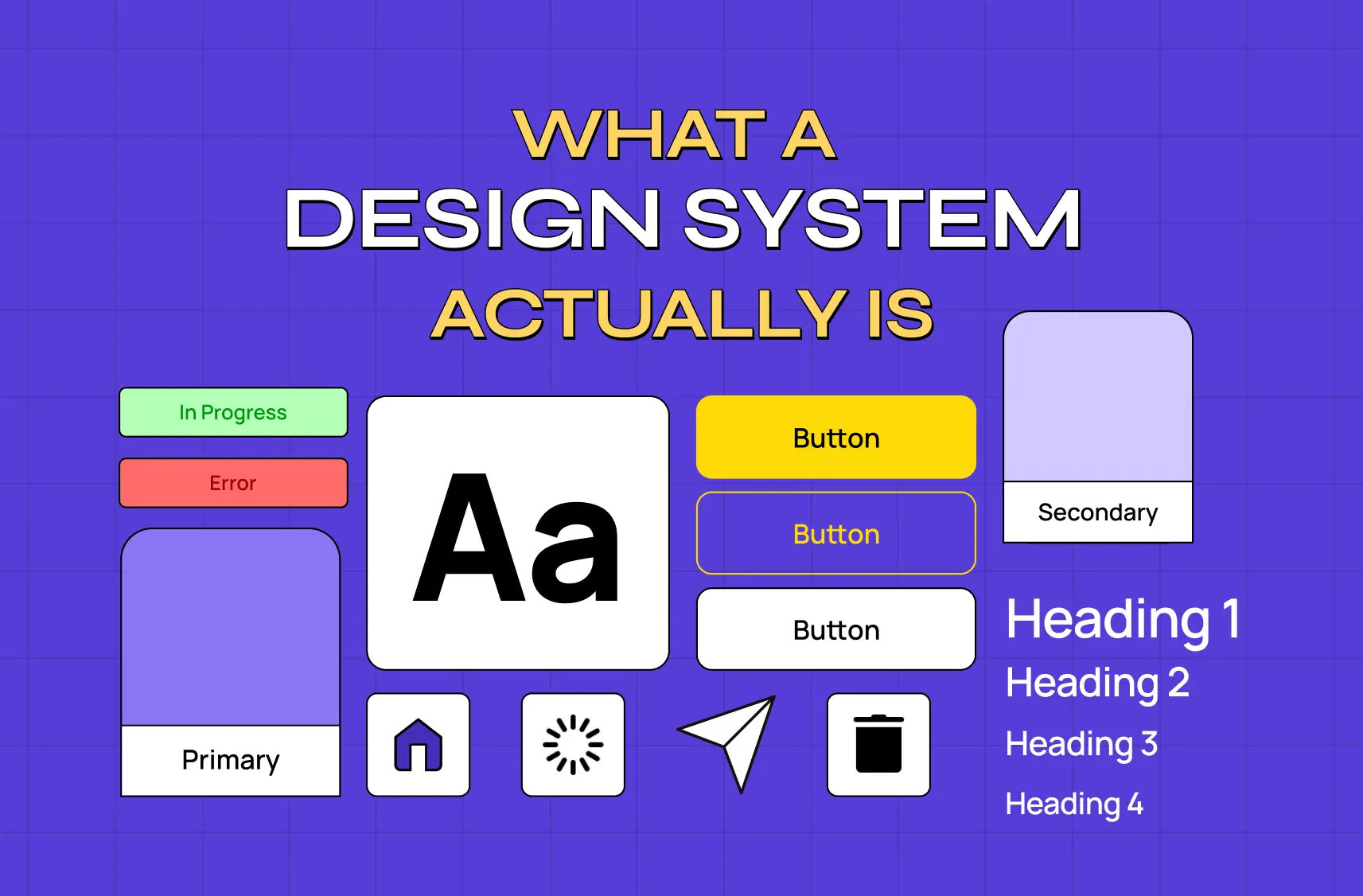
Design systems matured. Teams now have libraries of well-defined, composable components that generation depends on. You can't assemble a coherent interface on the fly without solid pieces to assemble from.
User expectations shifted. Users now expect products to understand them, primed by AI assistants that answer in seconds and personalization that anticipates their needs.
Enterprise pressure is building. The surge in enterprise AI adoption and the shift toward AI-native experiences is pushing generative UI out of research demos and into shipping software as part of a wider set of AI-driven UX practices businesses are expected to have in place.
That combination is why 2026 is the year the term went from niche to unavoidable: the capability, the components, and the expectations all arrived at once. It now sits near the top of AI product design trends shaping how teams plan their roadmaps.
Generative UI examples and use cases
What does this look like in practice? A few emerging patterns make it concrete:
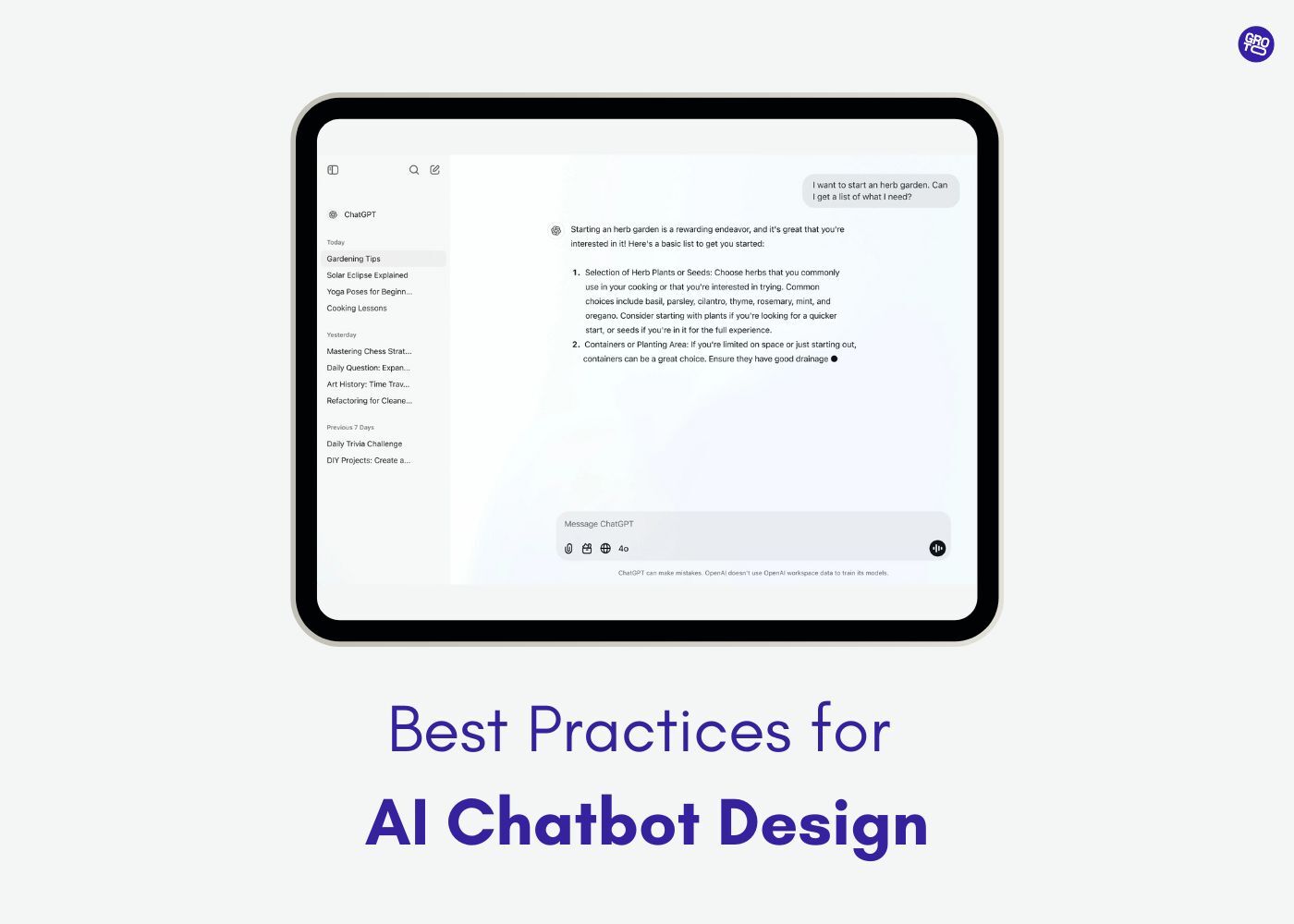
AI assistants and chat products. Instead of replying with a wall of text, the assistant renders an interactive card, a comparison table, or a form the user can act on directly, a core move in AI copilot design where the interface is the answer. The interface is the answer.
Dashboards and analytics. Users ask a question in natural language, and the product generates the specific chart, filter set, and data layout rather than making them navigate a fixed dashboard. This is where AI dashboard design and generative UI intersect directly.
Onboarding and workflows. The interface adapts to each user's role, data, and goals, surfacing only the steps and fields relevant to them.
E-commerce and content. Layouts and modules reorganize around what a given shopper or reader is trying to do.
The common thread across all four: the UI is assembled around intent, in the moment, instead of being one static design for everyone.
Real-world examples of generative UI in 2026
The patterns above aren't hypothetical. A handful of products already ship generative UI at real scale, and they show the range of what this looks like when it's live.
Gemini's Dynamic View and AI Mode in Search
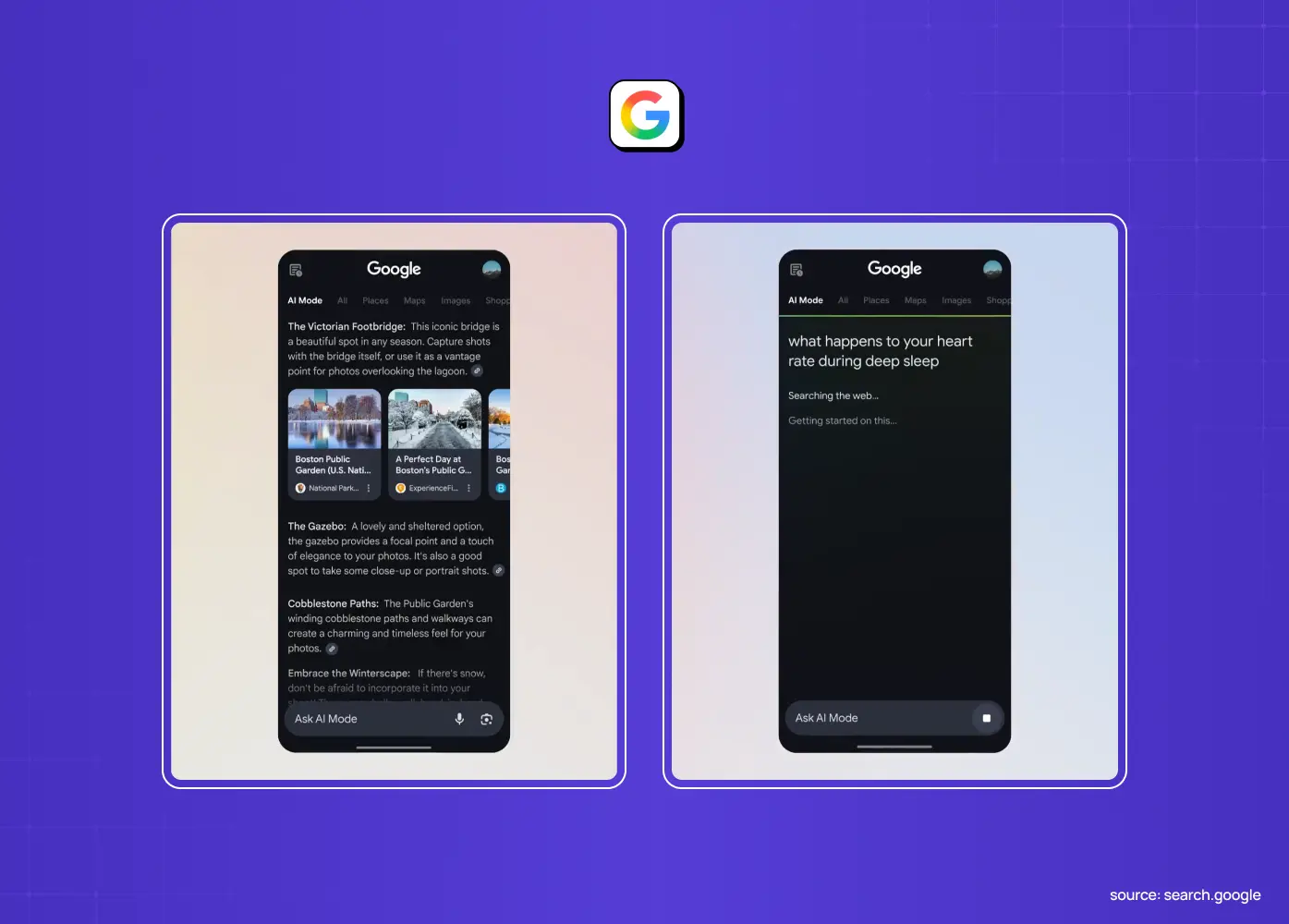
Google has rolled generative UI into two live experiments. In the Gemini app, an experiment called dynamic view <cite index="2-1">designs and codes a fully customized interactive response for each prompt using Gemini's agentic coding capabilities</cite>, adjusting what it builds based on who's asking and why. The same underlying approach powers AI Mode in Google Search, where <cite index="2-1">Gemini can interpret the intent behind a prompt to build bespoke interfaces on the fly</cite>, such as interactive tools and simulations generated specifically to answer a user's question.
ChatGPT Apps SDK
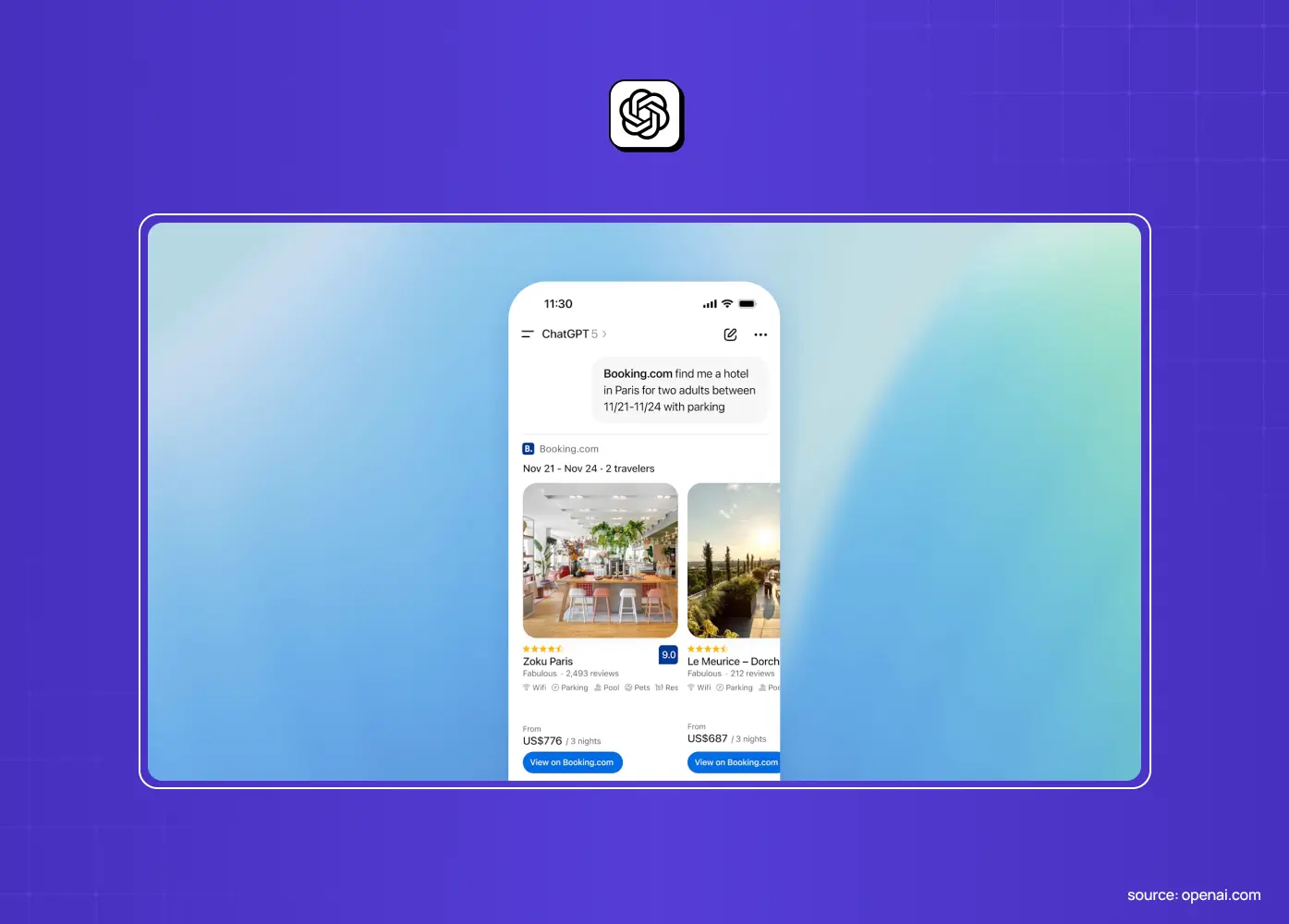
OpenAI's Apps SDK brought generative UI directly into chat. <cite index="12-1">Apps built on the SDK respond to natural language and render interactive interfaces inside the conversation, including things like maps, playlists, presentations, and shopping surfaces</cite>, so the interface a user sees depends entirely on what they asked for. It also raises the bar for AI chatbot UX, since the conversation renders real interface elements rather than text alone.
Figma Make
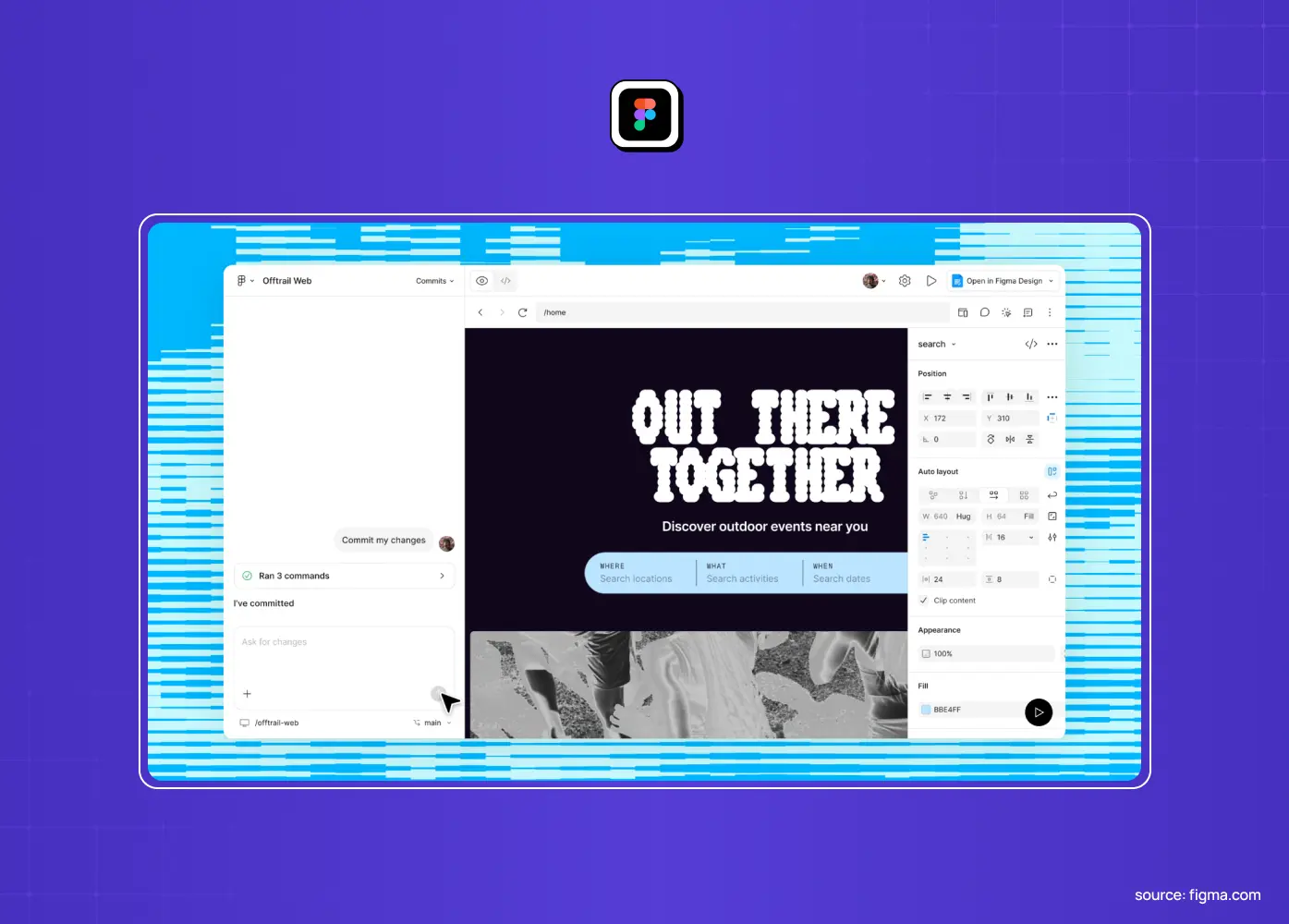
Figma Make is a strong example of generative UI moving into the design tool itself. <cite index="12-1">It functions as a prompt-to-app tool for building interactive, high-fidelity prototypes and web apps</cite>, which pushes generative UI upstream into product discovery and design-engineering collaboration, not just the shipped product. It acts as a design-time counterpart to Figma to Claude Code workflows, where a file becomes working front-end code before runtime generation enters the picture.
Canva Code
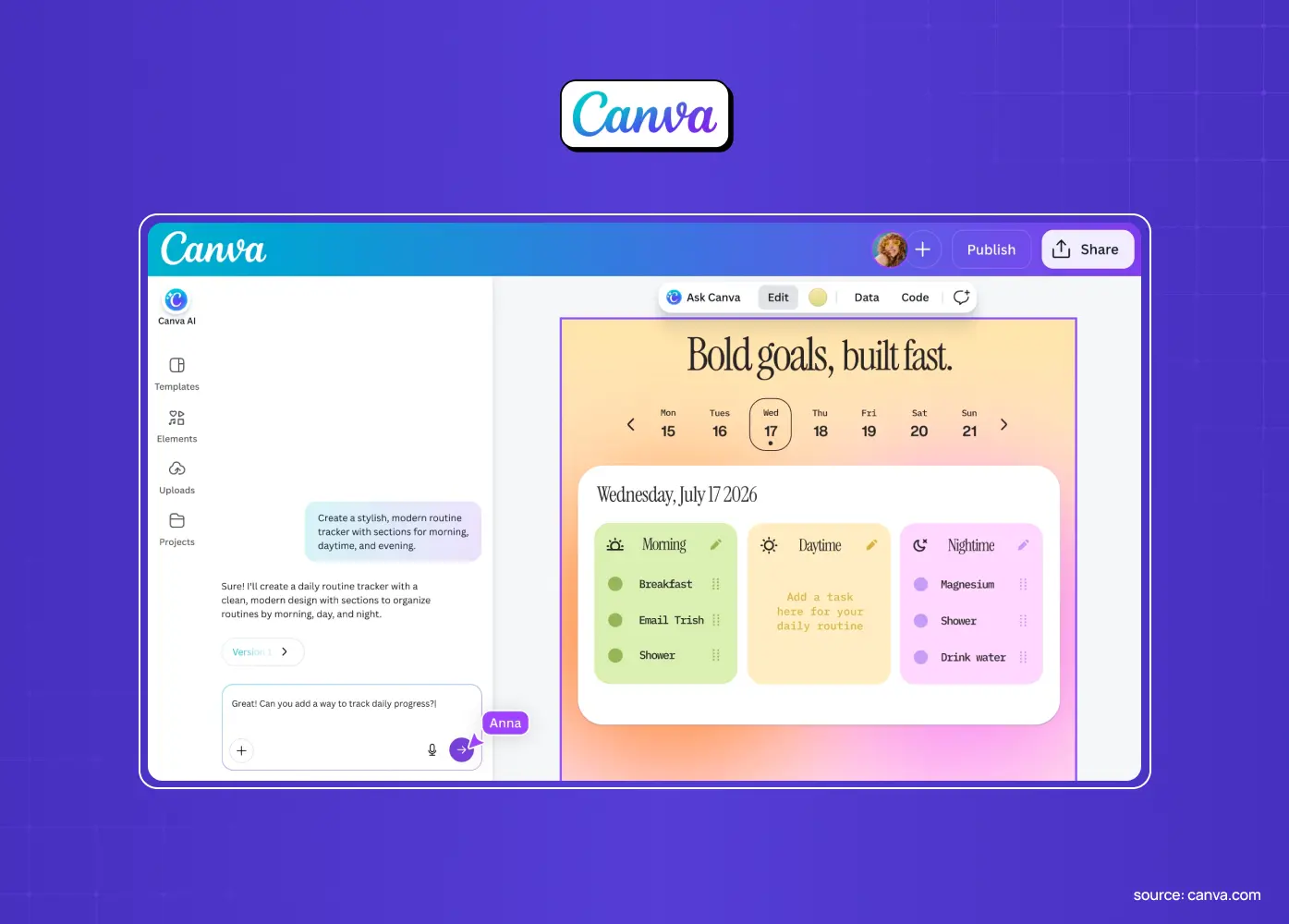
Canva took a similar idea and pointed it at non-developers. <cite index="12-1">Users can describe an interactive element, such as a pricing calculator, quiz, or mini-game, and the AI builds it directly inside Canva</cite>, after which it can be reused across designs, websites, and presentations. It's a useful reminder that generative UI isn't only a developer-facing capability.
The benefits of generative UI
The upside is substantial when it's done well.
Less time navigating. Because the interface is tailored to intent, users spend less time hunting for what they need. The relevant content and controls are simply there.
Personalized workflows. Workflows adapt to each user's role and context, which raises relevance and satisfaction.
An accessibility dividend. Interfaces that adapt to individual needs can meet users where they are, rather than forcing everyone through one design.
Faster iteration for teams. Designers curating and refining AI-composed interfaces can explore far more possibilities than hand-drawing each one, the same compounding effect teams get from deploying agentic AI workflows in the design process.
Done right, generative UI makes products feel less like software you operate and more like a tool that understands you.
The challenges you can't ignore
Generative UI is powerful, but it comes with real risks that responsible teams design around rather than wish away.
Performance and latency. Building interfaces in real time requires AI processing, which can introduce lag, especially with cloud models, low-bandwidth users, or data-heavy screens. A UI that thinks before it appears can feel slow if you don't design for the wait.
Brand and design consistency. When an AI assembles interfaces, it can drift from your brand and design standards, a serious concern for enterprises with strict guidelines. Without tight constraints, generated UIs risk looking inconsistent or off-brand.
Usability and learnability. Part of what makes interfaces usable is that they're predictable; users learn where things are. UIs that change per user or per session can disrupt that familiarity and make products feel unstable if not handled carefully.
Trust, control, and bias. Users need to understand and control what the AI is doing, or they'll distrust it. Over-reliance on AI decisions (automation bias), privacy erosion from the data personalization requires, and security threats like adversarial inputs manipulating the UI are all live concerns.
Testing and quality. When the interface isn't fixed, you can't QA every screen, because there effectively isn't a finite set of them. Teams have to test the system and its guardrails, not just individual layouts — AI system evaluation replaces screen-by-screen QA.
6 principles for designing generative UI
So how do you get the benefits without the chaos? These principles separate useful generative interfaces from unpredictable ones.
Design the system, not the screen. Your job shifts to defining a rigorous design system: the component library, design tokens, and the rules and constraints the AI composes within.
Constrain for brand consistency. Give the AI a tight, well-documented design system so everything it assembles stays on-brand. Freedom without guardrails is how generated interfaces drift.
Keep humans in control. Always let users see what the AI is doing and override or undo it. Control and transparency are what earn trust in an interface that changes.
Preserve enough consistency to stay learnable. Adapt to intent, but don't reinvent core patterns every session. Keep anchors like navigation and key controls stable so users don't feel lost.
Design for latency. Assume generation takes time. Build graceful loading states, cache what you can, and consider hybrid approaches where critical UI is predefined and only parts are generated.
Build in trust and safety. Add explainability, respect privacy in how you use context data, and guard against adversarial inputs. Treat governance as a design requirement, not an afterthought.
The tools and frameworks behind generative UI
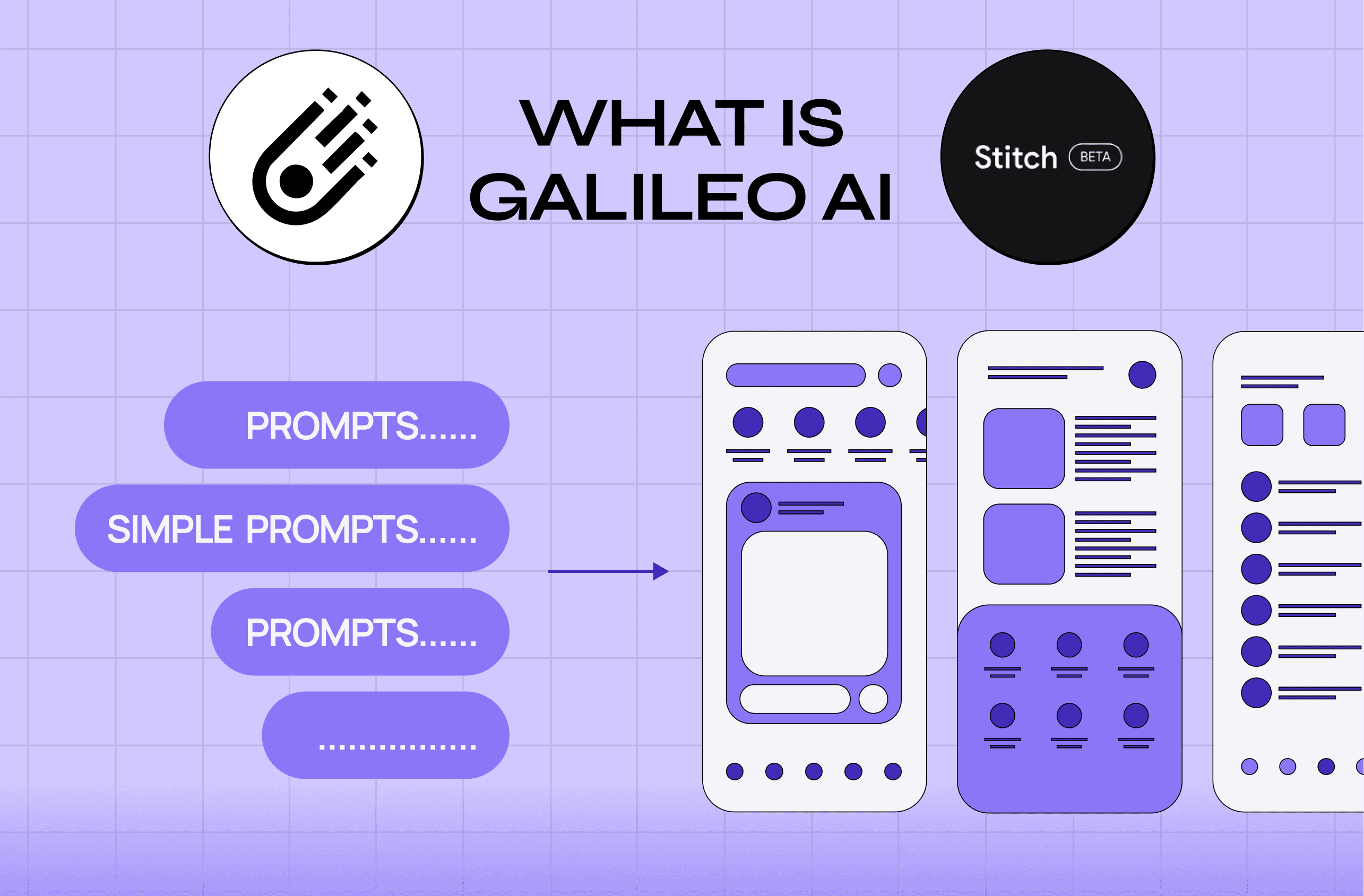
You don't have to build generative UI from scratch. An ecosystem of frameworks and libraries has emerged to make AI-driven interfaces practical, alongside prompt-to-interface tools like Google Stitch that generate screens directly.
Component rendering. Frameworks let AI agents render real interactive components rather than plain text.
Structured state handling. Developers get structured ways to define which components the AI can use and how state flows between the interface and the model.
Plumbing for delivery. These tools handle streaming generated UI, managing the back-and-forth between the agent and the front end, and keeping generation inside the boundaries you set.
The important point for design and product leaders is that the tooling is maturing fast, which means the bottleneck is shifting from "can we technically do this?" to "should we, here, and how do we design it well?" That's a design and product question, not just an engineering one. Teams that pair these frameworks with a strong design system and clear principles get coherent, on-brand generative experiences. Teams that adopt the tools without that foundation get exactly the inconsistency and unpredictability the skeptics warn about. Choose the tools, but invest first in the system and the guardrails that make them safe to use.
What generative UI means for your team
You don't have to rebuild your product around AI tomorrow. Here's a pragmatic path:
Start with the foundation. A disciplined, well-documented design system, since generated UI is only as good as its components.
Find a contained, high-value surface. An assistant response, a single adaptive workflow, or a natural-language dashboard query, where generating the interface clearly beats a static one.
Pilot it with humans in the loop. Treat it as a feature-flagged pilot with guardrails, not a full rollout.
Measure and expand from what works. Confirm it actually helps users before you scale it further.
The teams that win with generative UI won't be the ones that bolt AI onto everything. They'll be the ones that invest in the system underneath and apply generation where it genuinely serves the user.
Conclusion
Generative UI represents a genuine shift in what it means to design a product: from drawing fixed screens to shaping intelligent systems that build the right interface for each user, in the moment.
The potential is enormous: less friction, real personalization, and better accessibility.
The challenges are just as real: performance, consistency, trust, and testing all need deliberate design.
The teams that succeed will treat generative UI as a system to design carefully, not a magic feature to switch on.
If you're exploring what generative UI, or AI-native design more broadly, could mean for your product, book a discovery call with Groto. We help product teams turn frontier design shifts into real, usable, on-brand experiences, grounded in the design systems that make them possible.



![UX Design Agency in Chicago: Top Experts in User Experience [2026]](https://framerusercontent.com/images/eEzXJKd83v7jRtDEprFoY50HTTI.webp?width=1713&height=1126)