
AI product design is no longer optional - it’s redefining how teams generate ideas, prototype faster, and validate designs. This guide explores how agentic AI design tools streamline UX workflows, enhance creativity, and accelerate outcomes for SaaS and digital products.
AI is transforming product design from idea to execution.
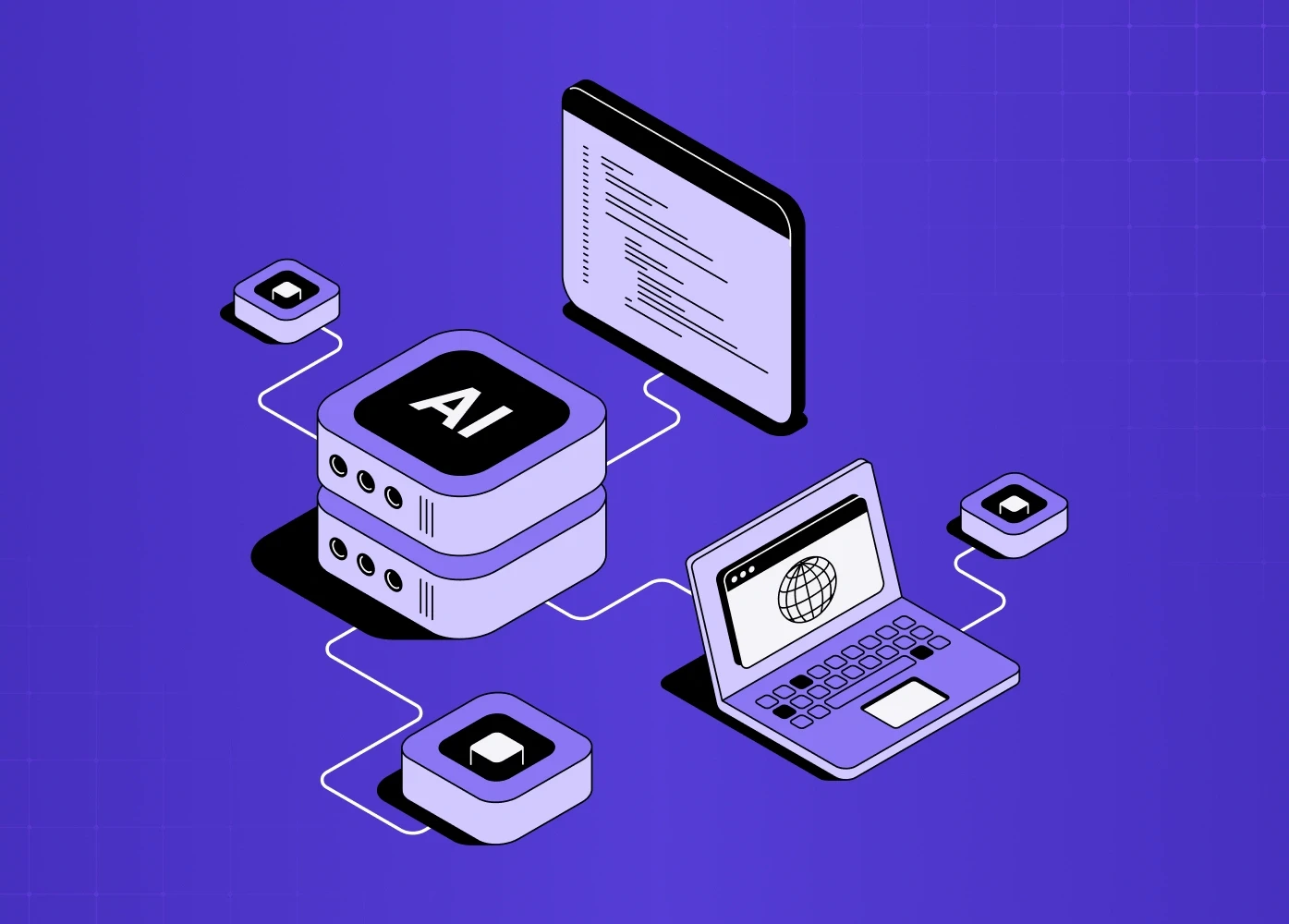
This blog goes beyond buzzwords. It explains why AI in product design matters now, how teams are practically using it, what it changes in real workflows, and what to watch for as this trend evolves - especially for SaaS, UX, and product organizations.
Why AI Product Design Matters Now
The last few years have shown something profound:
Modern product teams still struggle with:
slow UX research cycles,
iterative design bottlenecks,
inconsistent wireframes,
and scattered user feedback synthesis.
Enter AI product design - not as a gimmick, but as a practical booster for real team workflows. This shift clearly reflects AI’s impact on business.
AI today is not just "autocomplete for designers."
It’s becoming agentic AI design - tools that think in context, make decisions, and operate with autonomy to assist the team’s strategic intent, the same shift that's driving agent-first interaction design as a discipline in its own right beyond just design tooling.
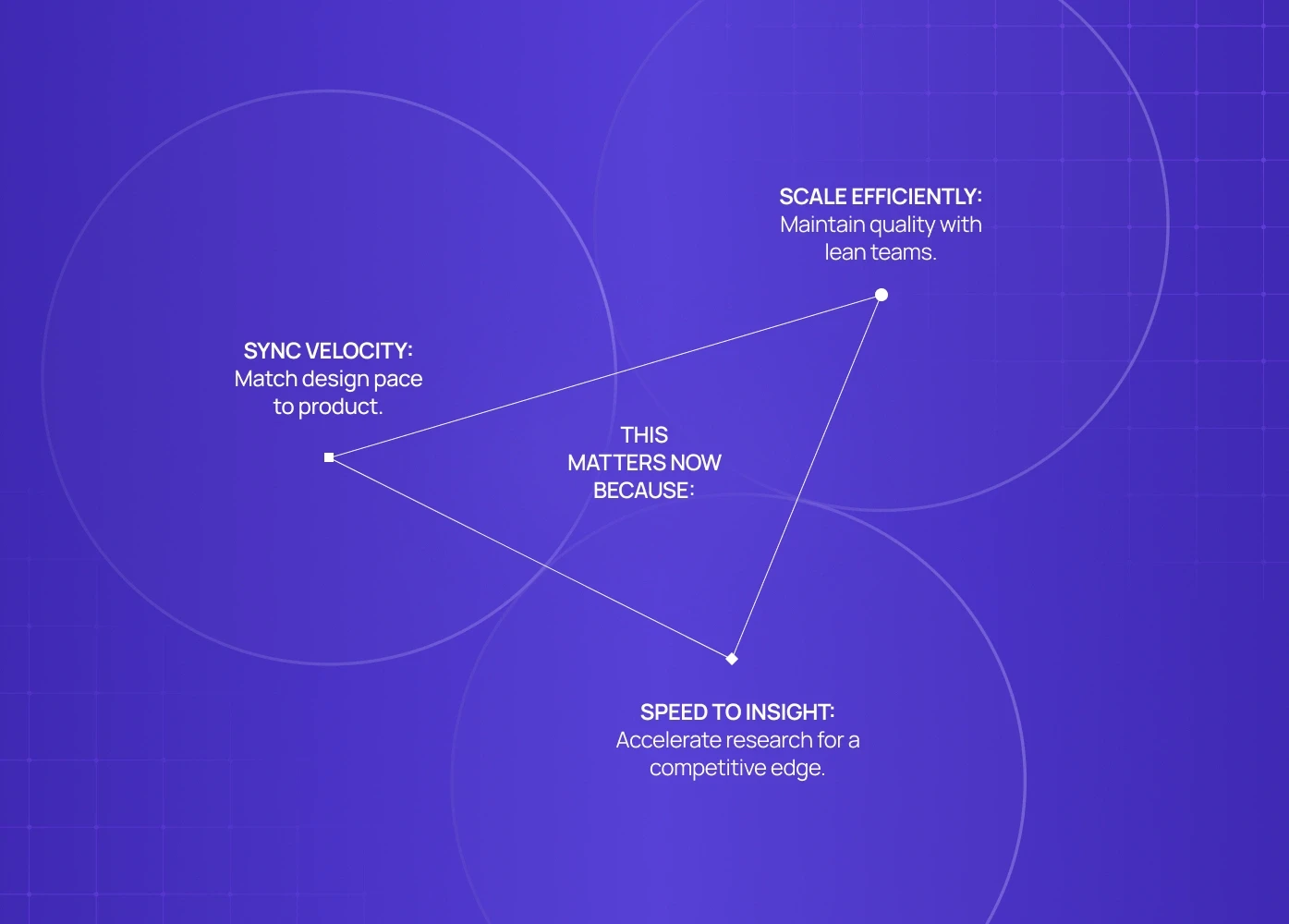
For high-growth SaaS and UX teams, this matters because:
Design velocity needs to match product velocity.
UX teams must deliver quality without growing headcount proportionally.
Time to insight in research and prototyping is a competitive edge.
AI in product design is no longer about replacing humans - it's about augmenting human capability, which is the whole premise of AI-augmented product design.
How Teams Use AI to Speed Up UX Workflows
Let’s break down how product teams are integrating AI into real design processes - not future fantasies, but current practice.
1. AI for Wireframing That Scales Ideation
Wireframes are the first expression of ideas.
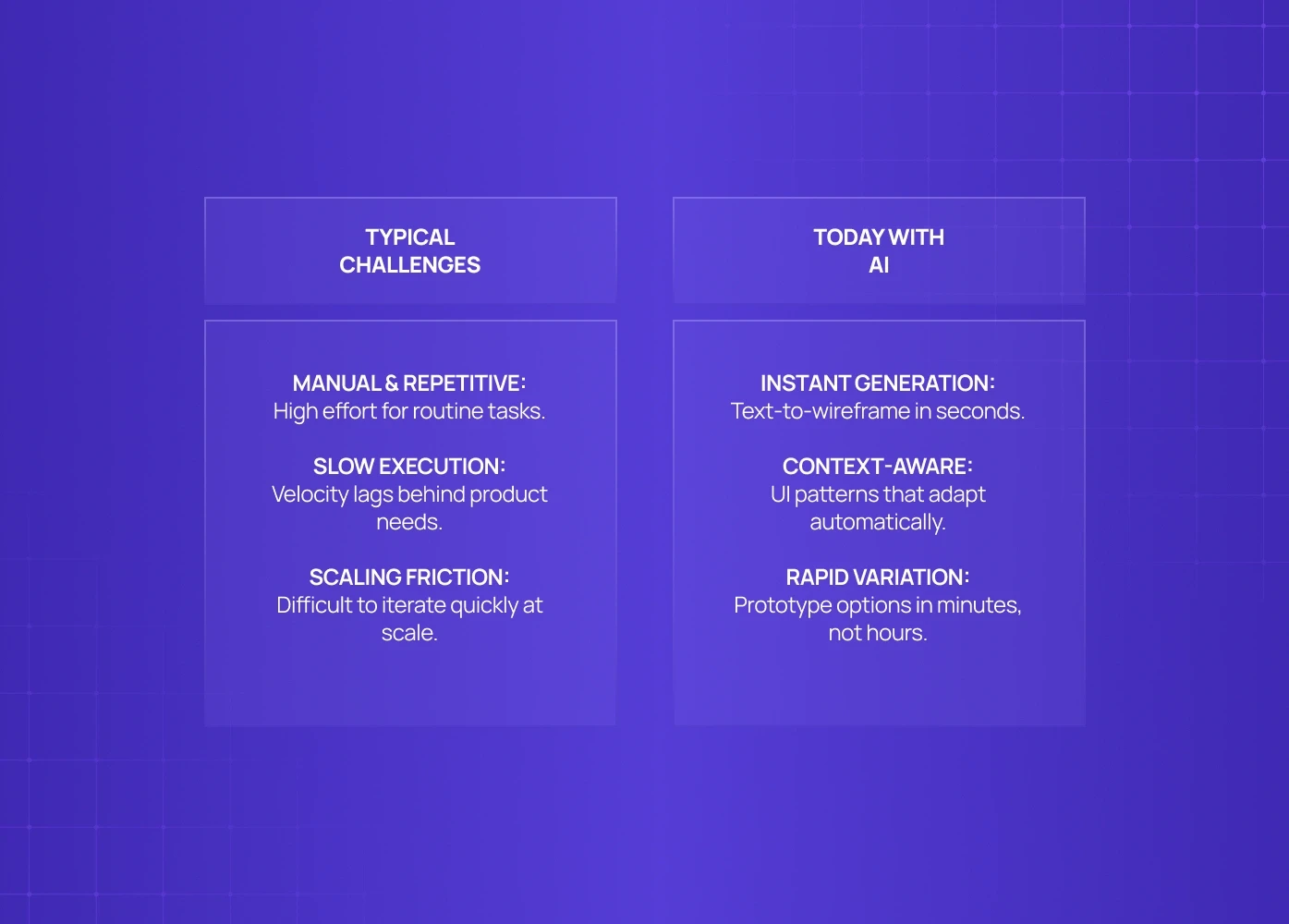
Typical challenges:
Too manual
Too slow
Hard to iterate at scale
Today:
Tools use AI prompts to generate AI low-fi wireframes instantly from text descriptions.
UI patterns adapt based on context, reducing iteration loops.
Teams can prototype multiple variations in minutes rather than hours.
This is where AI for wireframing becomes a utility, not a luxury. Many teams now use AI to generate low-fidelity wireframes early, allowing faster iteration before committing engineering or visual design resources.
2. AI UX Research Tools for Faster Synthesis
Gathering insights from users is traditionally:
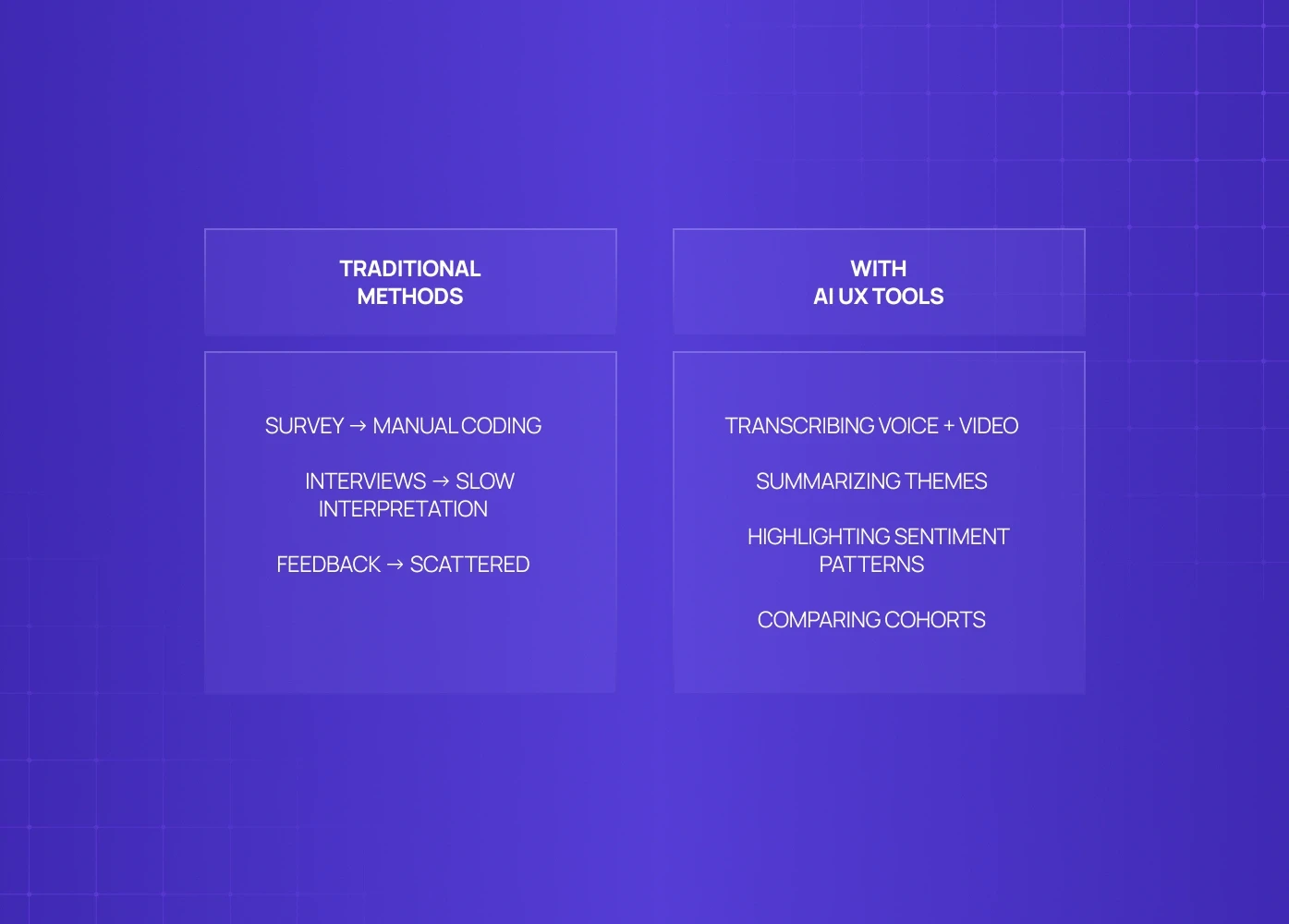
Survey → manual coding
Interviews → slow interpretation
Feedback → scattered
AI UX research tools change this by:
Transcribing voice + video
Summarizing themes
Highlighting sentiment patterns
Comparing cohorts
This speeds up qualitative analysis and surfaces patterns designers might miss.
Teams using these tools report:
faster research cycles,
richer insight depth,
and earlier validation of assumptions.
3. AI Prototyping Tools That Auto-Generate Interactivity
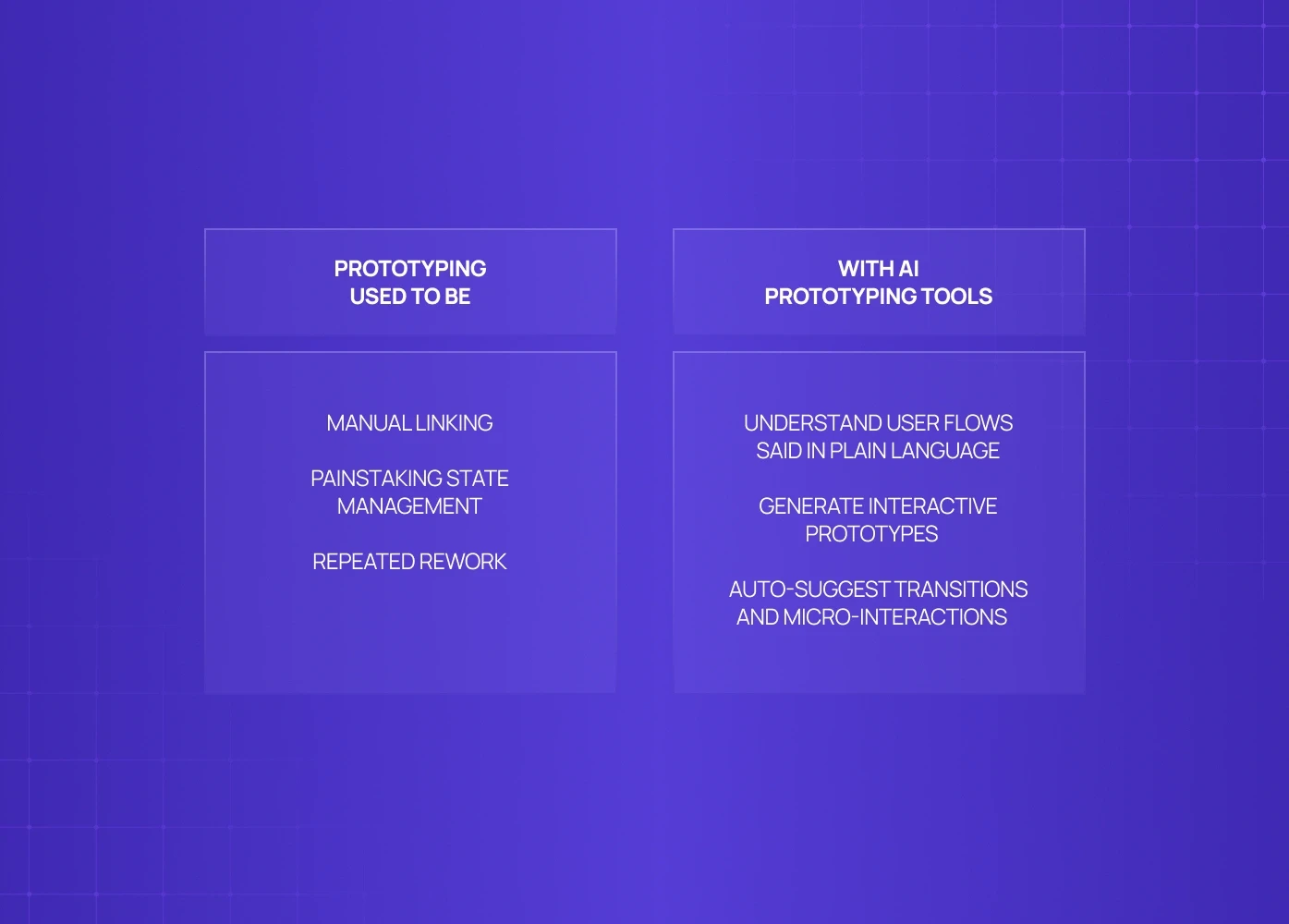
Prototyping used to require:
manual linking,
painstaking state management,
repeated rework.
Now, AI prototyping tools:
understand user flows said in plain language,
generate interactive prototypes,
auto-suggest transitions and micro-interactions.
This turns a conceptual sketch into a testable prototype without heavy manual effort — and the same trajectory now reaches production, with AI that turns a Figma prototype into shipping code instead of stopping at the mockup.
4. AI Design Assistants That Enhance Creativity
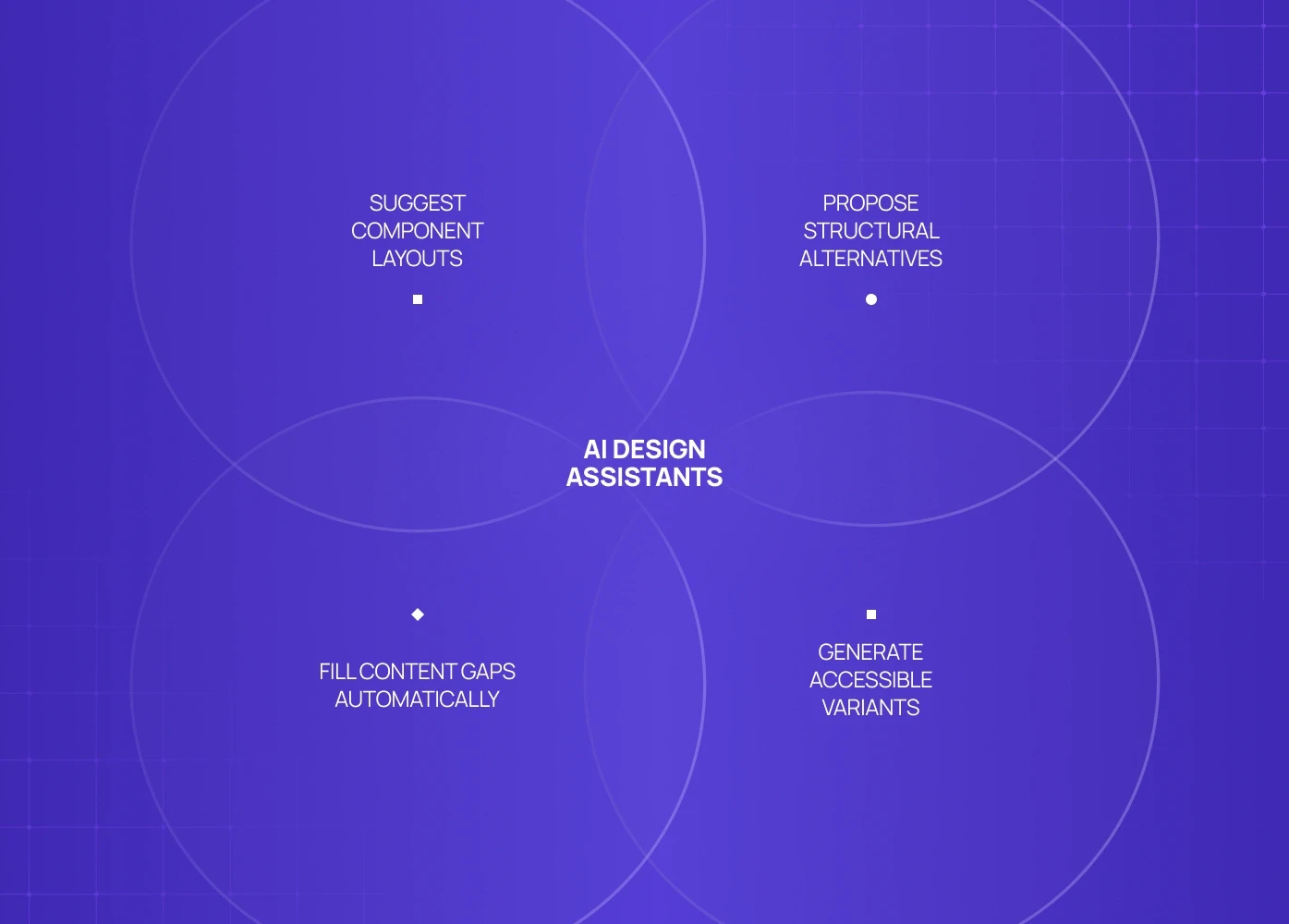
AI design assistants don’t replace designers — they:
suggest component layouts,
propose alternative structures,
fill content gaps,
generate accessibility-aware variants.
In agentic AI design workflows, these tools act like intelligent collaborators that:
know your design system
respect design constraints
reduce repetitive decisions
This is less about automation and more about cognitive augmentation — the same principle autonomous design collaborator UI extends into the product itself, not just the design tooling layer.
5. Generative UI Design for Fast Variation Exploration
Instead of manually creating alternatives, teams can use generative UI design to:
explore layout permutations
test visual hierarchies
iterate on UI logic
evolve systems without starting from scratch
This is valuable for:
early product sprints
concept validation
Done right, generative UI design lets teams converge faster on high-impact options.
AI Product Design in SaaS UX Context
For SaaS products, AI isn’t just about speed — it’s about contextual intelligence:
generating user-axis-specific dashboards
suggesting defaults based on persona
optimizing flows based on real user behaviour — all levers on AI feature uptake.
The strategic layer behind these decisions is what an AI UX framework provides — connecting AI capability to product goals rather than applying it opportunistically.
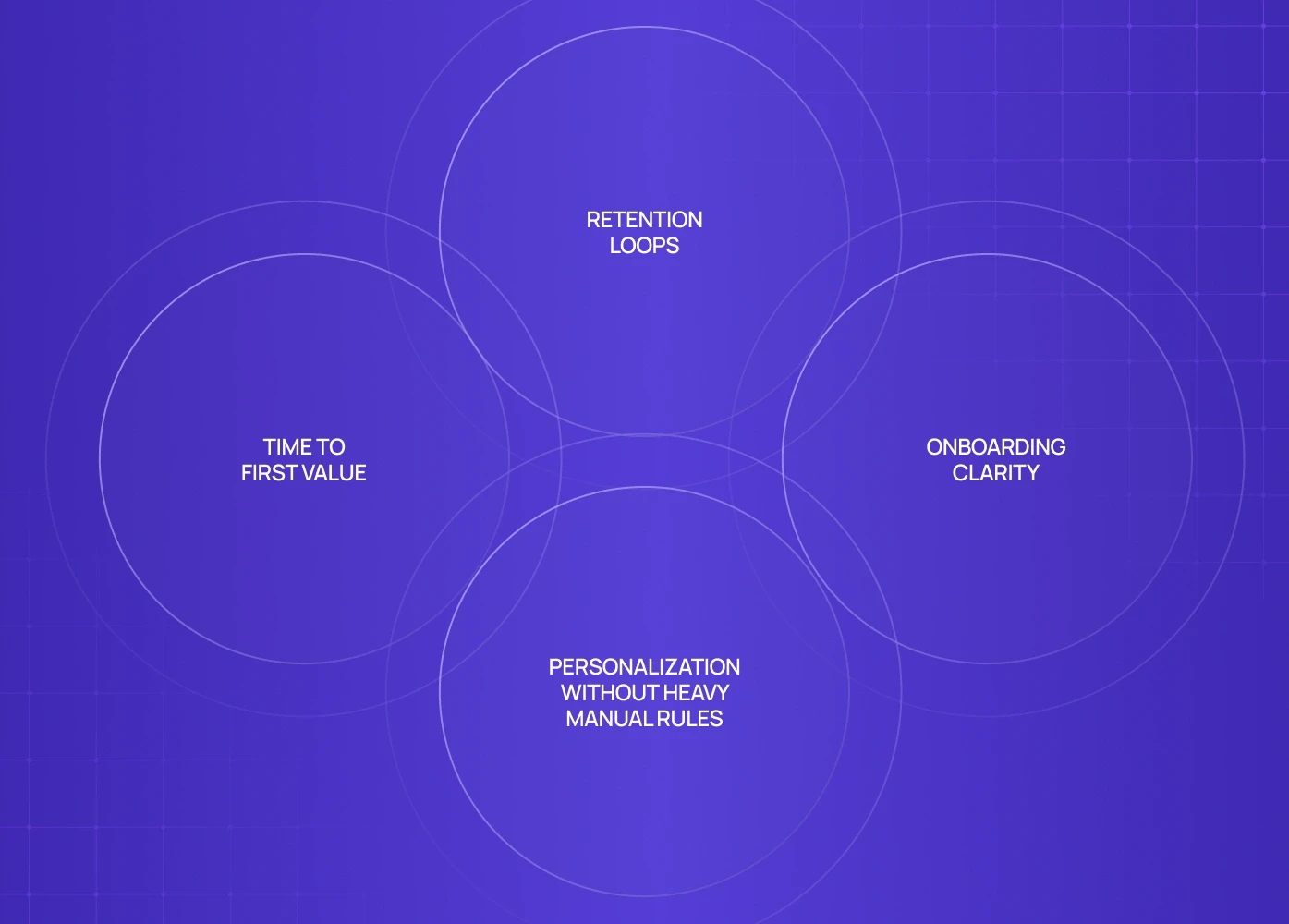
AI for SaaS UX improves:
time to first value,
onboarding clarity,
retention loops,
personalization without heavy manual rules.
These gains compound when AI-driven UX decisions are supported by the right frontend foundations, not brittle layouts - a challenge we break down in responsive web design vs custom frontend builds.
Teams that adopt AI for SaaS UX early often see:
shorter design cycles,
higher design consistency,
reduced iteration cost,
clearer design rationale documentation
When Agentic AI Design Makes the Most Difference
Not all design tasks benefit equally from AI — knowing where it fits, and where it doesn't, is much of what seasoned AI product design consultancies bring to a team.
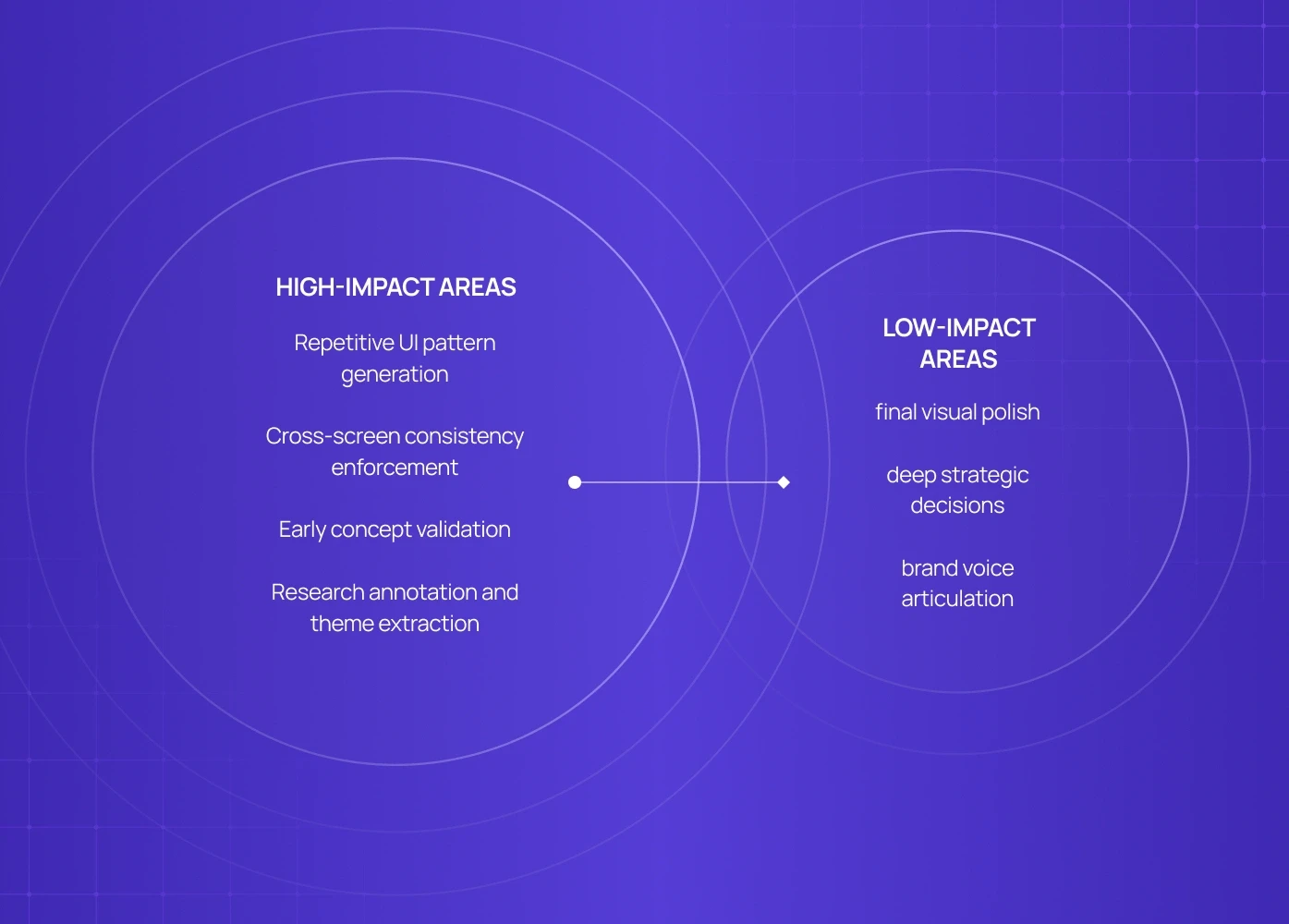
High-impact areas include:
Repetitive UI pattern generation
AI generates layout options based on known UX heuristics.Cross-screen consistency enforcement
AI flags inconsistent usage of components across screens.Early concept validation
AI aids rapid prototyping and lightweight user testing.Research annotation and theme extraction
Saving designers hours of manual coding.
Lower-impact areas today include:
final visual polish (still human domain),
deep strategic decisions (still human heavy),
brand voice articulation (AI assists but doesn’t replace).
The best teams use AI where it reduces cognitive load, not where it replaces strategic thinking — the hallmark of design-led AI adoption rather than tool-led.
Choosing the Right AI Tools (Checklist)
Not all AI tools are equal. Ask these questions:
For AI UX Research Tools
Does it support multimodal data (text, audio, video)?
Can it summarize insights contextually?
Does it integrate with existing research workflows?
For AI Prototyping Tools
Does it generate interactivity accurately?
Can it export to real design tools (Figma, XD)?
Does it understand UX flows vs static screens?
For AI Wireframing Tools
Can you prompt with natural language?
Are iterations stored and versioned?
Can outputs easily transition to high-fi design?
For Generative UI Design
Does it respect your design system? AI-era design systems are built to hold that line under generative output.
Can it generate accessible variants?
Does it scale with complexity?
This checklist helps you separate AI hype from AI that actually integrates with UX workflows.
Avoiding Common AI Design Pitfalls
Even powerful tools can cause trouble if used poorly.
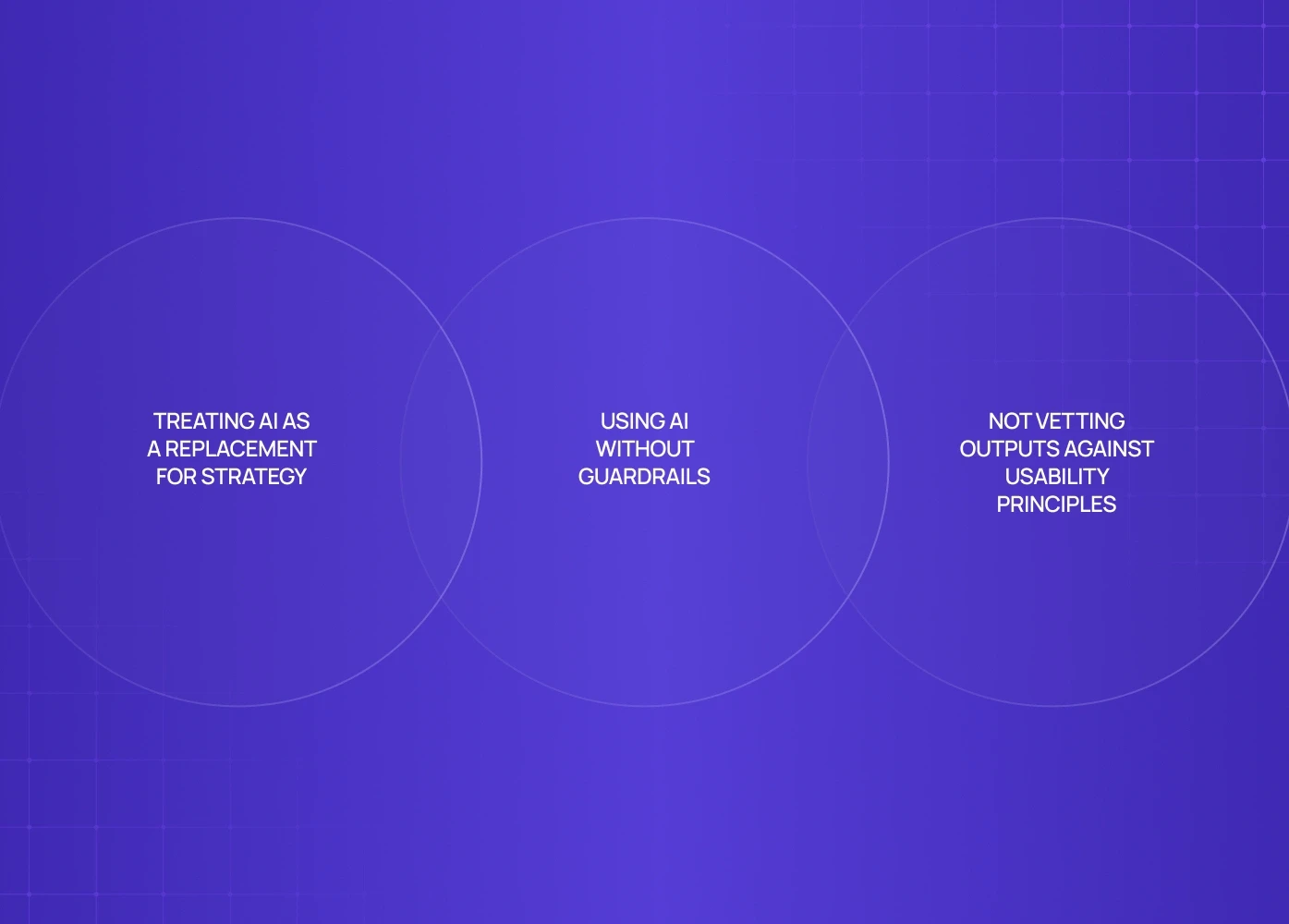
Pitfall 1: Treating AI as a Replacement for Strategy
AI accelerates execution, not decision quality.
Pitfall 2: Using AI Without Guardrails
Uncontrolled generation creates inconsistent UI logic — a symptom that often signals a team is operating below its actual design team AI readiness level, adopting tools faster than the shared standards needed to govern their output.
Pitfall 3: Not Vetting Outputs Against Usability Principles
AI doesn’t inherently know heuristics — humans still validate.
Teams that succeed use AI to augment thinking, not offload it entirely. This is why high-performing and SaaS teams still rely on experienced UX design services to define guardrails, validate decisions, and maintain coherence at scale.
The Future of AI in Product Design
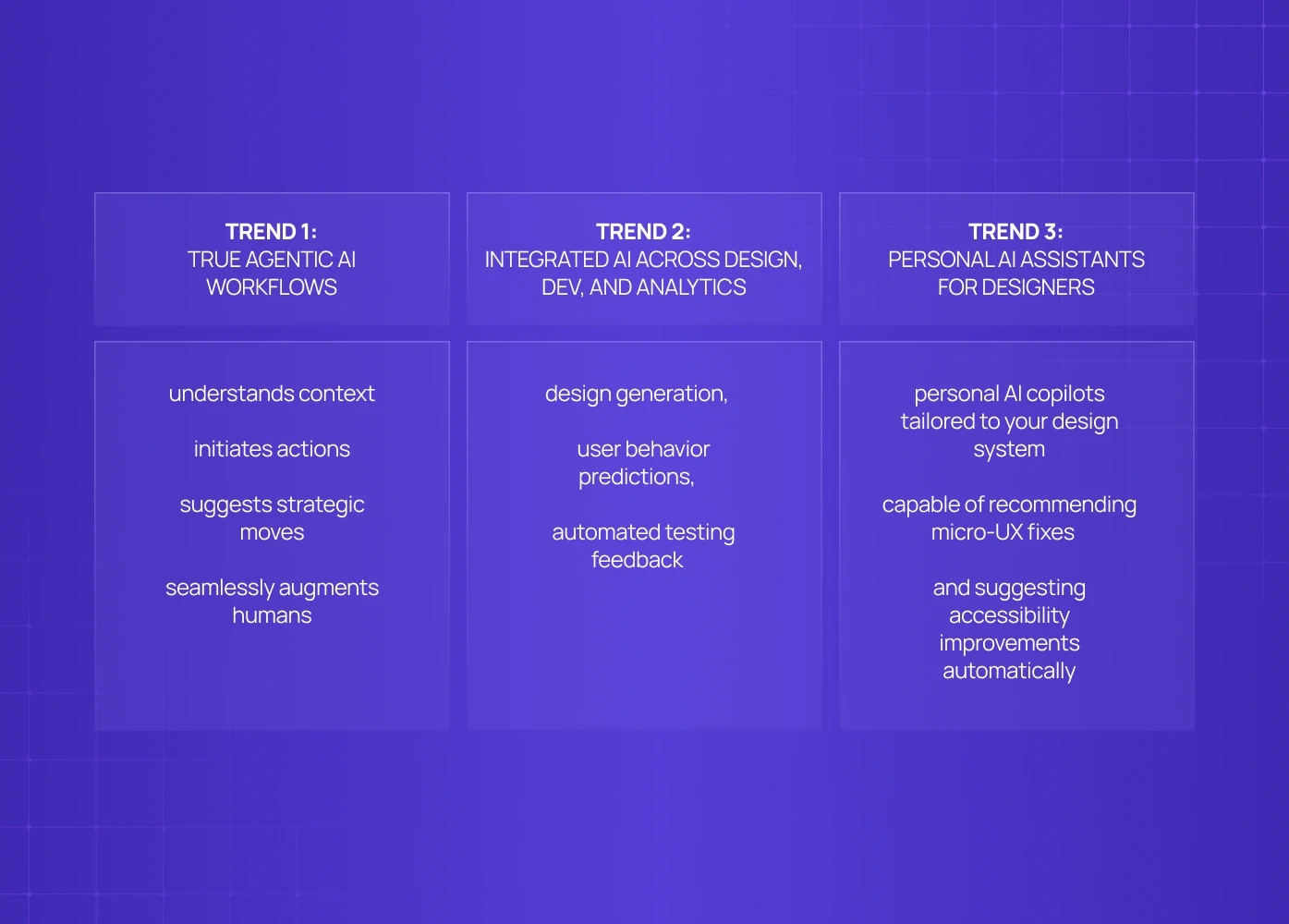
AI in product design is evolving fast — and three product design trends are emerging:
Trend 1: True Agentic AI Workflows
AI that:
understands context
initiates actions
suggests strategic moves
seamlessly augments humans
This goes beyond autocomplete — building interfaces for AI agents that understand context, initiate actions, and operate with strategic autonomy requires entirely different design patterns than those built for reactive, single-turn tools. AI becomes a team member.
Trend 2: Integrated AI Across Design, Dev, and Analytics
AI tools will unify:
design generation,
user behaviour predictions,
automated testing feedback
This creates closed-loop design workflows.
Trend 3: Personal AI Assistants for Designers
Beyond generic assistants, expect:
personal AI copilots tailored to your design system — copilots, not agents, designed to assist rather than act autonomously
capable of recommending micro-UX fixes,
and suggesting accessibility improvements automatically.
For teams, this means faster iteration and higher quality without expanding the team size.
Conclusion
If you’re exploring how agentic AI can speed up UX workflows, reduce design debt, or help your team ship faster without breaking quality, a quick conversation can bring clarity.
We work with SaaS and B2B product teams to integrate AI into real UX workflows - from research and wireframing to validation and scalable systems.
Book a 20-minute call with our team to discuss where AI fits into your product design process, what’s worth adopting now, and what to avoid.