
Harpreet Singh

Founder and Creative Director

AI Tools for UI/UX Designers That Save Hours of Work

Dec 12, 2025

A practical guide to AI tools for UX designers, covering automation, AI wireframes, usability testing, and generative UI workflows that dramatically reduce design time.

Harpreet Singh

Founder and Creative Director

AI Tools for UI/UX Designers That Save Hours of Work

Dec 12, 2025

A practical guide to AI tools for UX designers, covering automation, AI wireframes, usability testing, and generative UI workflows that dramatically reduce design time.

AI is no longer optional for UX designers. From generative wireframes to automated usability testing, modern AI tools streamline repetitive tasks and accelerate decision-making. This guide breaks down the tools that genuinely save time while improving design quality.

AI is reshaping UX work — here are the tools designers actually rely on in 2025–26.


AI isn’t “coming for designers.”
It’s coming for everything that slows designers down — wireframes, user research synthesis, UI variations, layout exploration, usability testing, documentation, and workflow automation.

If you’re a UI/UX designer still doing everything manually, you’re already behind.
This guide breaks down the most practical AI tools for UX designers, how to use them inside real product workflows, and which tasks you can safely automate without compromising quality.

This isn’t a list of cool tools — it’s a breakdown of what actually saves hours in product teams.

Why AI Tools Matter for UI & UX Designers in 2026


Modern UX teams are shipping weekly — sometimes daily. Product cycles are shorter, user expectations are higher, and design debt accumulates faster.

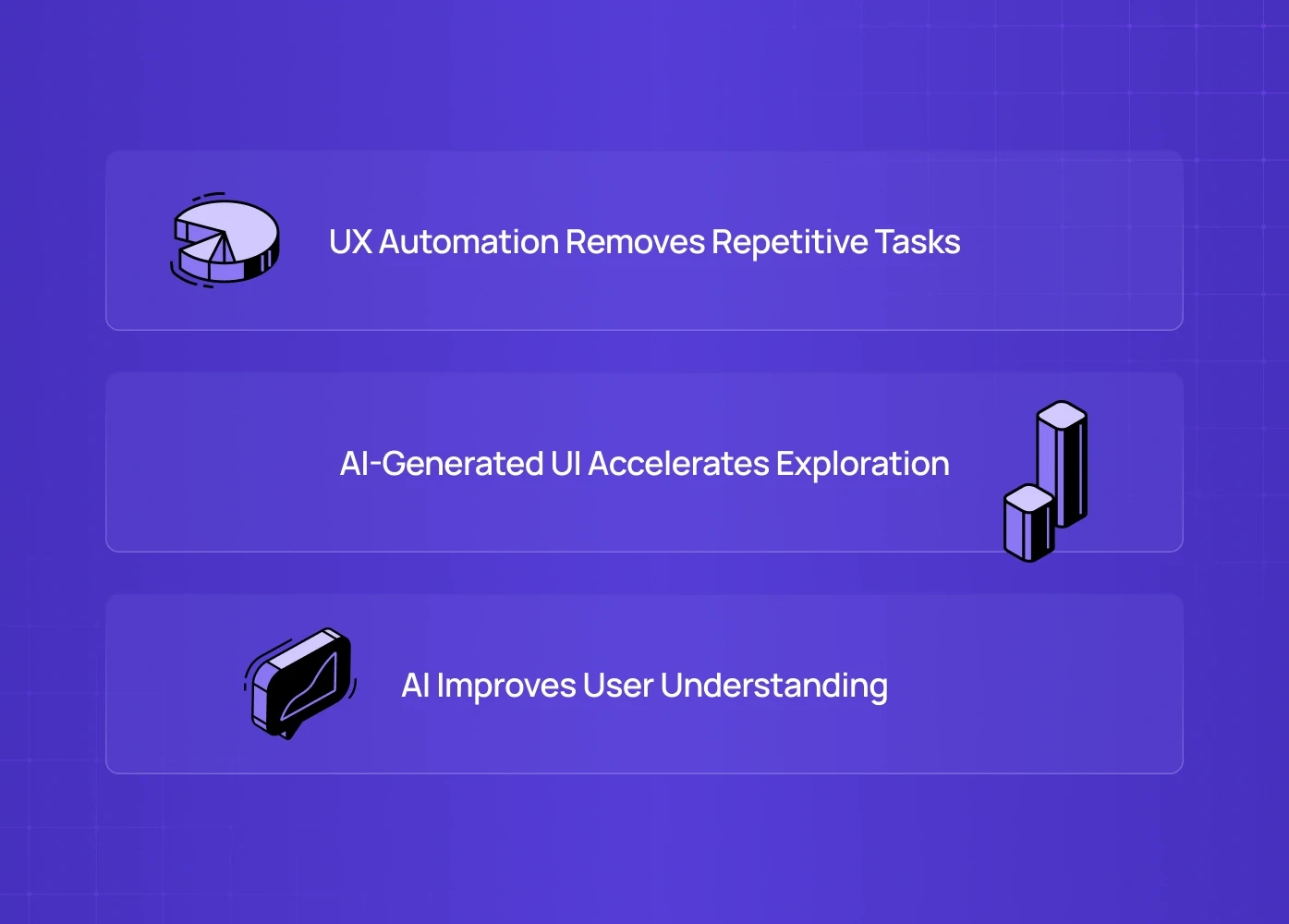
AI tools in UX design fix three critical bottlenecks:

1. UX Automation Removes Repetitive Tasks

Things like:

  • rewriting error messages

  • resizing screens

  • running usability testing

  • creating flows

  • converting sketches → wireframes

In many teams, these tasks can easily consume a third of a designer’s week. AI can significantly reduce that time.

2. AI-Generated UI Accelerates Exploration

Generative UI tools help designers:

  • generate multiple layout variations

  • validate structure before committing to visuals

  • test different hierarchy models

This can reduce iteration time dramatically, often by more than half.

3. AI Improves User Understanding

From AI-powered usability testing to automated research synthesis — designers now get insights in minutes, not weeks.

This directly improves the quality of decisions, not just the speed.

Top AI Tools for UX Designers

1. Best AI Wireframing Tools for Fast UX Exploration


Tool Examples:

Why It Matters

Manual wireframing consumes days. AI wireframing brings this down to minutes.

How Designers Use It

  • Convert rough whiteboard snapshots into clean wireframes

  • Produce UI variations for early stakeholder alignment

  • Test multiple layout structures before committing to a direction

Where It Fits Best

  • MVPs

  • Early discovery

  • Rapid prototyping sprints

2. Best AI Tools for UX Research & Usability Testing

Tool Examples:

Why It Matters

UX Research is powerful but slow. AI replaces:

  • manual transcription

  • clustering insights

  • sentiment analysis

  • user behaviour mapping

  • “why they dropped off” analysis

How Designers Use It

  • Run automated A/B tests

  • Get faster usability insights by combining small user samples with AI‑assisted analysis or predictive tools

  • Turn hours of interviews into 1-page reports

Impact:

Can cut research time from dozens of hours to just a few hours per week, depending on the team and project.

3. Best AI Tools for UI Designs & Generative UI
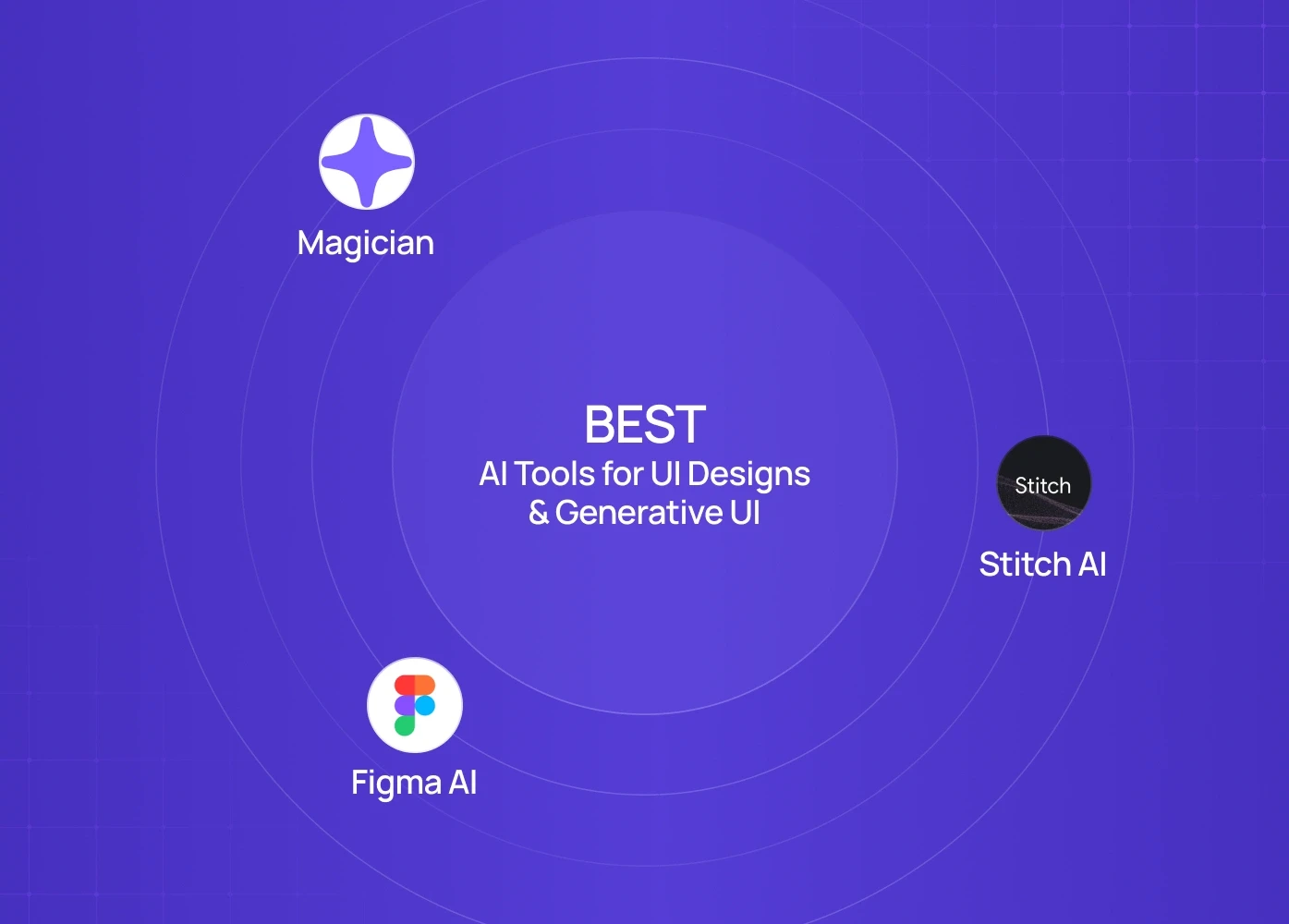

Tool Examples:

Why It Matters

Generative UI is not about replacing visual designers — it accelerates the “first step.”

What AI Can Generate

  • Landing page layouts

  • Component variations

  • Buttons, forms, modals

  • Hero sections

  • Data-heavy UI patterns

Real Workflow Example

Tell Galileo:
“Generate a SaaS dashboard with billing, usage metrics, and alerts.” →
Get multiple variations instantly →
Refine in Figma →
Export components →
Ship a validated direction same day.

4. Best AI Tools for UX Content & Microcopy Automation
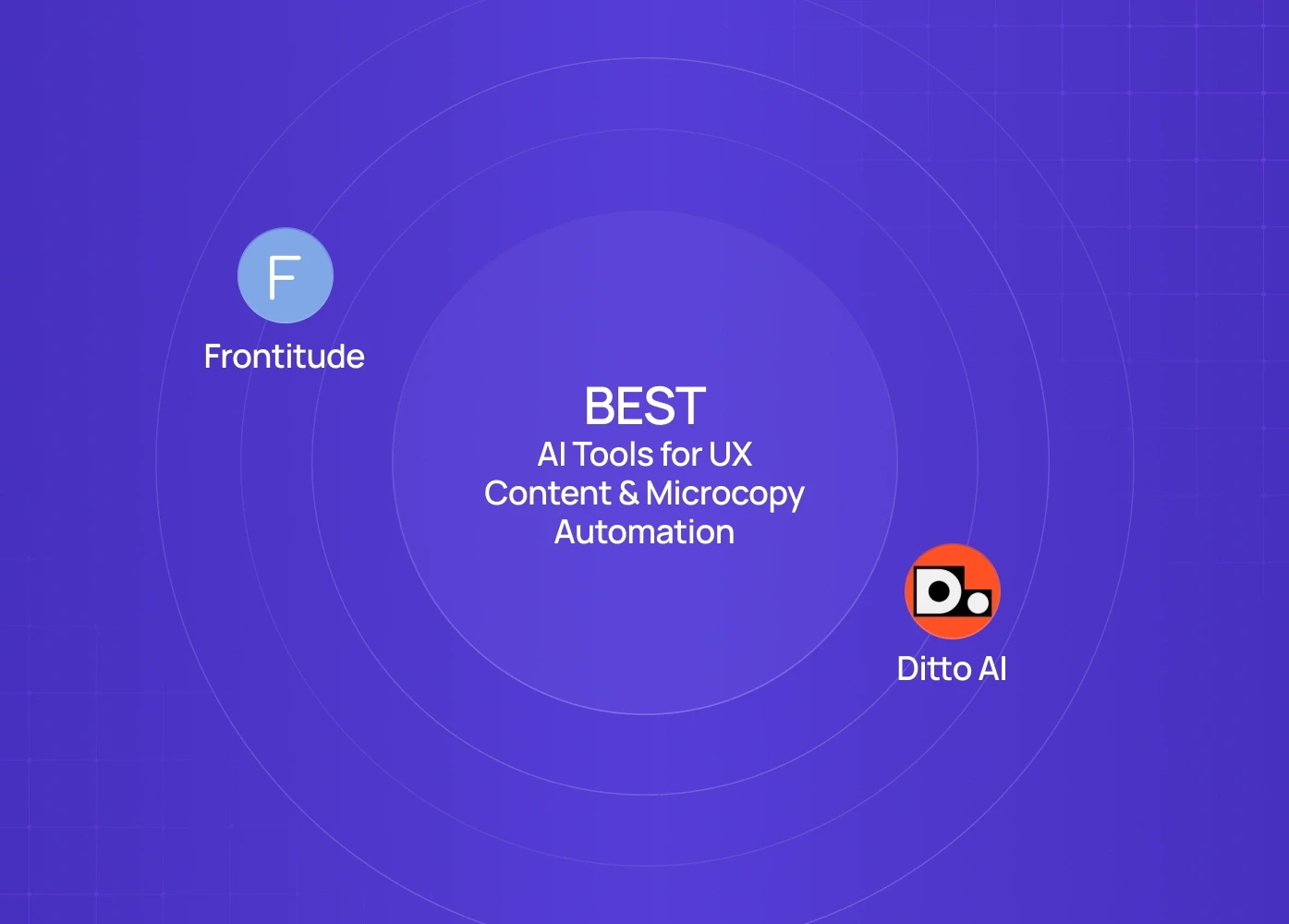

Tool Examples:

What They Automate

  • Button copy

  • Onboarding instructions

  • Empty state messages

  • Success/error states

  • Marketing → product copy consistency


Why UX Designers Love This

Because writing good UX copy isn’t easy — but bad UX copy kills conversion.

AI ensures:

  • consistency

  • shorter, clearer language

  • localized content

  • tone-of-voice alignment

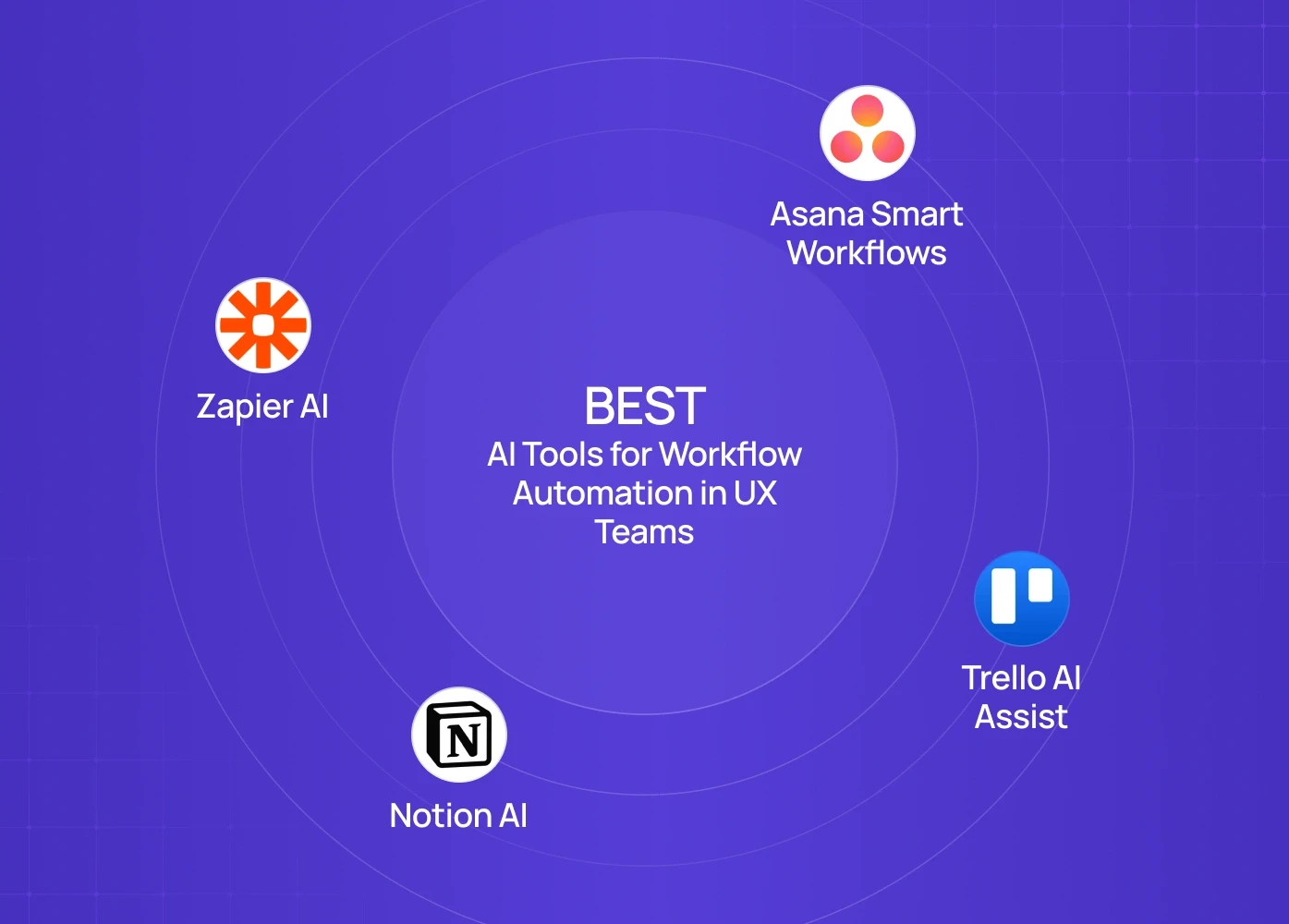
5. Best AI Tools for Workflow Automation in UX Teams


Tool Examples:

What This Automates

  • Handoff documentation

  • PRD summaries

  • Spec writing

  • Status updates

  • Sprint documentation


Impact

Saves 5–6 hours per designer/week in communication overhead.

6. Best AI UI Tools for Developer Handoff & Code Automation
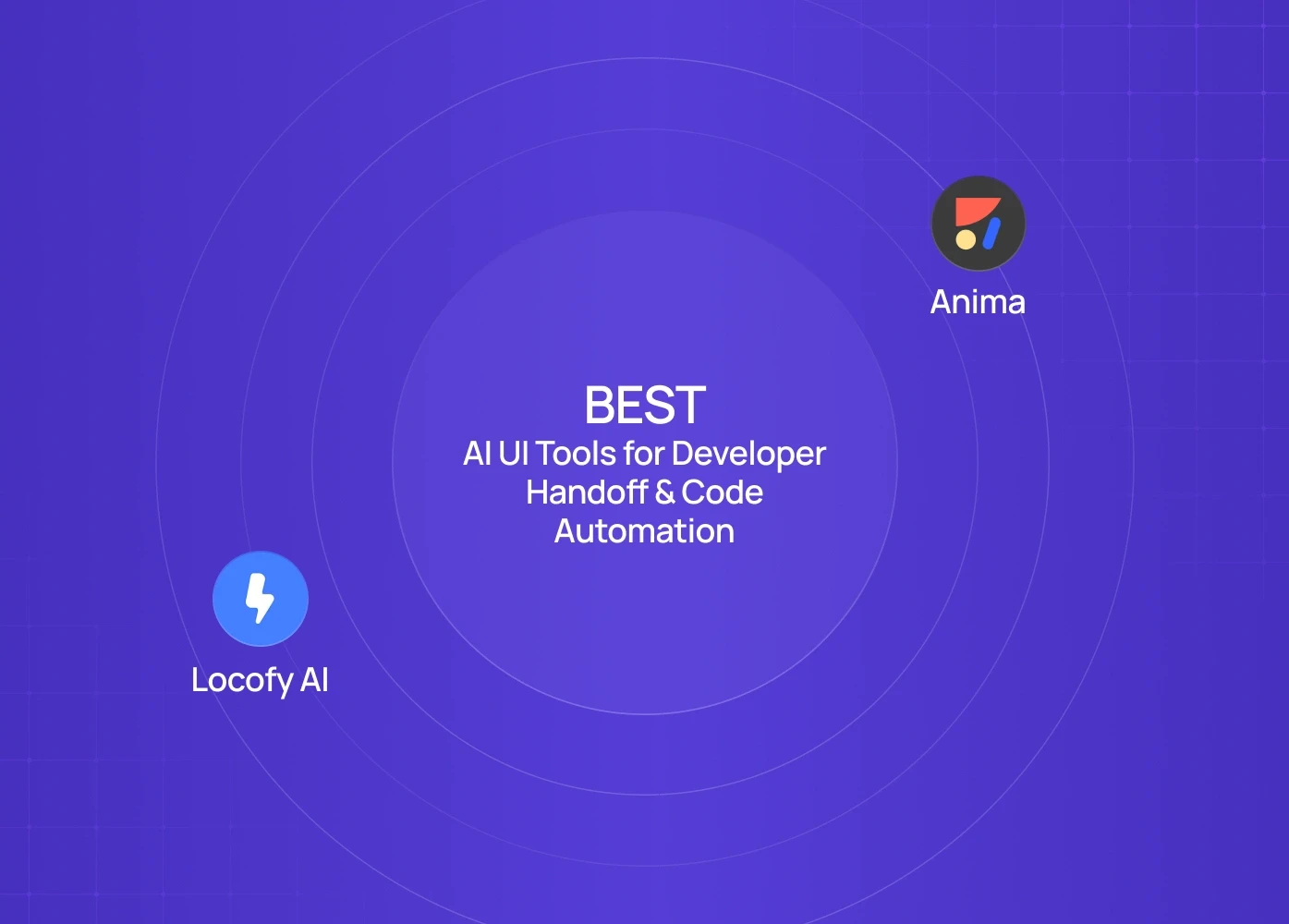


Tool Examples:

Why It Matters

Code handoff is the slowest part of the workflow.

AI automates:

  • component markup

  • responsive behaviour

  • padding logic

  • style tokens


Helping UX teams ship 30–50% faster.

AI Tools for UX Designers, Ranked by Efficiency Gains

Task

Time Saved

Best Tool

Wireframing

70%

Uizard / Visily

UI Variations

50–80%

Galileo / Figma AI

Usability Testing

40–60%

Useberry / Maze

UX Writing

30–50%

Frontitude / Ditto

Documentation

50%

Notion AI

Developer Handoff

30–60%

Locofy / Anima

How to Integrate AI into Your UX Workflow (Without Losing Creativity)

AI is not your designer — it is your design assistant.

1. Use AI to explore, not finalize

Generate 10 directions → pick 1 → refine manually.

2. Automate non-creative tasks only

Copy, resizing, specs, research synthesis — automate it all.

3. Keep workflows human-owned

AI accelerates strategy — but humans validate strategy.

4. Create an internal “AI design protocol”

Document:

  • where AI is allowed

  • where human decision is required

  • how to maintain consistency

When You SHOULD Avoid AI Tools in UX

Avoid AI tools for:

  • accessibility evaluations

  • high-precision animation

  • domain-specific workflows (healthcare, fintech)

  • emotional tone guidance

AI is a booster, not a replacement.

How Senior UX Teams Really Use AI (Insights from 40+ Product Audits)

Most AI tool lists explain what each tool does.
But here’s how actual high-performing design teams use them inside real product sprints:

1. AI for Early Research & Problem Framing

Instead of browsing for hours, teams use AI to cluster user pains, extract patterns from transcripts, and create clear problem statements.
Tools used: Claude, ChatGPT, Dovetail AI

2. AI for Rapid Wireframing & Variation Testing

Generative UI tools create 10–20 layout variations instantly.
Designers then refine based on heuristics + brand guidelines.
Tools used: Galileo AI, Figma AI

3. AI for UX Validation Before Prototyping

Teams run automated heuristic checks and usability predictions to catch UX debt early (especially for SaaS dashboards).
Tools used: UXPilot, Attention Insight

4. AI for Component Documentation & Handovers

AI organizes component usage rules, tokens, naming conventions, reducing back-and-forth with engineering.
Tools used: Locofy AI, Figma AI, Zeplin Assist

5. AI as a Force-Multiplier — Not a Replacement

The best teams don’t use AI to design for them.
They use AI to accelerate:

  • Exploration

  • Research

  • Decision-making

  • Drafting

  • Documentation

This gives them 4× design velocity without losing craftsmanship.

If you’re designing SaaS or mobile products and want deeper AI workflows, we share practical frameworks & real case studies in our blogs. No fluff. Just usable design systems + workflows.

FAQ

1. Will AI tools replace UI/UX designers?

No. They replace repetitive tasks — not strategy, logic, or creative judgment. Designers who use AI will outperform those who don’t.

2. What are the best AI tools for UX designers starting out?

Uizard (wireframes), Galileo (UI), Maze (testing), and Frontitude (copy) provide the fastest learning curve with the highest impact.

3. Can AI help with UX audits?

Yes — AI can help flag likely usability issues, inconsistencies, and some accessibility gaps. Human review is still required to turn those into solid action plans.

4. Are generative UI tools reliable for production?

They are reliable for exploration. Production still requires manual refinement + design system rules.

5. Will AI reduce UX team size?

Not really. It reduces bottlenecks. Healthy teams shift from execution → strategy.

AI is no longer optional for UX designers. From generative wireframes to automated usability testing, modern AI tools streamline repetitive tasks and accelerate decision-making. This guide breaks down the tools that genuinely save time while improving design quality.

AI is reshaping UX work — here are the tools designers actually rely on in 2025–26.


AI isn’t “coming for designers.”
It’s coming for everything that slows designers down — wireframes, user research synthesis, UI variations, layout exploration, usability testing, documentation, and workflow automation.

If you’re a UI/UX designer still doing everything manually, you’re already behind.
This guide breaks down the most practical AI tools for UX designers, how to use them inside real product workflows, and which tasks you can safely automate without compromising quality.

This isn’t a list of cool tools — it’s a breakdown of what actually saves hours in product teams.

Why AI Tools Matter for UI & UX Designers in 2026


Modern UX teams are shipping weekly — sometimes daily. Product cycles are shorter, user expectations are higher, and design debt accumulates faster.

AI tools in UX design fix three critical bottlenecks:

1. UX Automation Removes Repetitive Tasks

Things like:

  • rewriting error messages

  • resizing screens

  • running usability testing

  • creating flows

  • converting sketches → wireframes

In many teams, these tasks can easily consume a third of a designer’s week. AI can significantly reduce that time.

2. AI-Generated UI Accelerates Exploration

Generative UI tools help designers:

  • generate multiple layout variations

  • validate structure before committing to visuals

  • test different hierarchy models

This can reduce iteration time dramatically, often by more than half.

3. AI Improves User Understanding

From AI-powered usability testing to automated research synthesis — designers now get insights in minutes, not weeks.

This directly improves the quality of decisions, not just the speed.

Top AI Tools for UX Designers

1. Best AI Wireframing Tools for Fast UX Exploration


Tool Examples:

Why It Matters

Manual wireframing consumes days. AI wireframing brings this down to minutes.

How Designers Use It

  • Convert rough whiteboard snapshots into clean wireframes

  • Produce UI variations for early stakeholder alignment

  • Test multiple layout structures before committing to a direction

Where It Fits Best

  • MVPs

  • Early discovery

  • Rapid prototyping sprints

2. Best AI Tools for UX Research & Usability Testing


Tool Examples:

Why It Matters

UX Research is powerful but slow. AI replaces:

  • manual transcription

  • clustering insights

  • sentiment analysis

  • user behaviour mapping

  • “why they dropped off” analysis

How Designers Use It

  • Run automated A/B tests

  • Get faster usability insights by combining small user samples with AI‑assisted analysis or predictive tools

  • Turn hours of interviews into 1-page reports

Impact:

Can cut research time from dozens of hours to just a few hours per week, depending on the team and project.

3. Best AI Tools for UI Designs & Generative UI


Tool Examples:

Why It Matters

Generative UI is not about replacing visual designers — it accelerates the “first step.”

What AI Can Generate

  • Landing page layouts

  • Component variations

  • Buttons, forms, modals

  • Hero sections

  • Data-heavy UI patterns

Real Workflow Example

Tell Galileo:
“Generate a SaaS dashboard with billing, usage metrics, and alerts.” →
Get multiple variations instantly →
Refine in Figma →
Export components →
Ship a validated direction same day.

4. Best AI Tools for UX Content & Microcopy Automation


Tool Examples:

What They Automate

  • Button copy

  • Onboarding instructions

  • Empty state messages

  • Success/error states

  • Marketing → product copy consistency


Why UX Designers Love This

Because writing good UX copy isn’t easy — but bad UX copy kills conversion.

AI ensures:

  • consistency

  • shorter, clearer language

  • localized content

  • tone-of-voice alignment

5. Best AI Tools for Workflow Automation in UX Teams


Tool Examples:

What This Automates

  • Handoff documentation

  • PRD summaries

  • Spec writing

  • Status updates

  • Sprint documentation


Impact

Saves 5–6 hours per designer/week in communication overhead.

6. Best AI UI Tools for Developer Handoff & Code Automation


Tool Examples:

Why It Matters

Code handoff is the slowest part of the workflow.

AI automates:

  • component markup

  • responsive behaviour

  • padding logic

  • style tokens


Helping UX teams ship 30–50% faster.

AI Tools for UX Designers, Ranked by Efficiency Gains

Task

Time Saved

Best Tool

Wireframing

70%

Uizard / Visily

UI Variations

50–80%

Galileo / Figma AI

Usability Testing

40–60%

Useberry / Maze

UX Writing

30–50%

Frontitude / Ditto

Documentation

50%

Notion AI

Developer Handoff

30–60%

Locofy / Anima

How to Integrate AI into Your UX Workflow (Without Losing Creativity)

AI is not your designer — it is your design assistant.

1. Use AI to explore, not finalize

Generate 10 directions → pick 1 → refine manually.

2. Automate non-creative tasks only

Copy, resizing, specs, research synthesis — automate it all.

3. Keep workflows human-owned

AI accelerates strategy — but humans validate strategy.

4. Create an internal “AI design protocol”

Document:

  • where AI is allowed

  • where human decision is required

  • how to maintain consistency

When You SHOULD Avoid AI Tools in UX

Avoid AI tools for:

  • accessibility evaluations

  • high-precision animation

  • domain-specific workflows (healthcare, fintech)

  • emotional tone guidance

AI is a booster, not a replacement.

How Senior UX Teams Really Use AI (Insights from 40+ Product Audits)

Most AI tool lists explain what each tool does.
But here’s how actual high-performing design teams use them inside real product sprints:

1. AI for Early Research & Problem Framing

Instead of browsing for hours, teams use AI to cluster user pains, extract patterns from transcripts, and create clear problem statements.
Tools used: Claude, ChatGPT, Dovetail AI

2. AI for Rapid Wireframing & Variation Testing

Generative UI tools create 10–20 layout variations instantly.
Designers then refine based on heuristics + brand guidelines.
Tools used: Galileo AI, Figma AI

3. AI for UX Validation Before Prototyping

Teams run automated heuristic checks and usability predictions to catch UX debt early (especially for SaaS dashboards).
Tools used: UXPilot, Attention Insight

4. AI for Component Documentation & Handovers

AI organizes component usage rules, tokens, naming conventions, reducing back-and-forth with engineering.
Tools used: Locofy AI, Figma AI, Zeplin Assist

5. AI as a Force-Multiplier — Not a Replacement

The best teams don’t use AI to design for them.
They use AI to accelerate:

  • Exploration

  • Research

  • Decision-making

  • Drafting

  • Documentation

This gives them 4× design velocity without losing craftsmanship.

If you’re designing SaaS or mobile products and want deeper AI workflows, we share practical frameworks & real case studies in our blogs. No fluff. Just usable design systems + workflows.

FAQ

1. Will AI tools replace UI/UX designers?

No. They replace repetitive tasks — not strategy, logic, or creative judgment. Designers who use AI will outperform those who don’t.

2. What are the best AI tools for UX designers starting out?

Uizard (wireframes), Galileo (UI), Maze (testing), and Frontitude (copy) provide the fastest learning curve with the highest impact.

3. Can AI help with UX audits?

Yes — AI can help flag likely usability issues, inconsistencies, and some accessibility gaps. Human review is still required to turn those into solid action plans.

4. Are generative UI tools reliable for production?

They are reliable for exploration. Production still requires manual refinement + design system rules.

5. Will AI reduce UX team size?

Not really. It reduces bottlenecks. Healthy teams shift from execution → strategy.

Extreme close-up black and white photograph of a human eye

Let’s bring your vision to life

Tell us what's on your mind? We'll hit you back in 24 hours. No fluff, no delays - just a solid vision to bring your idea to life.

Profile portrait of a man in a white shirt against a light background

Harpreet Singh

Founder and Creative Director

Get in Touch

Extreme close-up black and white photograph of a human eye

Let’s bring your vision to life

Tell us what's on your mind? We'll hit you back in 24 hours. No fluff, no delays - just a solid vision to bring your idea to life.

Profile portrait of a man in a white shirt against a light background

Harpreet Singh

Founder and Creative Director

Get in Touch

Harpreet Singh

Founder and Creative Director

AI Tools for UI/UX Designers That Save Hours of Work

Dec 12, 2025

A practical guide to AI tools for UX designers, covering automation, AI wireframes, usability testing, and generative UI workflows that dramatically reduce design time.

AI is no longer optional for UX designers. From generative wireframes to automated usability testing, modern AI tools streamline repetitive tasks and accelerate decision-making. This guide breaks down the tools that genuinely save time while improving design quality.

AI is reshaping UX work — here are the tools designers actually rely on in 2025–26.


AI isn’t “coming for designers.”
It’s coming for everything that slows designers down — wireframes, user research synthesis, UI variations, layout exploration, usability testing, documentation, and workflow automation.

If you’re a UI/UX designer still doing everything manually, you’re already behind.
This guide breaks down the most practical AI tools for UX designers, how to use them inside real product workflows, and which tasks you can safely automate without compromising quality.

This isn’t a list of cool tools — it’s a breakdown of what actually saves hours in product teams.

Why AI Tools Matter for UI & UX Designers in 2026


Modern UX teams are shipping weekly — sometimes daily. Product cycles are shorter, user expectations are higher, and design debt accumulates faster.

AI tools in UX design fix three critical bottlenecks:

1. UX Automation Removes Repetitive Tasks

Things like:

  • rewriting error messages

  • resizing screens

  • running usability testing

  • creating flows

  • converting sketches → wireframes

In many teams, these tasks can easily consume a third of a designer’s week. AI can significantly reduce that time.

2. AI-Generated UI Accelerates Exploration

Generative UI tools help designers:

  • generate multiple layout variations

  • validate structure before committing to visuals

  • test different hierarchy models

This can reduce iteration time dramatically, often by more than half.

3. AI Improves User Understanding

From AI-powered usability testing to automated research synthesis — designers now get insights in minutes, not weeks.

This directly improves the quality of decisions, not just the speed.

Top AI Tools for UX Designers

1. Best AI Wireframing Tools for Fast UX Exploration


Tool Examples:

Why It Matters

Manual wireframing consumes days. AI wireframing brings this down to minutes.

How Designers Use It

  • Convert rough whiteboard snapshots into clean wireframes

  • Produce UI variations for early stakeholder alignment

  • Test multiple layout structures before committing to a direction

Where It Fits Best

  • MVPs

  • Early discovery

  • Rapid prototyping sprints

2. Best AI Tools for UX Research & Usability Testing


Tool Examples:

Why It Matters

UX Research is powerful but slow. AI replaces:

  • manual transcription

  • clustering insights

  • sentiment analysis

  • user behaviour mapping

  • “why they dropped off” analysis

How Designers Use It

  • Run automated A/B tests

  • Get faster usability insights by combining small user samples with AI‑assisted analysis or predictive tools

  • Turn hours of interviews into 1-page reports

Impact:

Can cut research time from dozens of hours to just a few hours per week, depending on the team and project.

3. Best AI Tools for UI Designs & Generative UI


Tool Examples:

Why It Matters

Generative UI is not about replacing visual designers — it accelerates the “first step.”

What AI Can Generate

  • Landing page layouts

  • Component variations

  • Buttons, forms, modals

  • Hero sections

  • Data-heavy UI patterns

Real Workflow Example

Tell Galileo:
“Generate a SaaS dashboard with billing, usage metrics, and alerts.” →
Get multiple variations instantly →
Refine in Figma →
Export components →
Ship a validated direction same day.

4. Best AI Tools for UX Content & Microcopy Automation


Tool Examples:

What They Automate

  • Button copy

  • Onboarding instructions

  • Empty state messages

  • Success/error states

  • Marketing → product copy consistency


Why UX Designers Love This

Because writing good UX copy isn’t easy — but bad UX copy kills conversion.

AI ensures:

  • consistency

  • shorter, clearer language

  • localized content

  • tone-of-voice alignment

5. Best AI Tools for Workflow Automation in UX Teams


Tool Examples:

What This Automates

  • Handoff documentation

  • PRD summaries

  • Spec writing

  • Status updates

  • Sprint documentation


Impact

Saves 5–6 hours per designer/week in communication overhead.

6. Best AI UI Tools for Developer Handoff & Code Automation


Tool Examples:

Why It Matters

Code handoff is the slowest part of the workflow.

AI automates:

  • component markup

  • responsive behaviour

  • padding logic

  • style tokens


Helping UX teams ship 30–50% faster.

AI Tools for UX Designers, Ranked by Efficiency Gains

Task

Time Saved

Best Tool

Wireframing

70%

Uizard / Visily

UI Variations

50–80%

Galileo / Figma AI

Usability Testing

40–60%

Useberry / Maze

UX Writing

30–50%

Frontitude / Ditto

Documentation

50%

Notion AI

Developer Handoff

30–60%

Locofy / Anima

How to Integrate AI into Your UX Workflow (Without Losing Creativity)

AI is not your designer — it is your design assistant.

1. Use AI to explore, not finalize

Generate 10 directions → pick 1 → refine manually.

2. Automate non-creative tasks only

Copy, resizing, specs, research synthesis — automate it all.

3. Keep workflows human-owned

AI accelerates strategy — but humans validate strategy.

4. Create an internal “AI design protocol”

Document:

  • where AI is allowed

  • where human decision is required

  • how to maintain consistency

When You SHOULD Avoid AI Tools in UX

Avoid AI tools for:

  • accessibility evaluations

  • high-precision animation

  • domain-specific workflows (healthcare, fintech)

  • emotional tone guidance

AI is a booster, not a replacement.

How Senior UX Teams Really Use AI (Insights from 40+ Product Audits)

Most AI tool lists explain what each tool does.
But here’s how actual high-performing design teams use them inside real product sprints:

1. AI for Early Research & Problem Framing

Instead of browsing for hours, teams use AI to cluster user pains, extract patterns from transcripts, and create clear problem statements.
Tools used: Claude, ChatGPT, Dovetail AI

2. AI for Rapid Wireframing & Variation Testing

Generative UI tools create 10–20 layout variations instantly.
Designers then refine based on heuristics + brand guidelines.
Tools used: Galileo AI, Figma AI

3. AI for UX Validation Before Prototyping

Teams run automated heuristic checks and usability predictions to catch UX debt early (especially for SaaS dashboards).
Tools used: UXPilot, Attention Insight

4. AI for Component Documentation & Handovers

AI organizes component usage rules, tokens, naming conventions, reducing back-and-forth with engineering.
Tools used: Locofy AI, Figma AI, Zeplin Assist

5. AI as a Force-Multiplier — Not a Replacement

The best teams don’t use AI to design for them.
They use AI to accelerate:

  • Exploration

  • Research

  • Decision-making

  • Drafting

  • Documentation

This gives them 4× design velocity without losing craftsmanship.

If you’re designing SaaS or mobile products and want deeper AI workflows, we share practical frameworks & real case studies in our blogs. No fluff. Just usable design systems + workflows.

FAQ

1. Will AI tools replace UI/UX designers?

No. They replace repetitive tasks — not strategy, logic, or creative judgment. Designers who use AI will outperform those who don’t.

2. What are the best AI tools for UX designers starting out?

Uizard (wireframes), Galileo (UI), Maze (testing), and Frontitude (copy) provide the fastest learning curve with the highest impact.

3. Can AI help with UX audits?

Yes — AI can help flag likely usability issues, inconsistencies, and some accessibility gaps. Human review is still required to turn those into solid action plans.

4. Are generative UI tools reliable for production?

They are reliable for exploration. Production still requires manual refinement + design system rules.

5. Will AI reduce UX team size?

Not really. It reduces bottlenecks. Healthy teams shift from execution → strategy.

Extreme close-up black and white photograph of a human eye

Let’s bring your vision to life

Tell us what's on your mind? We'll hit you back in 24 hours. No fluff, no delays - just a solid vision to bring your idea to life.


Profile portrait of a man in a white shirt against a light background

Harpreet Singh

Founder and Creative Director

Get in Touch

Extreme close-up black and white photograph of a human eye

Let’s bring your vision to life

Tell us what's on your mind? We'll hit you back in 24 hours. No fluff, no delays - just a solid vision to bring your idea to life.

Profile portrait of a man in a white shirt against a light background

Harpreet Singh

Founder and Creative Director

Get in Touch