
Harpreet Singh

Founder and Creative Director

UX Writing Guide: Improve Microcopy for Higher Conversions

Dec 3, 2025

A practical UX writing guide for SaaS teams to improve microcopy, increase conversions, reduce friction, and create clearer onboarding, button copy, and empty states.

Harpreet Singh

Founder and Creative Director

UX Writing Guide: Improve Microcopy for Higher Conversions

Dec 3, 2025

A practical UX writing guide for SaaS teams to improve microcopy, increase conversions, reduce friction, and create clearer onboarding, button copy, and empty states.

Most SaaS teams fix UX flows but ignore the words guiding users through them. This guide breaks down how strategic microcopy reduces friction, increases conversions, and strengthens product trust across onboarding, buttons, errors, and empty states.

Microcopy drives conversions. Here’s how to write UX copy that actually increases user action.


When optimizing a SaaS product, leaders often focus on the main UX flows. But is great flow enough to guarantee conversion? The answer is no. 

The most powerful words in your SaaS product aren't in your marketing copy-they’re in your buttons, error messages, and empty screens. 

For high-growth SaaS and B2B products, the difference between a high-converting experience and a frustrated churn event often comes down to four words in a button copy UX scenario. UX writing isn't about style; it's a strategic, conversion-focused discipline that guides the user through your product without friction. 

This definitive UX writing guide will help designers, PMs, developers, and anyone trying to crack their conversions create copy that drives action, reduces support tickets, and boosts conversion rates.

What is UX Writing and Why It's Critical for SaaS 

UX writing is the practice of crafting all the words that a user sees and hears while interacting with a digital product. It includes labels, error messages, notifications, instructional text, and placeholders. Unlike marketing copywriting, which aims to sell the product, product UX writing aims to help the user use the product. It’s the invisible conversation that builds trust and clarity. For SaaS microcopy, clarity equals conversion. If a user can’t understand what happens next, they stop. If you're already investing in UX design services, strengthening your product’s UX writing ensures that every screen, flow, and interaction reinforces clarity, trust, and conversion.

UX writing is not a standalone discipline — it sits inside your broader UX strategy. If your product flows aren’t clear, even perfect microcopy can’t save them. For a deeper view, explore our complete guide to SaaS UX design.

The Business Impact of Intentional Microcopy

Investing in a precise UX content strategy is a high-leverage move that pays clear, measurable dividends—it’s not a soft design choice; it's an ROI driver.

Reduced Support Load: Clear error messages and proactive instructions drastically reduce the need for users to contact support. Fewer tickets equal lower operational costs.

Higher Feature Adoption: Strategic and concise onboarding UX copy ensures users complete their setup and explore new capabilities without friction.

Improved Conversion Rates (CRO): Optimized microcopy on key transactional buttons can increase click-through rates dramatically. For example, changing one button’s copy from "Register" to "Get your free account" has been shown to boost conversions by up to 28% because it focuses on the user's gain, not the required action (tapping into consumer psychology).

Improved microcopy becomes even more powerful when paired with strong SaaS UX best practices that remove friction from the product experience.

If you want to understand how top SaaS products execute microcopy at scale, study how leading UX design companies for SaaS structure their product messaging frameworks.

The 3 Pillars of Effective UX Tone of Voice
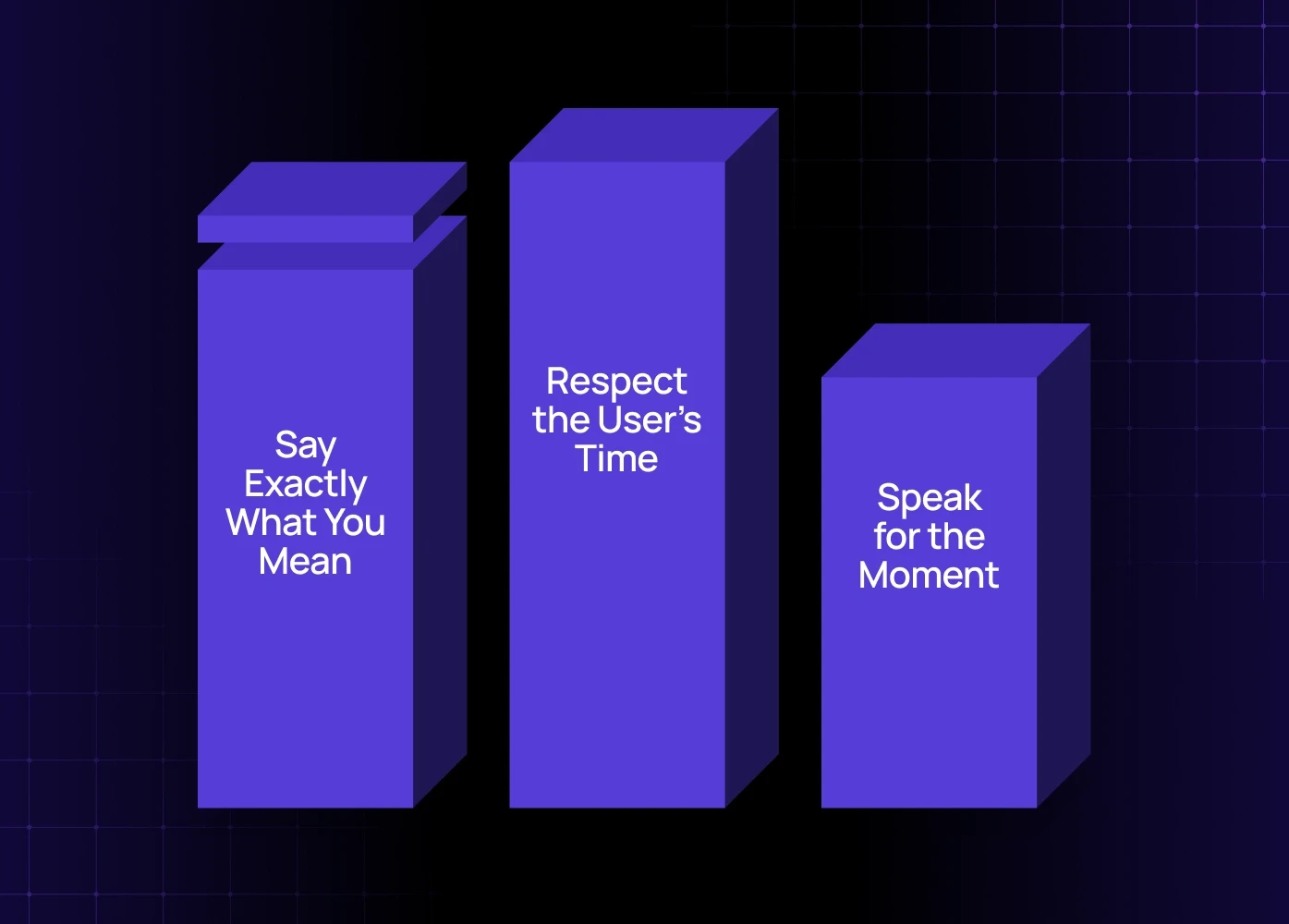
Before you write a single word, define your UX tone of voice. This isn't just personality; it's a set of rules ensuring consistency across your entire application. Great UX content should be:

1. Clear: Say Exactly What You Mean

Clarity trumps cleverness every time. A user scanning a screen doesn’t want to decipher meaning; they want to know the direct next step or the nature of an error.

  • Bad: "System synchronization failure. Please consult documentation for troubleshooting."

  • Good: "We couldn't save your settings. Check your network connection and try again."

2. Concise: Respect the User’s Time

Be brief, especially on mobile and in high-friction moments like error states. Every unnecessary word is a moment of hesitation.

  • Rule of Thumb: Use short sentences, active voice, and avoid adverbs or adjectives that don't add essential context. 

3. Contextual: Speak for the Moment

The same message can be helpful or frustrating depending on where the user is in the flow. Are they a first-time user, or a power user? Is the tone for an error message (apologetic/helpful) different from a confirmation message (calm/affirmative)?

If your product uses AI or automated workflows, your microcopy must guide the user through unfamiliar states. We broke down the difference in our AI UX vs traditional UX analysis.

Microcopy Examples: High-Stakes Touchpoints
A strong UX writing guide must provide concrete microcopy examples for the parts of the product where users are most likely to drop off or get confused.

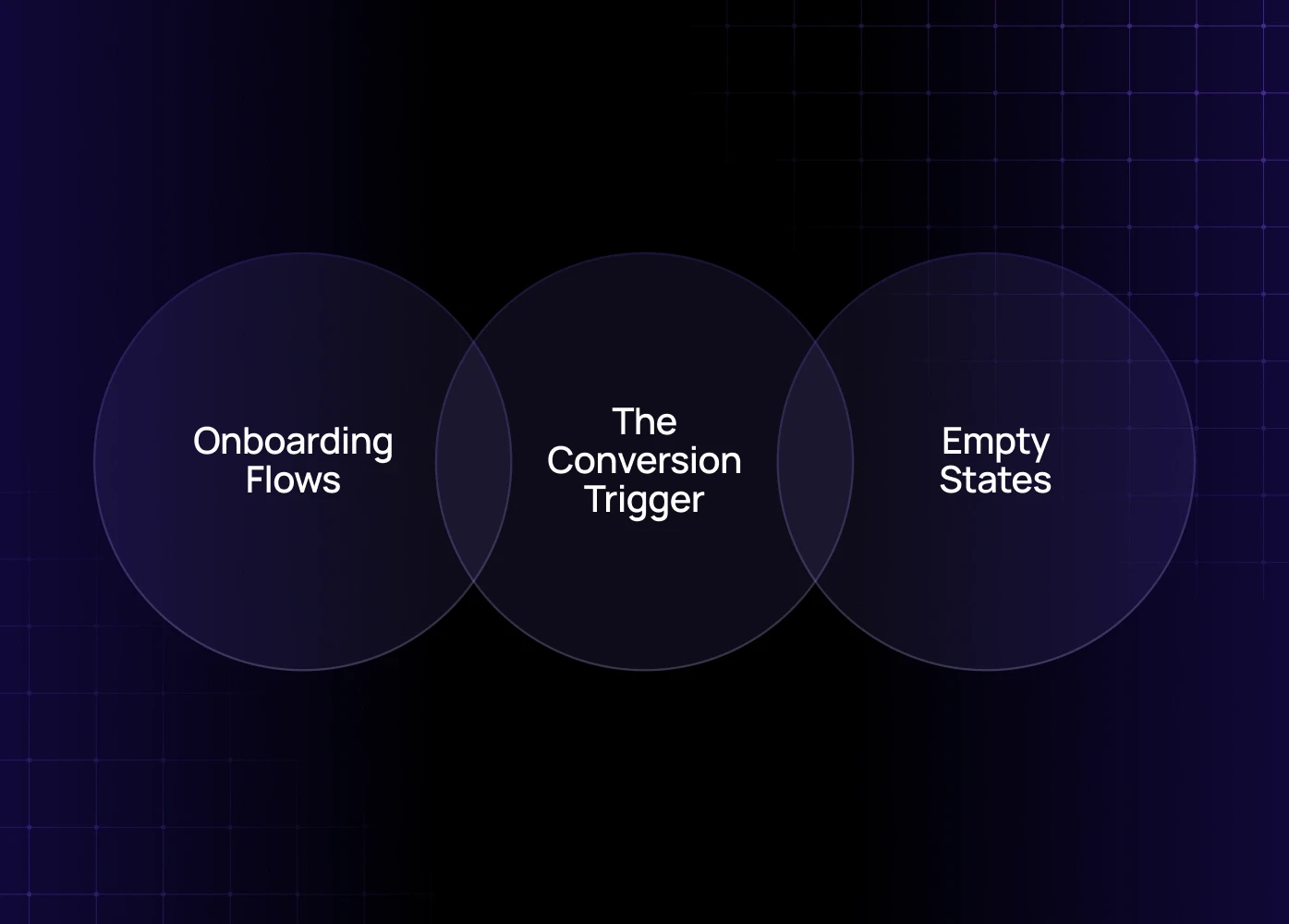
1. Button Copy: The Conversion Trigger (Button Copy UX)

Buttons represent commitment. Your button copy UX should tell the user what they get—not just what they do.

Context

Weak Button Copy

Strong Button Copy

Reasoning

Checkout

Submit

Pay Securely

Highlights benefit (security) and lowers perceived risk.

Form Completion

Next

Review & Launch

Manages expectation; tells user the next screen is a review.

Account Creation

Sign Up

Get Started Free

Focuses on the immediate benefit, addressing the common SaaS microcopy barrier of cost.

2. Onboarding Flows: Reducing Day 0 Friction (Onboarding UX Copy)

Effective onboarding UX copy guides users through setup without overwhelming them. It should be encouraging and focus on value, not features.

  • Avoid: "Step 3/5: Configure Settings"

  • Use: "Unlock full team visibility. You're almost done!" (Focus on the benefit of completing the step).

Use tooltips and contextual hints only when necessary, keeping them brief. Remember, this is one of the most critical parts of your product UX writing strategy to drive initial adoption.

3. Empty States: Turning Confusion into Guidance (Empty States Writing)

Empty states writing refers to the messages displayed when a screen has no content (e.g., an empty inbox, a new analytics dashboard). These are opportunities, not failures.

Context

Problematic Empty State

Effective Empty State

Analytics Dashboard

No Data Found.

Get started by connecting your first campaign. We'll show you performance metrics here.

Search Results

0 Results.

We couldn't find "sales funnel." Try searching for "sales report" or [View All Reports].

An effective empty states writing message gives context, explains why the screen is empty, and provides a clear next action.

Avoiding Common UX Writing Mistakes

Even experienced teams make small, high-impact UX writing mistakes. Use these UX writing tips to audit your existing product language:

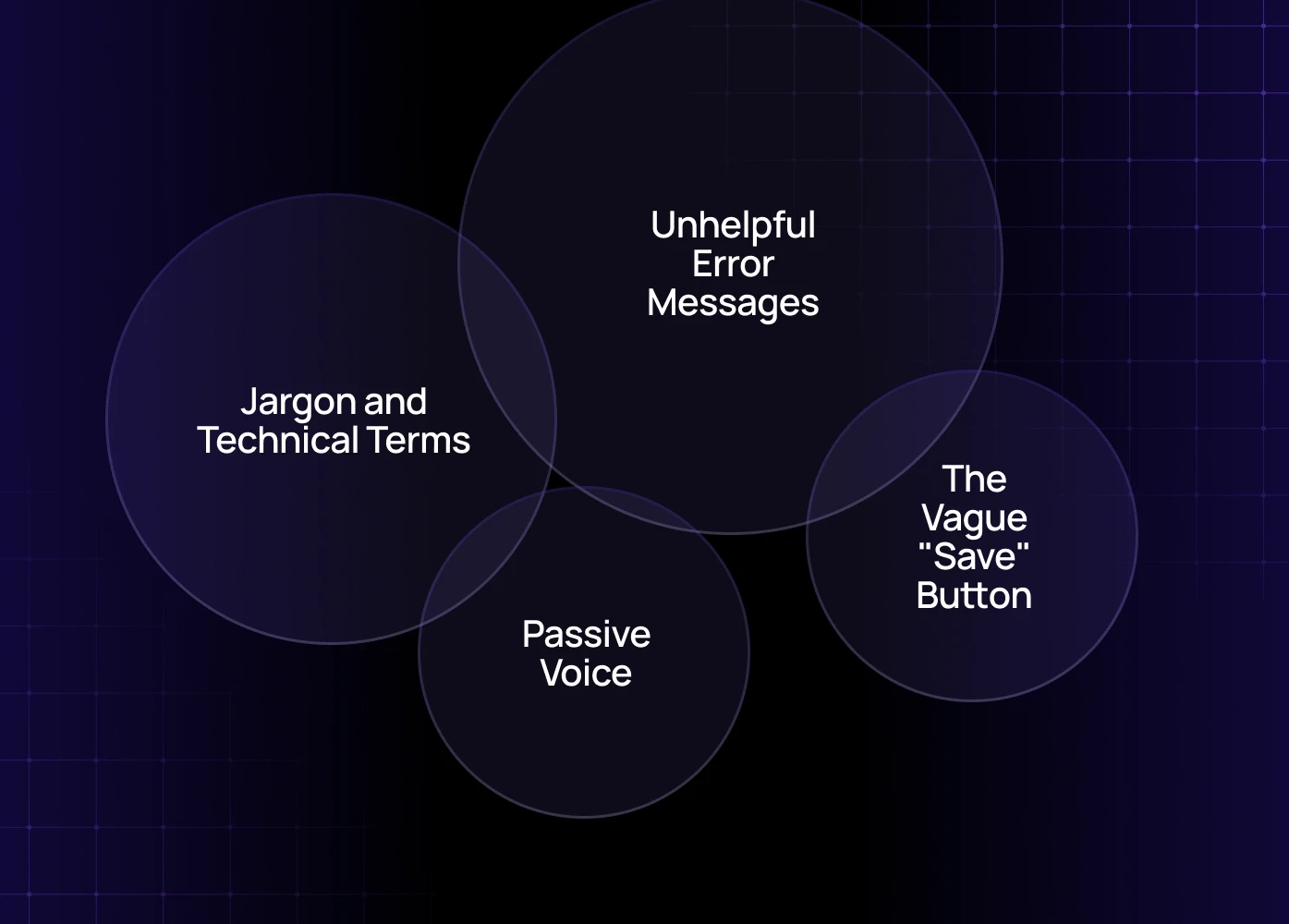
  • Jargon and Technical Terms: Never use internal company language or technical terms like "Syncing" or "Schema Update." Use plain language: "Updating Data" or "Your changes are being saved."

  • Passive Voice: Passive voice is confusing and longer. Instead of "The dashboard can now be edited by you," use "You can now edit the dashboard."

  • The Vague "Save" Button: Simply saying "Save" doesn't give context. If the action has a major consequence, include it: "Save & Publish," "Save Draft," or "Save Changes (Applies immediately)."

  • Unhelpful Error Messages: The worst mistake is a message that provides no actionable path forward (e.g., "Error: 404"). Always explain what happened and what the user can do to fix it.

Building Your Long-Term UX Content Strategy

A UX content strategy is how you maintain consistency and quality as your product scales. This requires collaboration across product, design, and engineering teams.

  1. Create a Content Style Guide: Document the specific UX tone of voice rules (e.g., "We use sentence case for all headings," "We never use exclamation points in error messages").

  2. Establish a Glossary: Define standard terms for product concepts (e.g., Is it a "Client," a "Customer," or a "User"?). This consistency is vital for scaling SaaS microcopy.

  3. Integrate Writing into Design: UX writing should happen during the wireframing stage, not after design is complete. This is part of modern UX design services, treating words as a core design element. (Source: The UX Design Institute emphasizes that content strategy must be integrated into the product development lifecycle from the start.)

As your product scales, microcopy must scale too. This is only possible when your UX writing is part of a structured design system. We explain this in our design systems for SaaS products guide.

For a large-scale product, consider partnering with a specialized digital product design agency to audit and define a unified content system.

Conclusion

The quality of your microcopy is a direct reflection of your product's maturity. Clear, concise, and helpful words are the most effective tool you have to improve microcopy for higher conversions and build enduring user trust.

Don't let poor UX writing mistakes turn your powerful product into a confusing user experience. Start with your most frustrating touchpoints—your error states and onboarding UX copy—and optimize the conversation one word at a time.

Ready to Audit Your Product's Conversation?

If your SaaS product is experiencing high drop-off rates on key flows, your content strategy might be the bottleneck.

Book a UX audit with our team to identify high-friction points and refine your product UX writing for immediate conversion gains.

FAQ

1. Is UX writing really different from copywriting?
Yes—completely. Copywriting persuades people to want the product; UX writing helps them use it. In SaaS, microcopy guides the user during high-friction moments like onboarding, errors, form submissions, and account setup. This is where conversions usually drop. Great UX writing removes confusion and accelerates progress, while great marketing copy only brings users in.

2. How does microcopy actually increase conversions?
Microcopy reduces hesitation at the exact moments users are likely to abandon a flow. Rewritten button labels, clearer empty states, and actionable error messages let users proceed confidently without guessing what happens next. Every friction point you remove improves activation, completion rates, and overall conversion rate (CRO). It’s often the highest-ROI improvement a SaaS product can make.

3. What’s the ROI of investing in UX writing?
The ROI shows up in three places: fewer support tickets, higher onboarding completion, and more confident users moving through key flows without dropping off. SaaS products with intentional UX writing see faster trial-to-paid conversions because users understand what to do, why it matters, and what happens next. Better microcopy almost always yields measurable increases in activation and retention.

4. Should UX writers work with designers or product teams?
Both—because microcopy is part of the interface, not an afterthought. UX writing works best when it’s integrated into wireframes, content models, and flow diagrams, not added after the UI is designed. Product teams provide context, UX designers shape the interaction, and writers craft the language that guides users through the experience.

5. When do I know my product needs a microcopy overhaul?
When users frequently get stuck, skip steps, misunderstand instructions, or keep asking support for help. If your onboarding completion rate is low, if users misinterpret dashboards, or if your forms have high abandonment, the language is likely the root cause. Weak UX copy often shows up as repeated questions, inconsistent user behaviors, or confusing “What now?” moments inside the app.

6. How long does a UX writing project usually take?
A focused microcopy improvement sprint for critical flows (onboarding, dashboard, checkout, empty states, errors) typically takes 2–3 weeks. For full-system UX writing across large SaaS applications, it may take 6–10 weeks depending on the size of the product and whether a complete content style guide is needed.

7. What should be documented in a UX writing style guide?
A strong UX writing guide includes tone of voice, grammar rules, terminology glossary, do/don’t examples, button copy standards, naming conventions, and guidelines for error messages, notifications, and empty states. It becomes the single source of truth for all product language, ensuring consistency as you scale features and teams.

8. Should UX writing reflect brand personality?
To an extent—but clarity always beats personality. SaaS brands sometimes overdo friendliness or humor, especially in error messages. Personality should be subtle, not intrusive. Use a consistent tone, but prioritize user understanding over brand voice, especially in high-stakes or high-friction moments.

9. How do I test if my microcopy is working?
Start with small A/B tests on buttons, tooltips, empty states, and error messages. Combine that with heatmaps, funnel drop-off analysis, and support ticket reviews. The fastest wins usually come from simplifying instructions, clarifying next steps, reducing jargon, and rewriting vague button labels into benefit-driven actions.

10. Can developers or designers write microcopy?
They can, but they shouldn’t own it. UX writing requires understanding user psychology, cognitive load, and interaction design. Developers focus on logic and constraints; UX designers focus on flows and layouts. Writers translate both into language users can follow effortlessly. The best results come when all three collaborate.

11. Do small wording changes really matter in large SaaS products?
Yes—sometimes more than design changes. SaaS adoption friction often comes from unclear choices, ambiguous actions, or unhelpful error messages. Improving microcopy in these areas can immediately improve activation, reduce confusion, and increase completion rates without touching a single UI component.

12. Should microcopy change based on user segments?Ideally, yes. Power users need concise, fast language. New users need more guidance. Contextual microcopy—surfaced only when needed—creates adaptive experiences that feel more intuitive. Great SaaS products personalize not just the UI, but also the language throughout the product.

Most SaaS teams fix UX flows but ignore the words guiding users through them. This guide breaks down how strategic microcopy reduces friction, increases conversions, and strengthens product trust across onboarding, buttons, errors, and empty states.

Microcopy drives conversions. Here’s how to write UX copy that actually increases user action.


When optimizing a SaaS product, leaders often focus on the main UX flows. But is great flow enough to guarantee conversion? The answer is no. 

The most powerful words in your SaaS product aren't in your marketing copy-they’re in your buttons, error messages, and empty screens. 

For high-growth SaaS and B2B products, the difference between a high-converting experience and a frustrated churn event often comes down to four words in a button copy UX scenario. UX writing isn't about style; it's a strategic, conversion-focused discipline that guides the user through your product without friction. 

This definitive UX writing guide will help designers, PMs, developers, and anyone trying to crack their conversions create copy that drives action, reduces support tickets, and boosts conversion rates.

What is UX Writing and Why It's Critical for SaaS 

UX writing is the practice of crafting all the words that a user sees and hears while interacting with a digital product. It includes labels, error messages, notifications, instructional text, and placeholders. Unlike marketing copywriting, which aims to sell the product, product UX writing aims to help the user use the product. It’s the invisible conversation that builds trust and clarity. For SaaS microcopy, clarity equals conversion. If a user can’t understand what happens next, they stop. If you're already investing in UX design services, strengthening your product’s UX writing ensures that every screen, flow, and interaction reinforces clarity, trust, and conversion.

UX writing is not a standalone discipline — it sits inside your broader UX strategy. If your product flows aren’t clear, even perfect microcopy can’t save them. For a deeper view, explore our complete guide to SaaS UX design.

The Business Impact of Intentional Microcopy

Investing in a precise UX content strategy is a high-leverage move that pays clear, measurable dividends—it’s not a soft design choice; it's an ROI driver.

Reduced Support Load: Clear error messages and proactive instructions drastically reduce the need for users to contact support. Fewer tickets equal lower operational costs.

Higher Feature Adoption: Strategic and concise onboarding UX copy ensures users complete their setup and explore new capabilities without friction.

Improved Conversion Rates (CRO): Optimized microcopy on key transactional buttons can increase click-through rates dramatically. For example, changing one button’s copy from "Register" to "Get your free account" has been shown to boost conversions by up to 28% because it focuses on the user's gain, not the required action (tapping into consumer psychology).

Improved microcopy becomes even more powerful when paired with strong SaaS UX best practices that remove friction from the product experience.

If you want to understand how top SaaS products execute microcopy at scale, study how leading UX design companies for SaaS structure their product messaging frameworks.

The 3 Pillars of Effective UX Tone of Voice

Before you write a single word, define your UX tone of voice. This isn't just personality; it's a set of rules ensuring consistency across your entire application. Great UX content should be:

1. Clear: Say Exactly What You Mean

Clarity trumps cleverness every time. A user scanning a screen doesn’t want to decipher meaning; they want to know the direct next step or the nature of an error.

  • Bad: "System synchronization failure. Please consult documentation for troubleshooting."

  • Good: "We couldn't save your settings. Check your network connection and try again."

2. Concise: Respect the User’s Time

Be brief, especially on mobile and in high-friction moments like error states. Every unnecessary word is a moment of hesitation.

  • Rule of Thumb: Use short sentences, active voice, and avoid adverbs or adjectives that don't add essential context. 

3. Contextual: Speak for the Moment

The same message can be helpful or frustrating depending on where the user is in the flow. Are they a first-time user, or a power user? Is the tone for an error message (apologetic/helpful) different from a confirmation message (calm/affirmative)?

If your product uses AI or automated workflows, your microcopy must guide the user through unfamiliar states. We broke down the difference in our AI UX vs traditional UX analysis.

Microcopy Examples: High-Stakes Touchpoints

A strong UX writing guide must provide concrete microcopy examples for the parts of the product where users are most likely to drop off or get confused.

1. Button Copy: The Conversion Trigger (Button Copy UX)

Buttons represent commitment. Your button copy UX should tell the user what they get—not just what they do.

Context

Weak Button Copy

Strong Button Copy

Reasoning

Checkout

Submit

Pay Securely

Highlights benefit (security) and lowers perceived risk.

Form Completion

Next

Review & Launch

Manages expectation; tells user the next screen is a review.

Account Creation

Sign Up

Get Started Free

Focuses on the immediate benefit, addressing the common SaaS microcopy barrier of cost.

2. Onboarding Flows: Reducing Day 0 Friction (Onboarding UX Copy)

Effective onboarding UX copy guides users through setup without overwhelming them. It should be encouraging and focus on value, not features.

  • Avoid: "Step 3/5: Configure Settings"

  • Use: "Unlock full team visibility. You're almost done!" (Focus on the benefit of completing the step).

Use tooltips and contextual hints only when necessary, keeping them brief. Remember, this is one of the most critical parts of your product UX writing strategy to drive initial adoption.

3. Empty States: Turning Confusion into Guidance (Empty States Writing)

Empty states writing refers to the messages displayed when a screen has no content (e.g., an empty inbox, a new analytics dashboard). These are opportunities, not failures.

Context

Problematic Empty State

Effective Empty State

Analytics Dashboard

No Data Found.

Get started by connecting your first campaign. We'll show you performance metrics here.

Search Results

0 Results.

We couldn't find "sales funnel." Try searching for "sales report" or [View All Reports].

An effective empty states writing message gives context, explains why the screen is empty, and provides a clear next action.

Avoiding Common UX Writing Mistakes

Even experienced teams make small, high-impact UX writing mistakes. Use these UX writing tips to audit your existing product language:

  • Jargon and Technical Terms: Never use internal company language or technical terms like "Syncing" or "Schema Update." Use plain language: "Updating Data" or "Your changes are being saved."

  • Passive Voice: Passive voice is confusing and longer. Instead of "The dashboard can now be edited by you," use "You can now edit the dashboard."

  • The Vague "Save" Button: Simply saying "Save" doesn't give context. If the action has a major consequence, include it: "Save & Publish," "Save Draft," or "Save Changes (Applies immediately)."

  • Unhelpful Error Messages: The worst mistake is a message that provides no actionable path forward (e.g., "Error: 404"). Always explain what happened and what the user can do to fix it.

Building Your Long-Term UX Content Strategy

A UX content strategy is how you maintain consistency and quality as your product scales. This requires collaboration across product, design, and engineering teams.

  1. Create a Content Style Guide: Document the specific UX tone of voice rules (e.g., "We use sentence case for all headings," "We never use exclamation points in error messages").

  2. Establish a Glossary: Define standard terms for product concepts (e.g., Is it a "Client," a "Customer," or a "User"?). This consistency is vital for scaling SaaS microcopy.

  3. Integrate Writing into Design: UX writing should happen during the wireframing stage, not after design is complete. This is part of modern UX design services, treating words as a core design element. (Source: The UX Design Institute emphasizes that content strategy must be integrated into the product development lifecycle from the start.)

As your product scales, microcopy must scale too. This is only possible when your UX writing is part of a structured design system. We explain this in our design systems for SaaS products guide.

For a large-scale product, consider partnering with a specialized digital product design agency to audit and define a unified content system.

Conclusion

The quality of your microcopy is a direct reflection of your product's maturity. Clear, concise, and helpful words are the most effective tool you have to improve microcopy for higher conversions and build enduring user trust.

Don't let poor UX writing mistakes turn your powerful product into a confusing user experience. Start with your most frustrating touchpoints—your error states and onboarding UX copy—and optimize the conversation one word at a time.

Ready to Audit Your Product's Conversation?

If your SaaS product is experiencing high drop-off rates on key flows, your content strategy might be the bottleneck.

Book a UX audit with our team to identify high-friction points and refine your product UX writing for immediate conversion gains.

FAQ

1. Is UX writing really different from copywriting?
Yes—completely. Copywriting persuades people to want the product; UX writing helps them use it. In SaaS, microcopy guides the user during high-friction moments like onboarding, errors, form submissions, and account setup. This is where conversions usually drop. Great UX writing removes confusion and accelerates progress, while great marketing copy only brings users in.

2. How does microcopy actually increase conversions?
Microcopy reduces hesitation at the exact moments users are likely to abandon a flow. Rewritten button labels, clearer empty states, and actionable error messages let users proceed confidently without guessing what happens next. Every friction point you remove improves activation, completion rates, and overall conversion rate (CRO). It’s often the highest-ROI improvement a SaaS product can make.

3. What’s the ROI of investing in UX writing?
The ROI shows up in three places: fewer support tickets, higher onboarding completion, and more confident users moving through key flows without dropping off. SaaS products with intentional UX writing see faster trial-to-paid conversions because users understand what to do, why it matters, and what happens next. Better microcopy almost always yields measurable increases in activation and retention.

4. Should UX writers work with designers or product teams?
Both—because microcopy is part of the interface, not an afterthought. UX writing works best when it’s integrated into wireframes, content models, and flow diagrams, not added after the UI is designed. Product teams provide context, UX designers shape the interaction, and writers craft the language that guides users through the experience.

5. When do I know my product needs a microcopy overhaul?
When users frequently get stuck, skip steps, misunderstand instructions, or keep asking support for help. If your onboarding completion rate is low, if users misinterpret dashboards, or if your forms have high abandonment, the language is likely the root cause. Weak UX copy often shows up as repeated questions, inconsistent user behaviors, or confusing “What now?” moments inside the app.

6. How long does a UX writing project usually take?
A focused microcopy improvement sprint for critical flows (onboarding, dashboard, checkout, empty states, errors) typically takes 2–3 weeks. For full-system UX writing across large SaaS applications, it may take 6–10 weeks depending on the size of the product and whether a complete content style guide is needed.

7. What should be documented in a UX writing style guide?
A strong UX writing guide includes tone of voice, grammar rules, terminology glossary, do/don’t examples, button copy standards, naming conventions, and guidelines for error messages, notifications, and empty states. It becomes the single source of truth for all product language, ensuring consistency as you scale features and teams.

8. Should UX writing reflect brand personality?
To an extent—but clarity always beats personality. SaaS brands sometimes overdo friendliness or humor, especially in error messages. Personality should be subtle, not intrusive. Use a consistent tone, but prioritize user understanding over brand voice, especially in high-stakes or high-friction moments.

9. How do I test if my microcopy is working?
Start with small A/B tests on buttons, tooltips, empty states, and error messages. Combine that with heatmaps, funnel drop-off analysis, and support ticket reviews. The fastest wins usually come from simplifying instructions, clarifying next steps, reducing jargon, and rewriting vague button labels into benefit-driven actions.

10. Can developers or designers write microcopy?
They can, but they shouldn’t own it. UX writing requires understanding user psychology, cognitive load, and interaction design. Developers focus on logic and constraints; UX designers focus on flows and layouts. Writers translate both into language users can follow effortlessly. The best results come when all three collaborate.

11. Do small wording changes really matter in large SaaS products?
Yes—sometimes more than design changes. SaaS adoption friction often comes from unclear choices, ambiguous actions, or unhelpful error messages. Improving microcopy in these areas can immediately improve activation, reduce confusion, and increase completion rates without touching a single UI component.

12. Should microcopy change based on user segments?Ideally, yes. Power users need concise, fast language. New users need more guidance. Contextual microcopy—surfaced only when needed—creates adaptive experiences that feel more intuitive. Great SaaS products personalize not just the UI, but also the language throughout the product.

Extreme close-up black and white photograph of a human eye

Let’s bring your vision to life

Tell us what's on your mind? We'll hit you back in 24 hours. No fluff, no delays - just a solid vision to bring your idea to life.

Profile portrait of a man in a white shirt against a light background

Harpreet Singh

Founder and Creative Director

Get in Touch

Extreme close-up black and white photograph of a human eye

Let’s bring your vision to life

Tell us what's on your mind? We'll hit you back in 24 hours. No fluff, no delays - just a solid vision to bring your idea to life.

Profile portrait of a man in a white shirt against a light background

Harpreet Singh

Founder and Creative Director

Get in Touch

Harpreet Singh

Founder and Creative Director

UX Writing Guide: Improve Microcopy for Higher Conversions

Dec 3, 2025

A practical UX writing guide for SaaS teams to improve microcopy, increase conversions, reduce friction, and create clearer onboarding, button copy, and empty states.

Most SaaS teams fix UX flows but ignore the words guiding users through them. This guide breaks down how strategic microcopy reduces friction, increases conversions, and strengthens product trust across onboarding, buttons, errors, and empty states.

Microcopy drives conversions. Here’s how to write UX copy that actually increases user action.


When optimizing a SaaS product, leaders often focus on the main UX flows. But is great flow enough to guarantee conversion? The answer is no. 

The most powerful words in your SaaS product aren't in your marketing copy-they’re in your buttons, error messages, and empty screens. 

For high-growth SaaS and B2B products, the difference between a high-converting experience and a frustrated churn event often comes down to four words in a button copy UX scenario. UX writing isn't about style; it's a strategic, conversion-focused discipline that guides the user through your product without friction. 

This definitive UX writing guide will help designers, PMs, developers, and anyone trying to crack their conversions create copy that drives action, reduces support tickets, and boosts conversion rates.

What is UX Writing and Why It's Critical for SaaS 

UX writing is the practice of crafting all the words that a user sees and hears while interacting with a digital product. It includes labels, error messages, notifications, instructional text, and placeholders. Unlike marketing copywriting, which aims to sell the product, product UX writing aims to help the user use the product. It’s the invisible conversation that builds trust and clarity. For SaaS microcopy, clarity equals conversion. If a user can’t understand what happens next, they stop. If you're already investing in UX design services, strengthening your product’s UX writing ensures that every screen, flow, and interaction reinforces clarity, trust, and conversion.

UX writing is not a standalone discipline — it sits inside your broader UX strategy. If your product flows aren’t clear, even perfect microcopy can’t save them. For a deeper view, explore our complete guide to SaaS UX design.

The Business Impact of Intentional Microcopy

Investing in a precise UX content strategy is a high-leverage move that pays clear, measurable dividends—it’s not a soft design choice; it's an ROI driver.

Reduced Support Load: Clear error messages and proactive instructions drastically reduce the need for users to contact support. Fewer tickets equal lower operational costs.

Higher Feature Adoption: Strategic and concise onboarding UX copy ensures users complete their setup and explore new capabilities without friction.

Improved Conversion Rates (CRO): Optimized microcopy on key transactional buttons can increase click-through rates dramatically. For example, changing one button’s copy from "Register" to "Get your free account" has been shown to boost conversions by up to 28% because it focuses on the user's gain, not the required action (tapping into consumer psychology).

Improved microcopy becomes even more powerful when paired with strong SaaS UX best practices that remove friction from the product experience.

If you want to understand how top SaaS products execute microcopy at scale, study how leading UX design companies for SaaS structure their product messaging frameworks.

The 3 Pillars of Effective UX Tone of Voice

Before you write a single word, define your UX tone of voice. This isn't just personality; it's a set of rules ensuring consistency across your entire application. Great UX content should be:

1. Clear: Say Exactly What You Mean

Clarity trumps cleverness every time. A user scanning a screen doesn’t want to decipher meaning; they want to know the direct next step or the nature of an error.

  • Bad: "System synchronization failure. Please consult documentation for troubleshooting."

  • Good: "We couldn't save your settings. Check your network connection and try again."

2. Concise: Respect the User’s Time

Be brief, especially on mobile and in high-friction moments like error states. Every unnecessary word is a moment of hesitation.

  • Rule of Thumb: Use short sentences, active voice, and avoid adverbs or adjectives that don't add essential context. 

3. Contextual: Speak for the Moment

The same message can be helpful or frustrating depending on where the user is in the flow. Are they a first-time user, or a power user? Is the tone for an error message (apologetic/helpful) different from a confirmation message (calm/affirmative)?

If your product uses AI or automated workflows, your microcopy must guide the user through unfamiliar states. We broke down the difference in our AI UX vs traditional UX analysis.

Microcopy Examples: High-Stakes Touchpoints

A strong UX writing guide must provide concrete microcopy examples for the parts of the product where users are most likely to drop off or get confused.

1. Button Copy: The Conversion Trigger (Button Copy UX)

Buttons represent commitment. Your button copy UX should tell the user what they get—not just what they do.

Context

Weak Button Copy

Strong Button Copy

Reasoning

Checkout

Submit

Pay Securely

Highlights benefit (security) and lowers perceived risk.

Form Completion

Next

Review & Launch

Manages expectation; tells user the next screen is a review.

Account Creation

Sign Up

Get Started Free

Focuses on the immediate benefit, addressing the common SaaS microcopy barrier of cost.

2. Onboarding Flows: Reducing Day 0 Friction (Onboarding UX Copy)

Effective onboarding UX copy guides users through setup without overwhelming them. It should be encouraging and focus on value, not features.

  • Avoid: "Step 3/5: Configure Settings"

  • Use: "Unlock full team visibility. You're almost done!" (Focus on the benefit of completing the step).

Use tooltips and contextual hints only when necessary, keeping them brief. Remember, this is one of the most critical parts of your product UX writing strategy to drive initial adoption.

3. Empty States: Turning Confusion into Guidance (Empty States Writing)

Empty states writing refers to the messages displayed when a screen has no content (e.g., an empty inbox, a new analytics dashboard). These are opportunities, not failures.

Context

Problematic Empty State

Effective Empty State

Analytics Dashboard

No Data Found.

Get started by connecting your first campaign. We'll show you performance metrics here.

Search Results

0 Results.

We couldn't find "sales funnel." Try searching for "sales report" or [View All Reports].

An effective empty states writing message gives context, explains why the screen is empty, and provides a clear next action.

Avoiding Common UX Writing Mistakes

Even experienced teams make small, high-impact UX writing mistakes. Use these UX writing tips to audit your existing product language:

  • Jargon and Technical Terms: Never use internal company language or technical terms like "Syncing" or "Schema Update." Use plain language: "Updating Data" or "Your changes are being saved."

  • Passive Voice: Passive voice is confusing and longer. Instead of "The dashboard can now be edited by you," use "You can now edit the dashboard."

  • The Vague "Save" Button: Simply saying "Save" doesn't give context. If the action has a major consequence, include it: "Save & Publish," "Save Draft," or "Save Changes (Applies immediately)."

  • Unhelpful Error Messages: The worst mistake is a message that provides no actionable path forward (e.g., "Error: 404"). Always explain what happened and what the user can do to fix it.

Building Your Long-Term UX Content Strategy

A UX content strategy is how you maintain consistency and quality as your product scales. This requires collaboration across product, design, and engineering teams.

  1. Create a Content Style Guide: Document the specific UX tone of voice rules (e.g., "We use sentence case for all headings," "We never use exclamation points in error messages").

  2. Establish a Glossary: Define standard terms for product concepts (e.g., Is it a "Client," a "Customer," or a "User"?). This consistency is vital for scaling SaaS microcopy.

  3. Integrate Writing into Design: UX writing should happen during the wireframing stage, not after design is complete. This is part of modern UX design services, treating words as a core design element. (Source: The UX Design Institute emphasizes that content strategy must be integrated into the product development lifecycle from the start.)

As your product scales, microcopy must scale too. This is only possible when your UX writing is part of a structured design system. We explain this in our design systems for SaaS products guide.

For a large-scale product, consider partnering with a specialized digital product design agency to audit and define a unified content system.

Conclusion

The quality of your microcopy is a direct reflection of your product's maturity. Clear, concise, and helpful words are the most effective tool you have to improve microcopy for higher conversions and build enduring user trust.

Don't let poor UX writing mistakes turn your powerful product into a confusing user experience. Start with your most frustrating touchpoints—your error states and onboarding UX copy—and optimize the conversation one word at a time.

Ready to Audit Your Product's Conversation?

If your SaaS product is experiencing high drop-off rates on key flows, your content strategy might be the bottleneck.

Book a UX audit with our team to identify high-friction points and refine your product UX writing for immediate conversion gains.

FAQ

1. Is UX writing really different from copywriting?
Yes—completely. Copywriting persuades people to want the product; UX writing helps them use it. In SaaS, microcopy guides the user during high-friction moments like onboarding, errors, form submissions, and account setup. This is where conversions usually drop. Great UX writing removes confusion and accelerates progress, while great marketing copy only brings users in.

2. How does microcopy actually increase conversions?
Microcopy reduces hesitation at the exact moments users are likely to abandon a flow. Rewritten button labels, clearer empty states, and actionable error messages let users proceed confidently without guessing what happens next. Every friction point you remove improves activation, completion rates, and overall conversion rate (CRO). It’s often the highest-ROI improvement a SaaS product can make.

3. What’s the ROI of investing in UX writing?
The ROI shows up in three places: fewer support tickets, higher onboarding completion, and more confident users moving through key flows without dropping off. SaaS products with intentional UX writing see faster trial-to-paid conversions because users understand what to do, why it matters, and what happens next. Better microcopy almost always yields measurable increases in activation and retention.

4. Should UX writers work with designers or product teams?
Both—because microcopy is part of the interface, not an afterthought. UX writing works best when it’s integrated into wireframes, content models, and flow diagrams, not added after the UI is designed. Product teams provide context, UX designers shape the interaction, and writers craft the language that guides users through the experience.

5. When do I know my product needs a microcopy overhaul?
When users frequently get stuck, skip steps, misunderstand instructions, or keep asking support for help. If your onboarding completion rate is low, if users misinterpret dashboards, or if your forms have high abandonment, the language is likely the root cause. Weak UX copy often shows up as repeated questions, inconsistent user behaviors, or confusing “What now?” moments inside the app.

6. How long does a UX writing project usually take?
A focused microcopy improvement sprint for critical flows (onboarding, dashboard, checkout, empty states, errors) typically takes 2–3 weeks. For full-system UX writing across large SaaS applications, it may take 6–10 weeks depending on the size of the product and whether a complete content style guide is needed.

7. What should be documented in a UX writing style guide?
A strong UX writing guide includes tone of voice, grammar rules, terminology glossary, do/don’t examples, button copy standards, naming conventions, and guidelines for error messages, notifications, and empty states. It becomes the single source of truth for all product language, ensuring consistency as you scale features and teams.

8. Should UX writing reflect brand personality?
To an extent—but clarity always beats personality. SaaS brands sometimes overdo friendliness or humor, especially in error messages. Personality should be subtle, not intrusive. Use a consistent tone, but prioritize user understanding over brand voice, especially in high-stakes or high-friction moments.

9. How do I test if my microcopy is working?
Start with small A/B tests on buttons, tooltips, empty states, and error messages. Combine that with heatmaps, funnel drop-off analysis, and support ticket reviews. The fastest wins usually come from simplifying instructions, clarifying next steps, reducing jargon, and rewriting vague button labels into benefit-driven actions.

10. Can developers or designers write microcopy?
They can, but they shouldn’t own it. UX writing requires understanding user psychology, cognitive load, and interaction design. Developers focus on logic and constraints; UX designers focus on flows and layouts. Writers translate both into language users can follow effortlessly. The best results come when all three collaborate.


11. Do small wording changes really matter in large SaaS products?
Yes—sometimes more than design changes. SaaS adoption friction often comes from unclear choices, ambiguous actions, or unhelpful error messages. Improving microcopy in these areas can immediately improve activation, reduce confusion, and increase completion rates without touching a single UI component.

12. Should microcopy change based on user segments?Ideally, yes. Power users need concise, fast language. New users need more guidance. Contextual microcopy—surfaced only when needed—creates adaptive experiences that feel more intuitive. Great SaaS products personalize not just the UI, but also the language throughout the product.

Extreme close-up black and white photograph of a human eye

Let’s bring your vision to life

Tell us what's on your mind? We'll hit you back in 24 hours. No fluff, no delays - just a solid vision to bring your idea to life.

Profile portrait of a man in a white shirt against a light background

Harpreet Singh

Founder and Creative Director

Get in Touch

Extreme close-up black and white photograph of a human eye

Let’s bring your vision to life

Tell us what's on your mind? We'll hit you back in 24 hours. No fluff, no delays - just a solid vision to bring your idea to life.

Profile portrait of a man in a white shirt against a light background

Harpreet Singh

Founder and Creative Director

Get in Touch