
Most teams hire one UX designer and expect the work of six. The gap between what they get and what they needed almost always traces back to one missing discipline. This guide breaks down all 12 — and what each one actually costs when it's skipped.
UX design is not one job. It never was. Here's why.

Most people think UX design is one job. It isn't. It's an ecosystem of overlapping UX disciplines — each with its own methods, tools, and deliverables — that combine to create experiences users actually want to engage with.
We see this confusion play out constantly. Founders hire a 'UX designer' expecting one person to do the work of six — and part of that confusion extends to the structural decision of UX agency vs in-house designer, where understanding which disciplines a team needs most determines whether hiring one person or engaging a multi-discipline partner makes more sense.
Design agencies present polished screens while skipping the strategic groundwork that makes those screens actually work.
This guide breaks down every major UX discipline, what it involves, how it connects to the others, and why skipping any one of them costs you more than it saves.
What Are UX Disciplines?
UX disciplines are the distinct areas of practice that collectively shape the user experience of a product — and if you're new to the field, understanding what UI/UX design covers gives you the foundational overview before breaking into each specialist discipline below.
No single designer masters all of them equally. In practice, some disciplines are handled by specialists, some are shared across roles, and in smaller teams, one person often covers several. Understanding what each UX discipline involves — and what happens when it's missing — is one of the most useful things a founder or product leader can know.
1. UX Research: Where Everything Starts
Every design decision that isn't grounded in proper UX research is a guess. Some guesses turn out right. Most cost you time, money, and users when they don't.
UX research is the practice of systematically gathering insights about users — their behaviours, needs, frustrations, and mental models — before and throughout the design process.
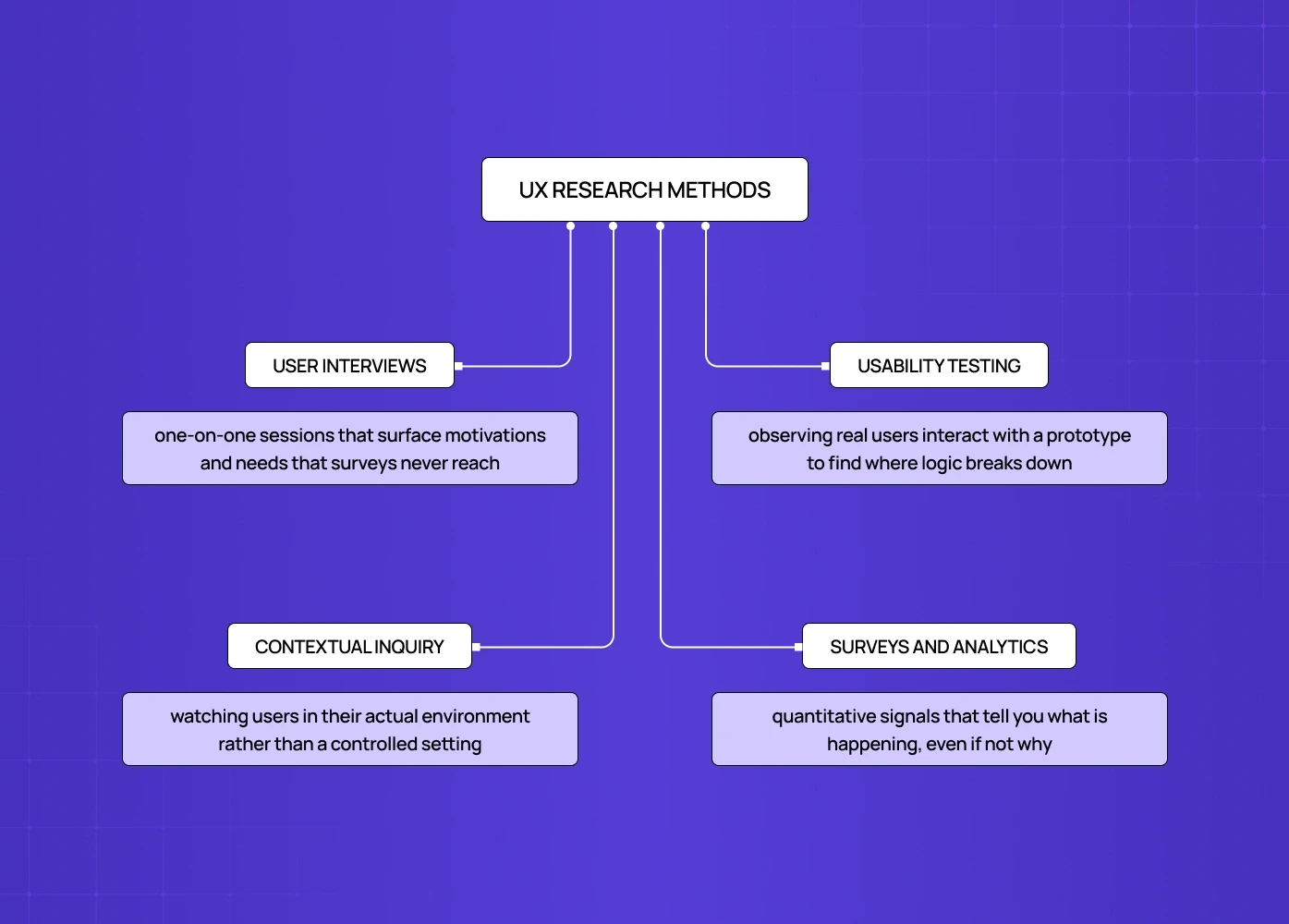
Core UX research methods Core UX research methods include user interviews, usability testing, contextual inquiry, and surveys — and for a full breakdown of methods used across UX disciplines, that guide maps each methodology to the stage of the design process where it has the most impact.:
When we redesigned the Nicotex Begin app, research surfaced something no screen audit would have caught — and that's exactly what the role of a UX researcher in product teams is built for: asking the questions that reveal the difference between a usability problem and a human one. That single insight from user interviews changed the entire direction of the UX. No amount of screen polish would have surfaced it.
2. Information Architecture: The Blueprint Nobody Sees
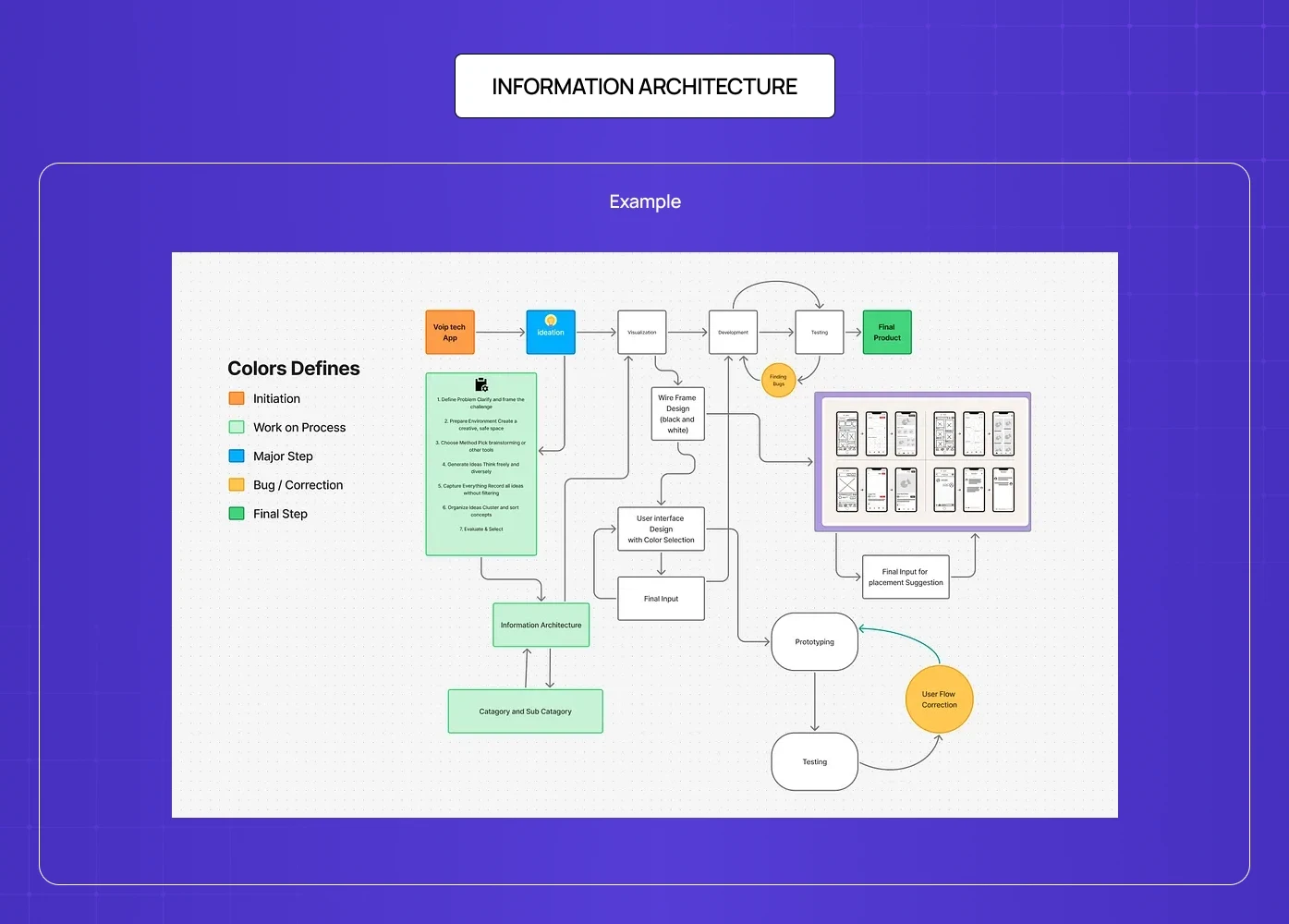
Information architecture (IA) is the practice of organising, structuring, and labelling content so users can find what they need without friction. It's the discipline that determines what lives where, how things are grouped, and what path a user takes through the product.
Poor IA is why users click around a site for three minutes looking for something that should have taken ten seconds to find. It's also why search engines struggle to rank certain pages — they can't understand the content hierarchy.
A common mistake is confusing IA with visual design. IA decisions are made before anything is designed. The wireframes follow the architecture — and once that structure is set, a clean design-to-developer handoff is what carries its logic intact from wireframe to working build, so developers reconstruct the intended hierarchy rather than reinventing it.
3. Interaction Design: Defining How Things Behave
Interaction design (IxD) is the discipline focused on how users engage with a product — every click, tap, swipe, hover, and transition, and increasingly every spoken command, where voice interaction design principles govern how spoken inputs need to be handled differently from touch or click interactions to feel genuinely responsive rather than just technically functional. It's not about how things look. It's about how they respond.
Good interaction design practice is largely invisible. Users don't think about it. They just feel in control, they know what to do next, and the product behaves the way they expected it to. That expectation becomes harder to engineer once a system can act autonomously — which is exactly the problem agentic experience design addresses, extending interaction design principles into contexts where the product initiates actions rather than only responding to them.
When we worked on the Barista AI platform — a PR tool built for teams working at speed — interaction design was where the biggest gains came. The platform was powerful but felt chaotic. Restructuring the task flows and adding clearer micro-interactions cut the cognitive load significantly, making a technically impressive product feel like something you'd actually want to use every day.
4. Visual Design: The Layer Users Judge First
Visual design — sometimes called UI design in the context of digital products — is the discipline most often misunderstood as 'making things pretty.' It isn't. For a clear breakdown of what separates UI design from UX design at the discipline level, that distinction matters especially for SaaS teams deciding which expertise to prioritise.
It's the discipline most often misunderstood as "making things pretty." It isn't. Every visual decision is a functional decision. The weight of a button affects whether users see it as the primary action. The choice of typeface affects readability at scale. The colour of an error state affects whether users understand something went wrong — codifying those decisions into reusable components is where a design-system lead turns visual design into a scalable system.
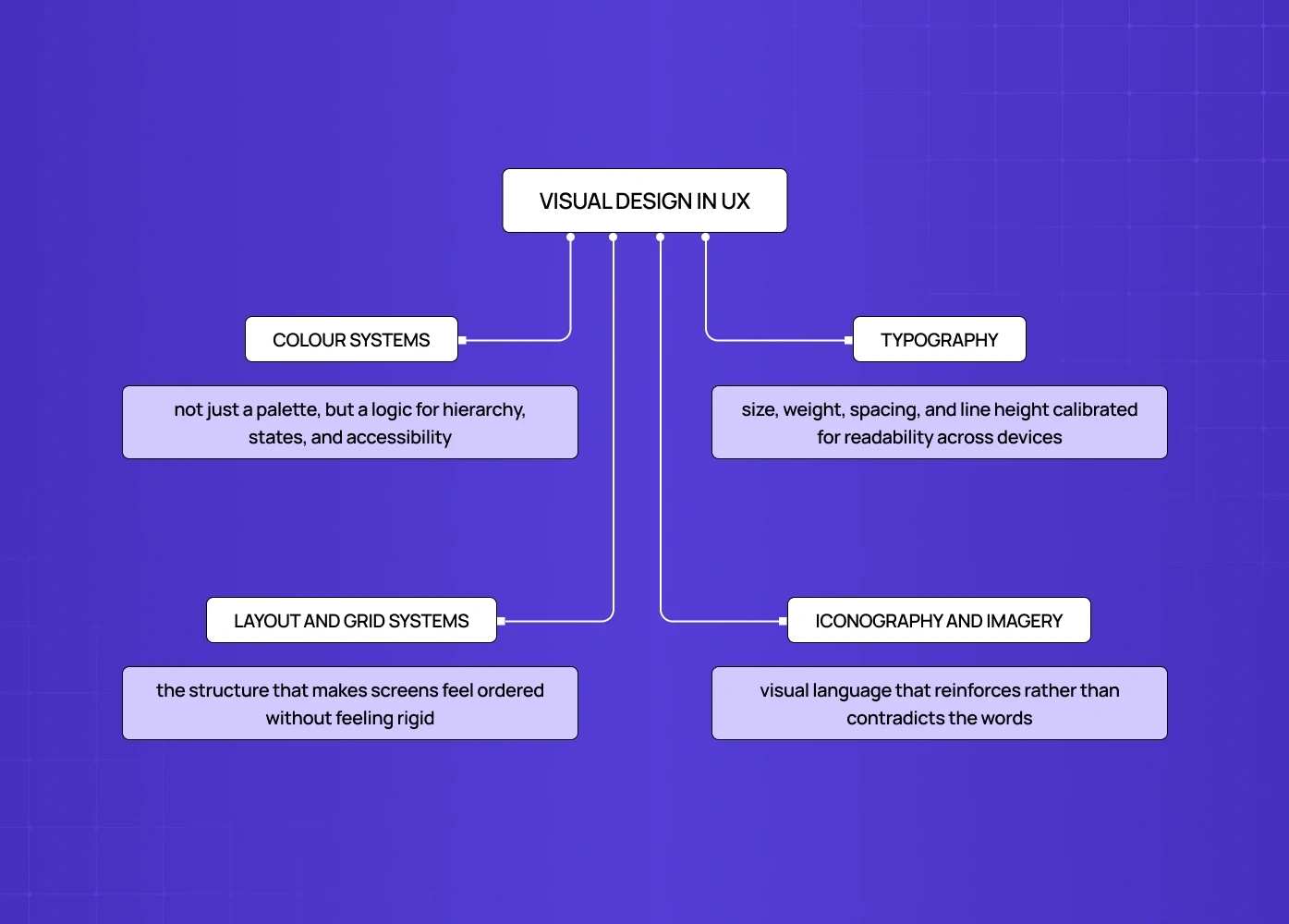
What visual design in UX involves:
Colour systems — not just a palette, but a logic for hierarchy, states, and accessibility
Typography — size, weight, spacing, and line height calibrated for readability across devices
Layout and grid systems — the structure that makes screens feel ordered without feeling rigid, the foundational components of interface visual systems that every other visual decision builds on top of.
Iconography and imagery — visual language that reinforces rather than contradicts the words
Visual design without UX research and IA underneath it is decoration. With them, it becomes communication — and applying a UX versus AX lens to these visual decisions ensures colour contrast, typography scale, and iconography choices serve every user rather than just the majority the design team had in mind.
5. UX Writing and Content Design: The Words Inside the Product
UX writing (also called content design) is one of the most consistently underinvested disciplines in product development. Most teams treat copy as something the design team fills in at the end. That's how you end up with interfaces that look polished but genuinely confuse people.
UX writing is the practice of crafting the language inside a product — button labels, error messages, empty states, onboarding copy, tooltips, and microcopy — so that every word serves the user's goal.
What good UX writing does:
Reduces cognitive load by telling users exactly what to do and what to expect
Prevents errors before they happen with clear instructional copy
Maintains a consistent voice that builds trust across every touchpoint
Turns moments of failure (errors, timeouts, empty states) into moments of clarity rather than frustration
A form field that says "Enter your full name as it appears on your ID" performs differently than one that just says "Name." That difference is UX writing.
6. Usability Engineering: Measuring What Works
Usability engineering is the discipline focused on evaluating and optimising how effectively users can accomplish their goals within a product. It bridges design and measurement — applying structured methods to identify friction and validate improvements.
This discipline is where design intuition gets stress-tested against actual user behaviour. It's also the discipline most often skipped before launch and most often urgently needed after it — and for teams deciding where to start, understanding UX audit cost helps scope the right level of usability evaluation before committing to a full engagement.
7. Accessibility: Designing for Everyone
Accessibility is a design standard, not a compliance checkbox — and why accessibility is a core UX discipline goes further, making the business and ethical case for building it in from day one rather than treating it as a retrofit problem after launch.
The business case is straightforward: roughly 15-20% of the global population lives with some form of disability. Inaccessible products exclude that audience entirely. Accessible design also tends to be better design for everyone — higher contrast, clearer navigation, and more predictable interactions benefit all users, not just those with specific needs.
Accessibility should be designed in from the start, not retrofitted. Retrofitting is expensive, slow, and always incomplete.
8. Human-Computer Interaction: The Science Behind the Design
Human-computer interaction (HCI) is the academic and research discipline that underpins modern UX. Where other UX disciplines focus on practice — what to build and how — HCI focuses on the principles that explain why certain design decisions work and others don't.
It sits at the intersection of cognitive science, computer science, and design, and its research informs the frameworks that UX practitioners use daily: usability heuristics, mental models, affordances, and accessibility standards all have roots in HCI.
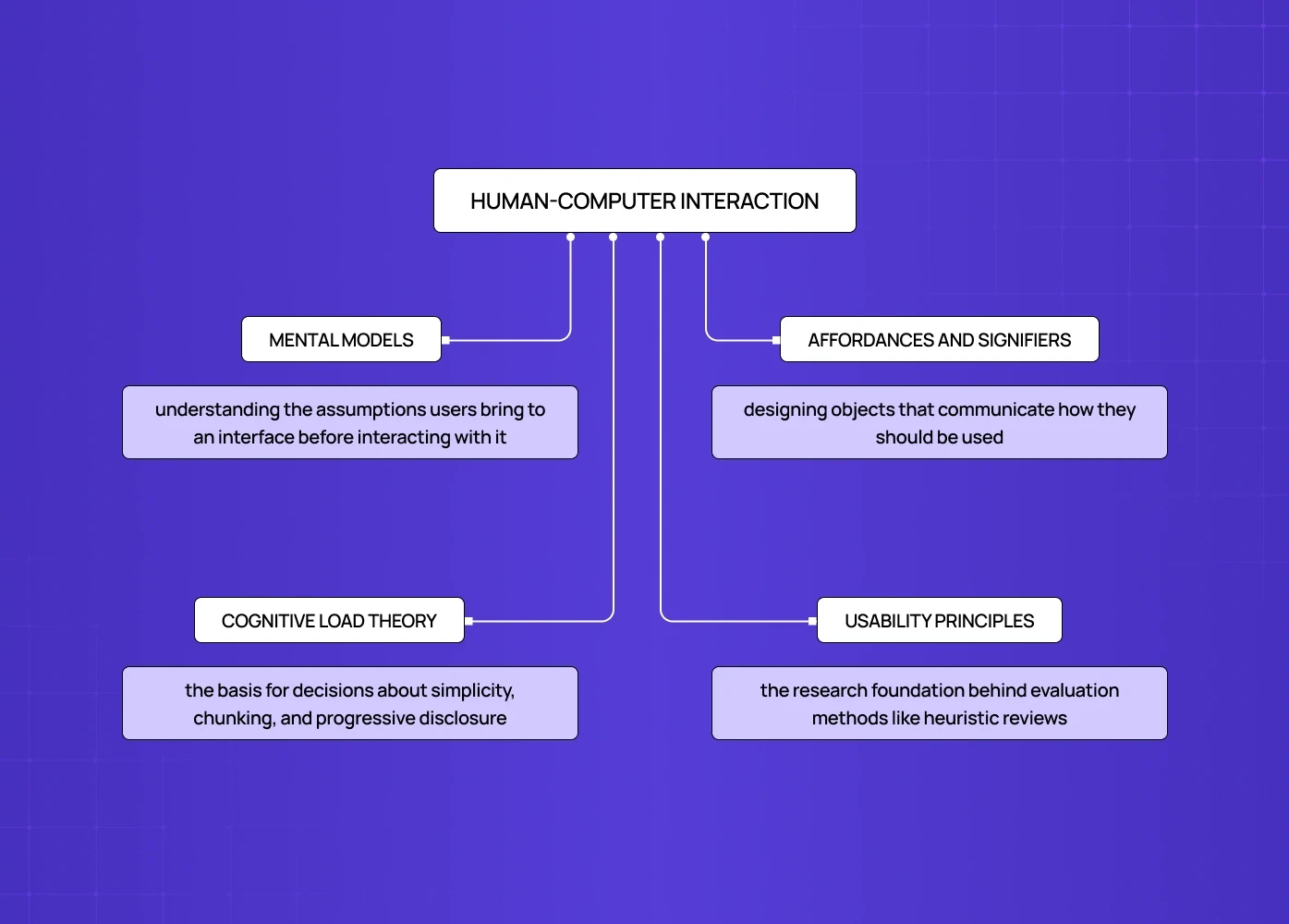
What HCI contributes to UX practice:
Mental models — understanding the assumptions users bring to an interface before interacting with it
Affordances and signifiers — designing objects that communicate how they should be used
Cognitive load theory — the basis for decisions about simplicity, chunking, and progressive disclosure
Usability principles — the research foundation behind evaluation methods like heuristic reviews. Running a structured usability check is how teams apply those HCI-grounded principles to a live interface rather than keeping them abstract.
For product teams, HCI matters most as a lens for evaluating design decisions: rather than asking "does this look right," it asks "does this align with how people process information?" — a question that extends naturally into speculative design in UX, which applies that same human-centred reasoning to anticipate how users might interact with experiences that don't yet exist.
9. UX Strategy: Connecting Design to Business Outcomes
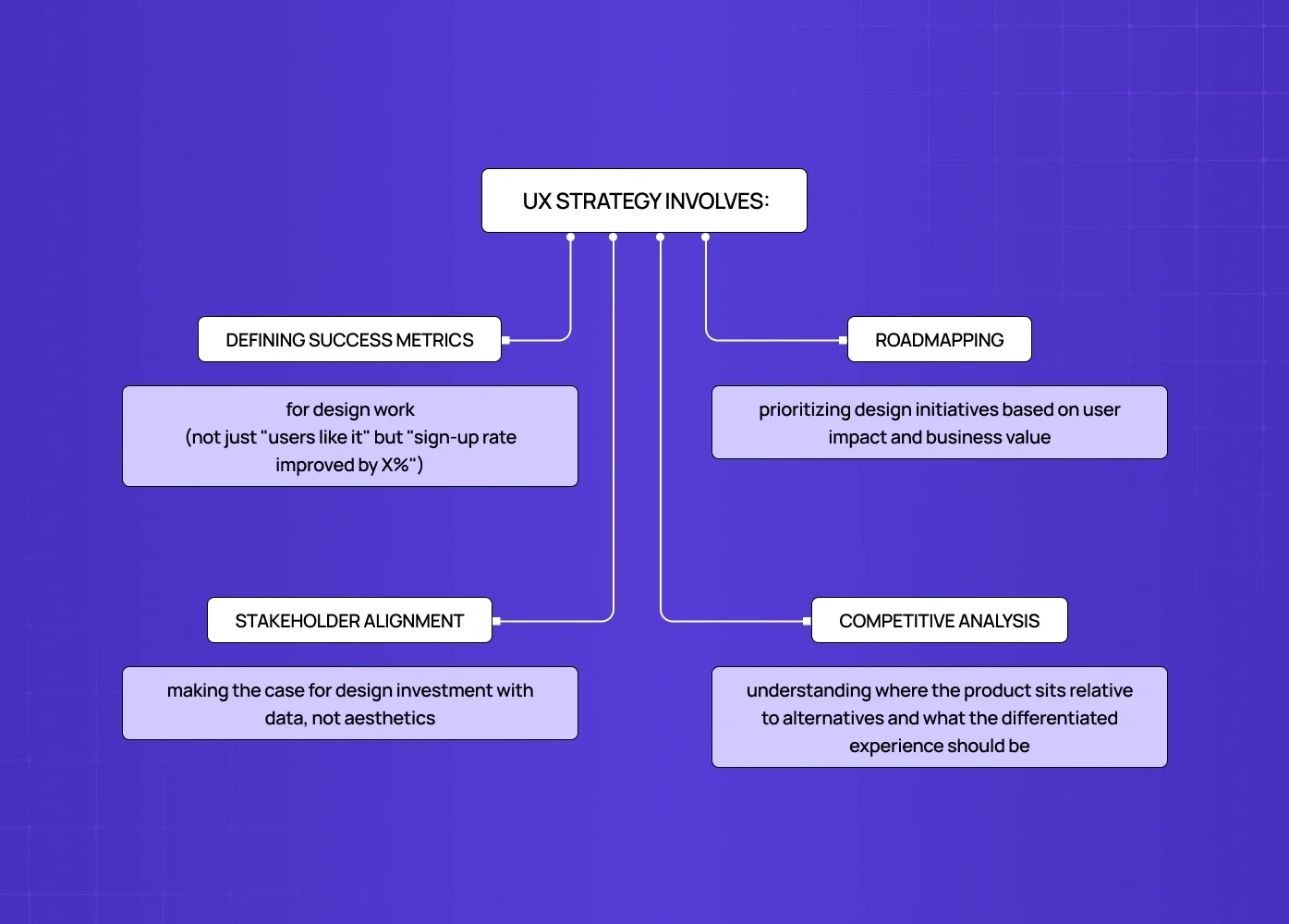
UX strategy is the discipline that sits at the intersection of design and business. It ensures that design decisions serve measurable outcomes — not just user satisfaction, but retention, conversion, and growth.
Without UX strategy, design teams build things that look good and test well in isolation but don't move the metrics that matter. With it, every design decision traces back to a business objective — the kind a project brief sets down before work begins.
What UX strategy involves:
Defining success metrics for design work (not just "users like it" but "sign-up rate improved by X%")
Roadmapping — prioritising design initiatives based on user impact and business value
Stakeholder alignment — making the case for design investment with data, not aesthetics
Competitive analysis — understanding where the product sits relative to alternatives and what the differentiated experience should be
At Groto, UX strategy is where every engagement starts. Before wireframes, before visual design, before anything gets built — we define what success looks like and design toward that. Leading with that kind of strategic groundwork, rather than screens, is also what builds a strategy-led UX portfolio that actually stands out.
10. Behavioral Psychology: Understanding Why Users Do What They Do
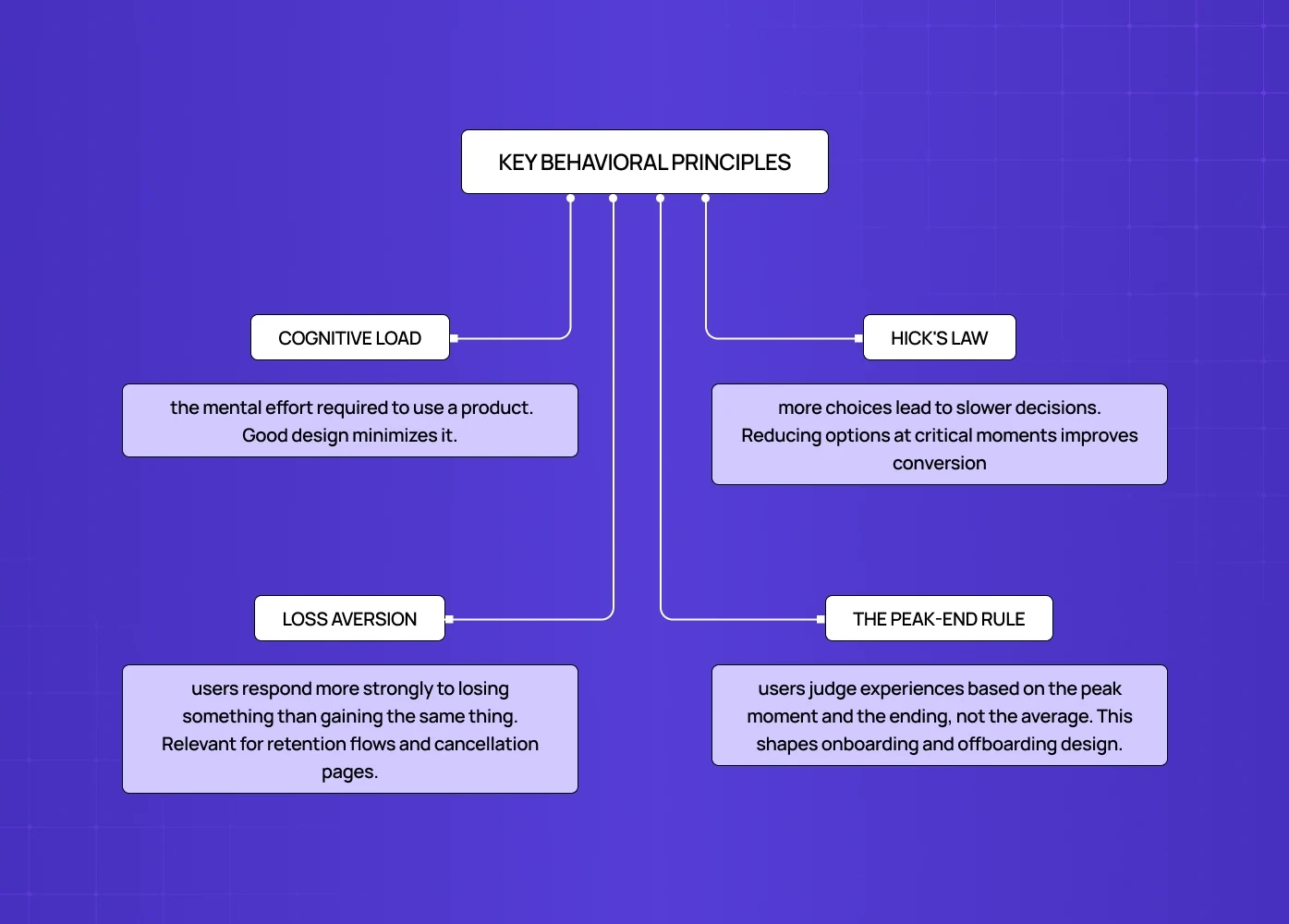
Behavioral psychology in UX is the discipline that applies insights from cognitive science to design decisions. It's the reason well-designed products feel intuitive: human-first design shapes them around how the human brain actually works, not how we assume it works.
Key behavioral principles applied in UX:
Cognitive load — the mental effort required to use a product. Good design minimises it.
Hick's Law — more choices lead to slower decisions. Reducing options at critical moments improves conversion.
Loss aversion — users respond more strongly to losing something than gaining the same thing. Relevant for retention flows and cancellation pages.
The peak-end rule — users judge experiences based on the peak moment and the ending, not the average. This shapes onboarding and offboarding design.
This isn't manipulation — it's design that respects how people actually think.
11. Service Design: The Experience Beyond the Screen
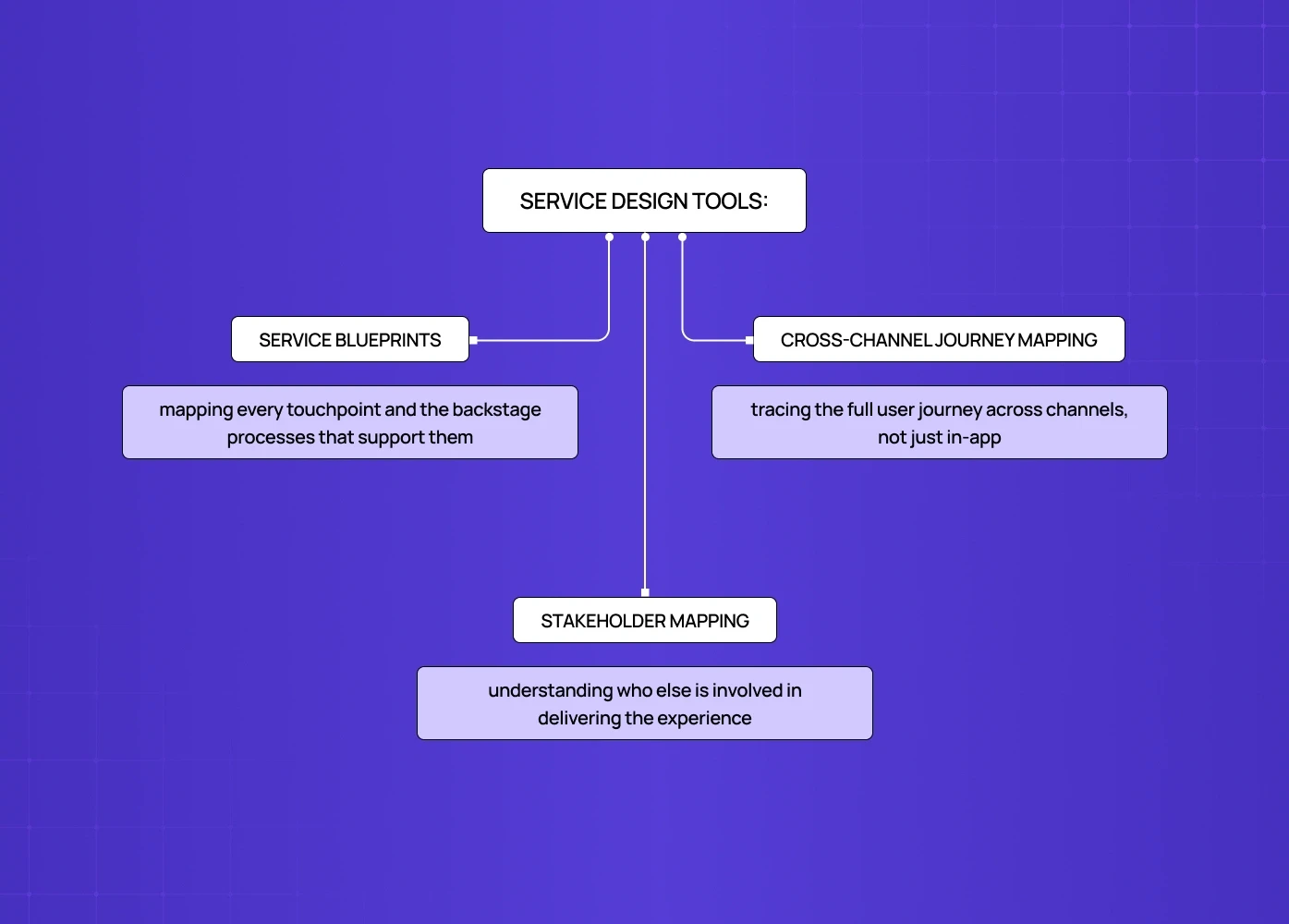
Service design is the discipline that zooms out from the digital interface to consider the entire user experience across every touchpoint — digital, physical, and human.
It's the difference between designing a banking app and designing the entire banking relationship: the app, the branch visit, the customer support call, the onboarding letter. All of it shapes how a user feels about the brand.
Service design tools:
Service blueprints — mapping every touchpoint and the backstage processes that support them
Cross-channel journey mapping — tracing the full user journey across channels, not just in-app
Stakeholder mapping — understanding who else is involved in delivering the experience
12. Data and Analytics: Validating Design with Evidence
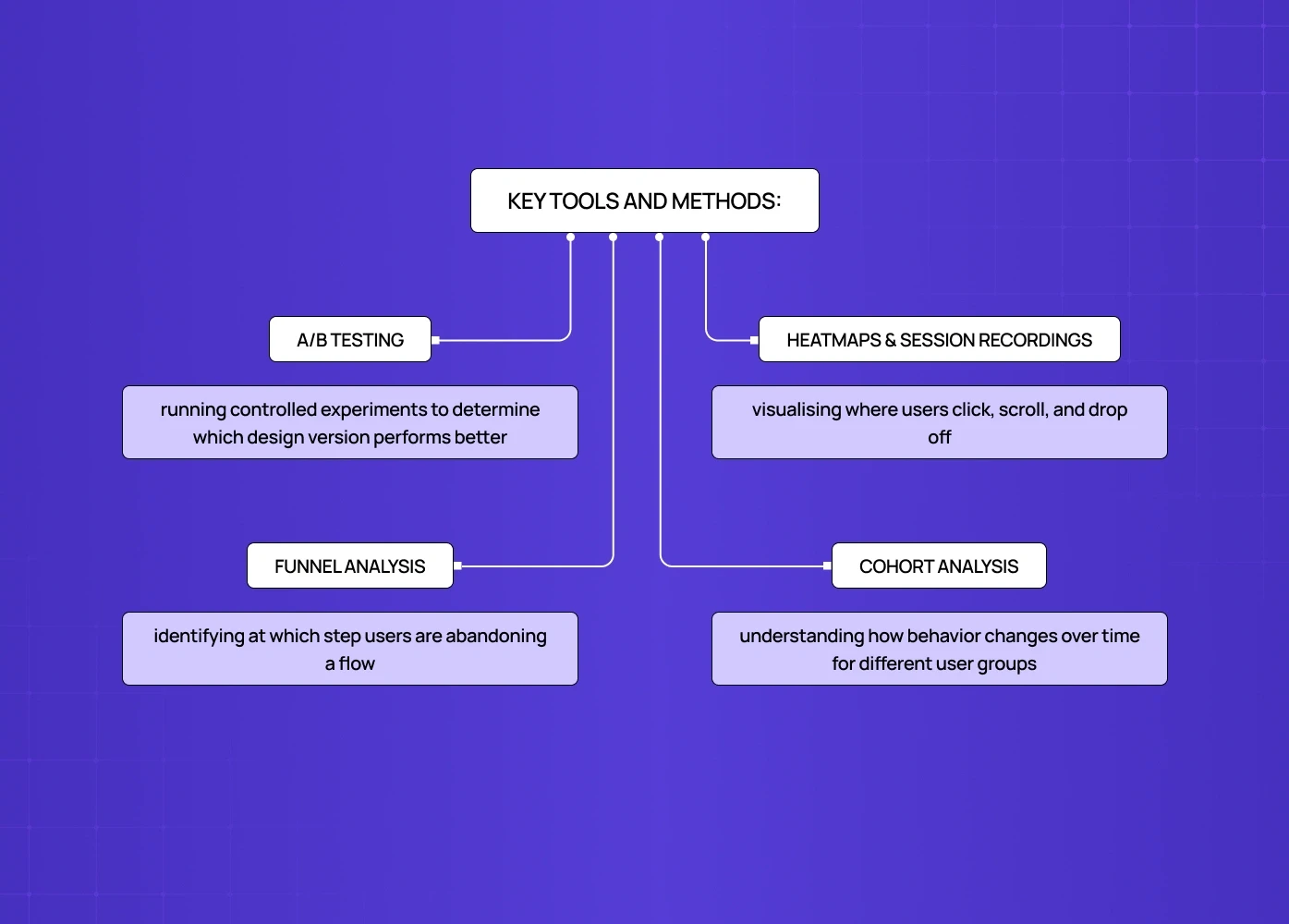
Data and analytics in UX is the discipline of using quantitative evidence to inform and validate design decisions. It closes the loop between what designers intend and what users actually do.
Key tools and methods:
A/B testing — running controlled experiments to determine which design version performs better
Heatmaps and session recordings — visualising where users click, scroll, and drop off
Funnel analysis — identifying at which step users are abandoning a flow
Cohort analysis — understanding how behaviour changes over time for different user groups
Across the SaaS and fintech products we've worked on, data analysis consistently surfaces the same finding: the place where users are dropping off is rarely where the team assumed. Design intuition points you in a direction. Data tells you whether you got there.
How UX Disciplines Work Together
These disciplines aren't a sequence — they're an ecosystem, each one reinforcing the others. To see how they map onto a structured workflow from brief to launch, how disciplines map across the design process shows where each discipline enters and exits across all eight stages.
UX research informs information architecture, which informs interaction design, which informs visual design
UX strategy defines success metrics that data and analytics later measure
Accessibility touches every other discipline — it's not a separate phase, it's a constraint that applies from day one
Behavioral psychology underpins decisions made in interaction design, content design, and visual design simultaneously
The teams that produce the best work don't treat these as siloed specialisms that hand off to each other. They treat them as lenses — multiple ways of looking at the same problem, applied together, which is the integrative, human-centered core of design thinking as a discipline.
At Groto, our designers don't specialise in one UX discipline and ignore the rest. We bring UX research, IA, interaction design, and visual design into every engagement — because we've seen enough products fail from gaps in a single discipline to know that skipping any of them is a gamble not worth taking. Our clients have collectively raised $8M+ post-redesign, and the work that drives those outcomes spans every UX discipline on this list.
Conclusion: Which UX Discipline Matters Most?
None of them. All of them.
The discipline that matters most is the one currently missing from your product — and the discipline that helps you identify which one that is, and how to prioritise fixing it, is UX strategy. What UX strategy is and how it ties disciplines together shows how to build the connective framework that turns individual disciplines into a coherent, outcome-driven product experience. If your product doesn't meet basic accessibility standards, you're excluding a meaningful percentage of your potential users.
Understanding UX disciplines isn't just useful for designers. It's useful for founders making hiring decisions, product leaders prioritising roadmaps, and anyone commissioning design work who wants to know what they're actually paying for.
Want to see how these disciplines play out across real products? Explore our work to see how we've applied them across SaaS, fintech, edtech, and healthtech.