
Framer and Webflow are top no-code website builders, but their strengths differ. This comparison breaks down performance, SEO, UX flexibility, and conversion potential so you can choose the right platform for your SaaS or product site.
Framer and Webflow both build sites — but which converts better?
Building a site that converts isn’t just about how it looks — it’s about how it performs, how fast it ranks, and how seamlessly it turns users into leads or customers.
This is the same performance-first thinking we apply when delivering conversion-focused UX design services for SaaS products, where design decisions are measured by outcomes, not aesthetics.
For SaaS and B2B teams, this same performance-first thinking applies across the entire product experience — not just marketing pages, but also core SaaS product design decisions.
Today, two no-code SaaS website builder leaders dominate the conversation: Framer and Webflow.
In this comparison, we dig into Framer vs Webflow from the lens of:
performance and SEO,
ease of building high-conversion pages,
scalability,
UX flexibility,
and what types of products or teams benefit most.
This isn’t generic tool talk — it’s practical guidance for founders, product leads, and growth teams looking for the best no-code app builder or SaaS website builder for real business results.
Framer vs Webflow: Quick Summary
Criteria | Framer | Webflow |
Ease of use | Visual, intuitive, ideal for prototypes and rapid iteration | Visual but steeper learning curve |
SEO | Strong, but requires manual meta work | Sophisticated SEO controls built in |
Best for | SaaS landing pages, interactive experiences | Complex sites, content-heavy brands |
CMS | Basic | Robust native CMS |
Speed to launch | Fast | Moderate |
Responsive design | Automatic + intuitive controls | Comprehensive device breakpoints |
Conversion optimization | Simple forms, integrations | Native interactions + advanced integrations |
What Are Framer and Webflow?
Framer began as a prototyping tool and evolved into a fully capable site builder with strong animation and design controls — part of a broader shift toward no-code app-building platforms. Its philosophy is design-first, giving teams pixel-perfect layouts with interactive motion.
Webflow is a visual web builder that generates clean, semantic code — great for SEO — and includes a powerful CMS and hosting platform, an alternative to getting code straight from Figma when your team designs there first. It balances visual freedom with developer-friendly output.
Both are considered leading no-code builders for teams that want professional results without writing code — and for teams also evaluating where their core UI design work happens, comparing leading UI design tools breaks down Figma, Sketch, and Adobe XD across the same practical dimensions: collaboration, prototyping, and handoff.
1. Design Freedom and UX Flexibility
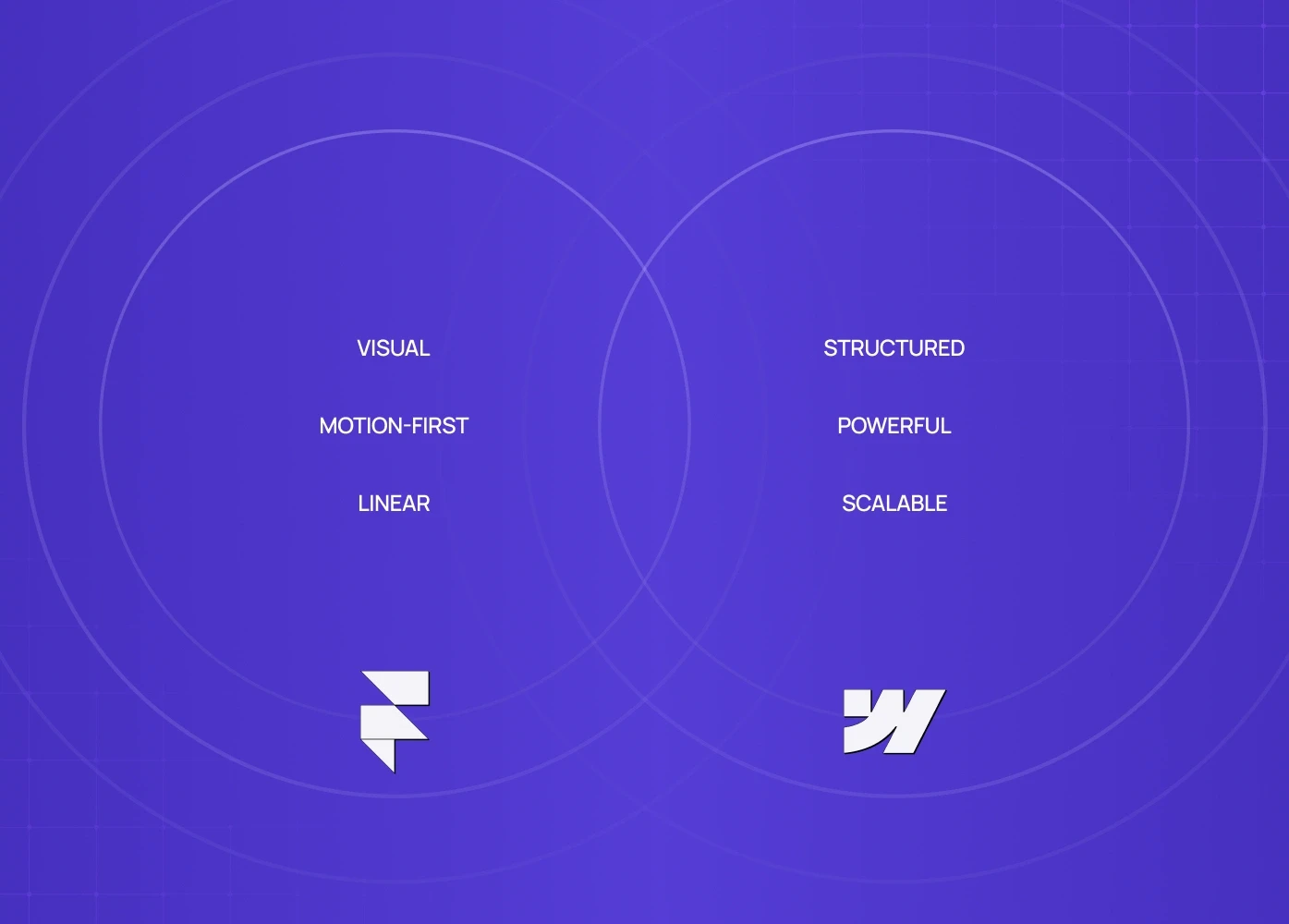
Framer — Visual, Linear, Motion-First
Framer's interface feels almost like a design tool — think Figma with interactions built in. If you're mapping out your full design stack beyond just the site builder, UX and design tool recommendations covers the broader set of research, wireframing, and prototyping tools that typically sit alongside Framer or Webflow in a complete workflow.
This makes Framer for SaaS landing pages particularly appealing: dynamic home screens, animated CTAs, and smooth transitions can improve engagement and reduce drop-off.
When this matters:
If your conversion goal depends on telling a story through motion (e.g., product tours, interactive hero sections), Framer makes animations easy without code.
Webflow — Structured, Powerful, Scalable
Webflow's strength is in structural flexibility, enabling you to define styles, classes, and global components in a systemized way — the platform equivalent of unified design and build, where design and code live in one place instead of two.
Reusable symbols, custom breakpoints, precise CSS control, and native forms and logic — this structural depth means Webflow often produces a more consistent SaaS UI design and less layout drift across screens. For teams who want to understand how those breakpoint and layout decisions translate into production, responsive web design across devices covers the technical and design standards that determine whether a site built in Webflow performs as intended on every screen size.
When this matters:
If your conversion goal depends on telling a story through motion — product tours, interactive hero sections, animated CTAs — Framer makes that easy without code. Once you've nailed the interaction layer, landing page elements that improve signups gives you the full structural checklist of what every high-converting SaaS page needs beyond motion.
2. SEO Comparison: Framer SEO vs Webflow SEO
SEO isn’t a “nice to have” — it’s a conversion engine. Without search visibility, even the best design doesn’t get seen by prospects.
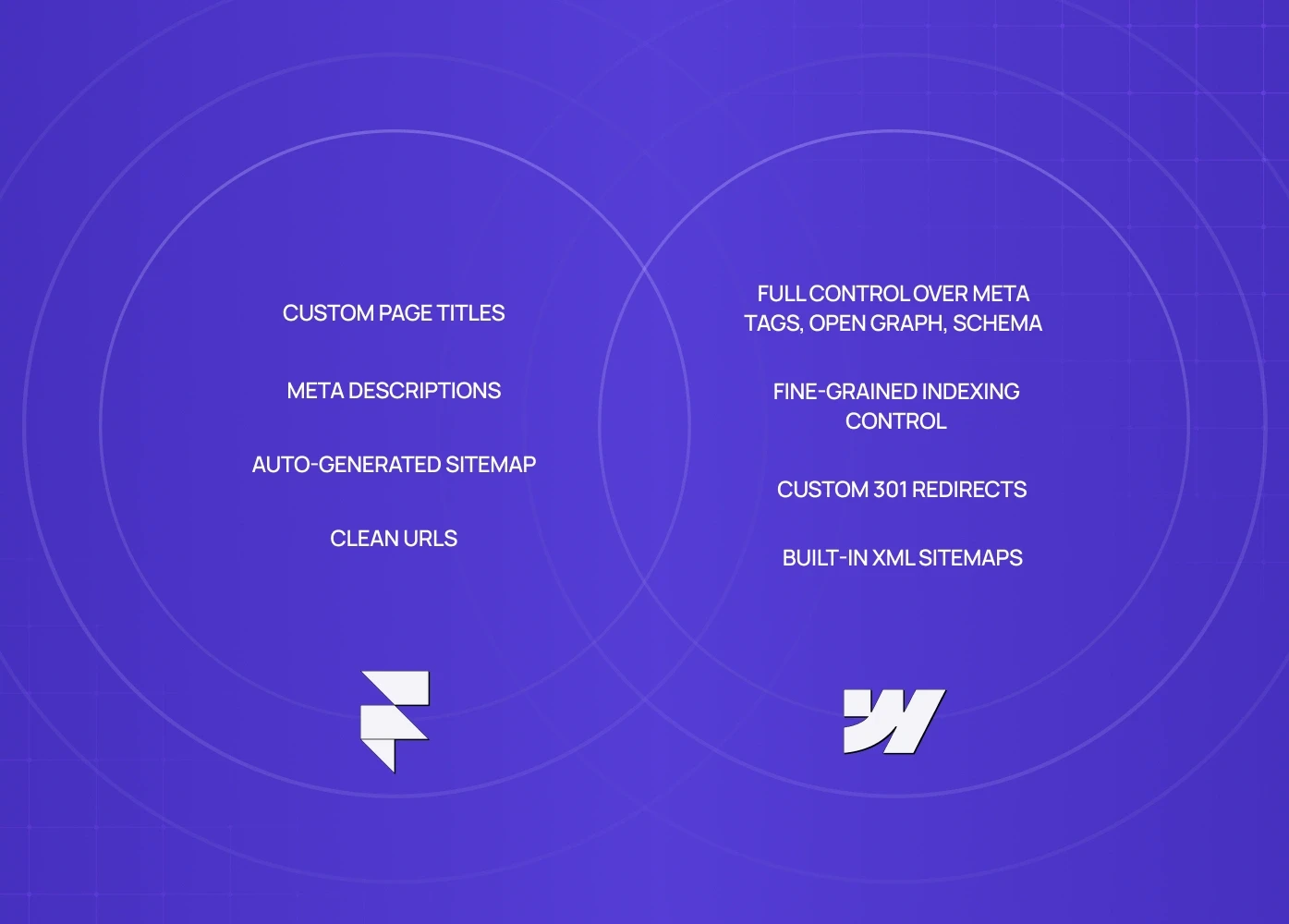
Framer SEO Capabilities
Framer supports basic SEO essentials:
Custom page titles and meta descriptions
Auto-generated sitemap
Clean URLs
But advanced SEO workflows are limited; you often need to manually adjust structured data or analytics setups.
Best for: Simple landing pages or one-page funnels where speed and visuals matter more than deep content SEO.
Webflow SEO Advantages
Webflow excels here:
Full control over meta tags, Open Graph, schema
Custom 301 redirects
Built-in XML sitemaps
Fine-grained indexing control
This makes Webflow highly effective for conversion optimization through search — especially when your audience is finding you via Google for commercial intent keywords.
Plus: Webflow’s clean, semantic code helps performance — a known ranking signal for SEO and for conversion (fast sites convert better).
3. CMS and Content Strategy
Framer
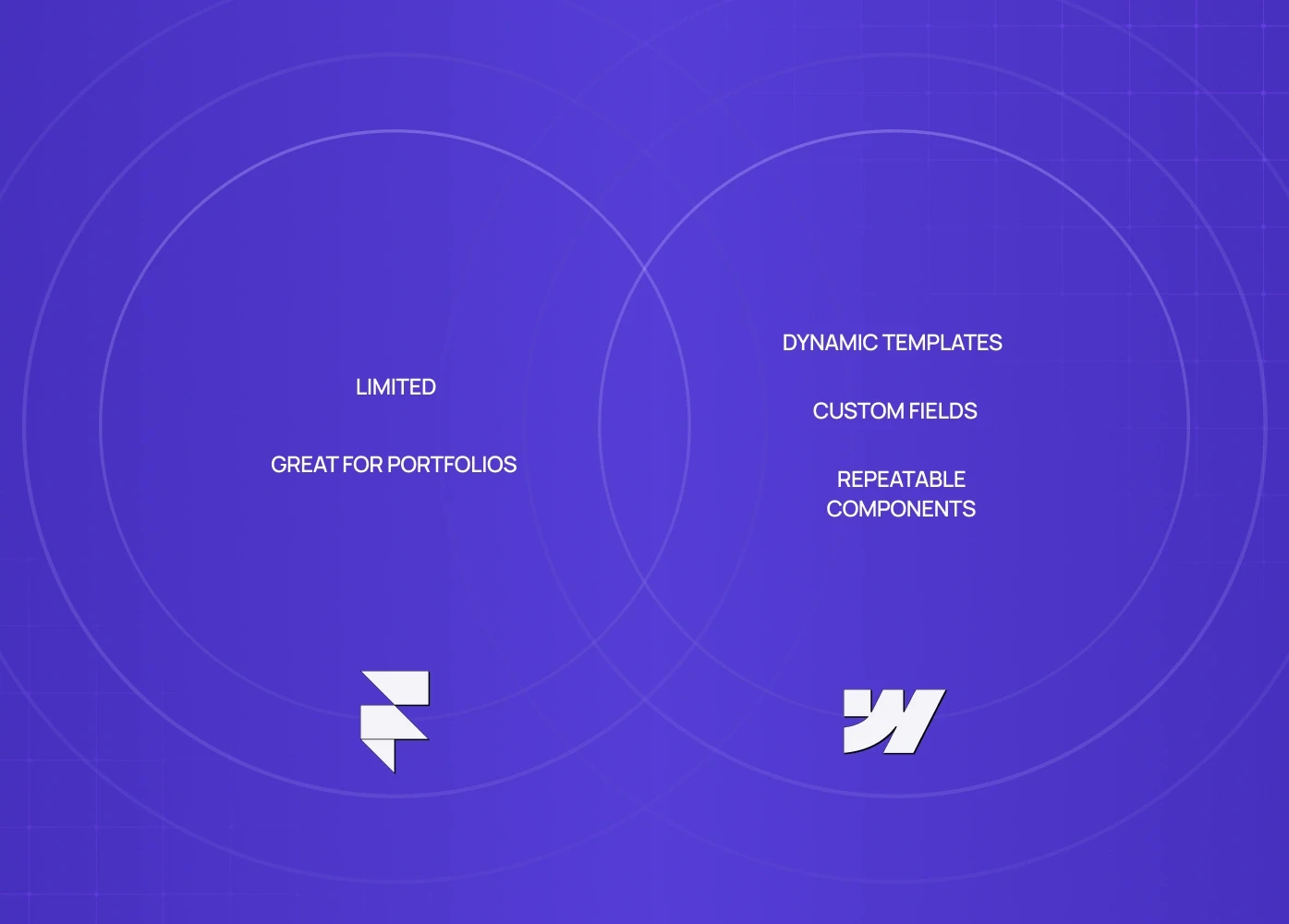
Framer’s CMS is straightforward but limited. Great for portfolios or simple content collections.
Webflow
Webflow has one of the most mature no-code CMS systems:
Dynamic templates
Custom fields
Repeatable components
This matters if your goal is increase website sales through content marketing or organic traffic growth — Webflow plays well with blogs, resource hubs, and evolving page libraries.
4. Integration and Scalability
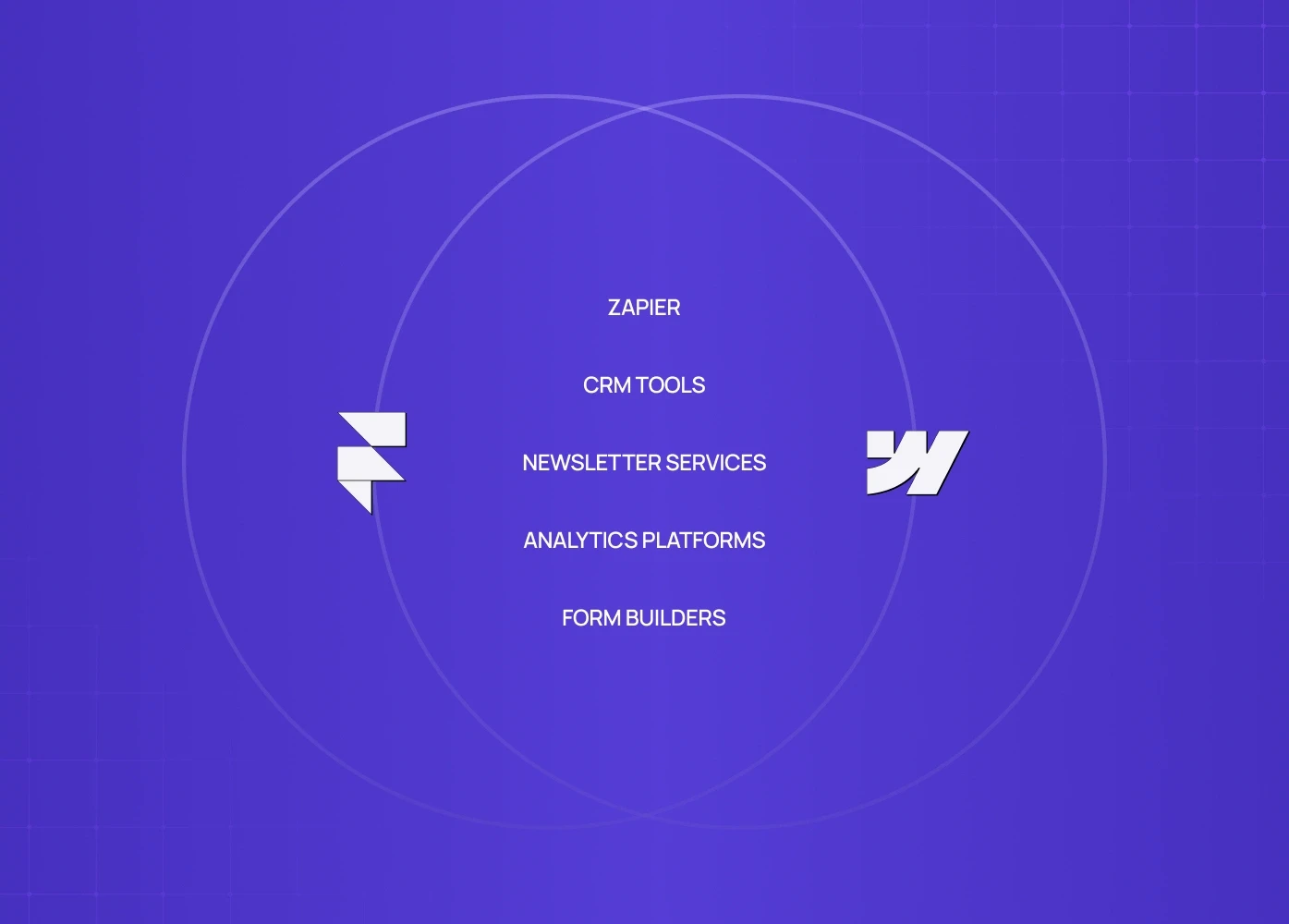
Both platforms integrate with:
Zapier
CRM tools
Newsletter services
Analytics platforms
Form builders
But Webflow’s ecosystem is broader, with more plugins and flexibility in how you structure your conversion journeys.
Framer integrates easily but is still growing in third-party support — and for teams evaluating what that integration depth enables in practice, interactive site examples shows what Framer-built experiences can achieve at their ceiling when integrations and motion are used together intentionally.
5. Performance and Conversion Optimization
Speed
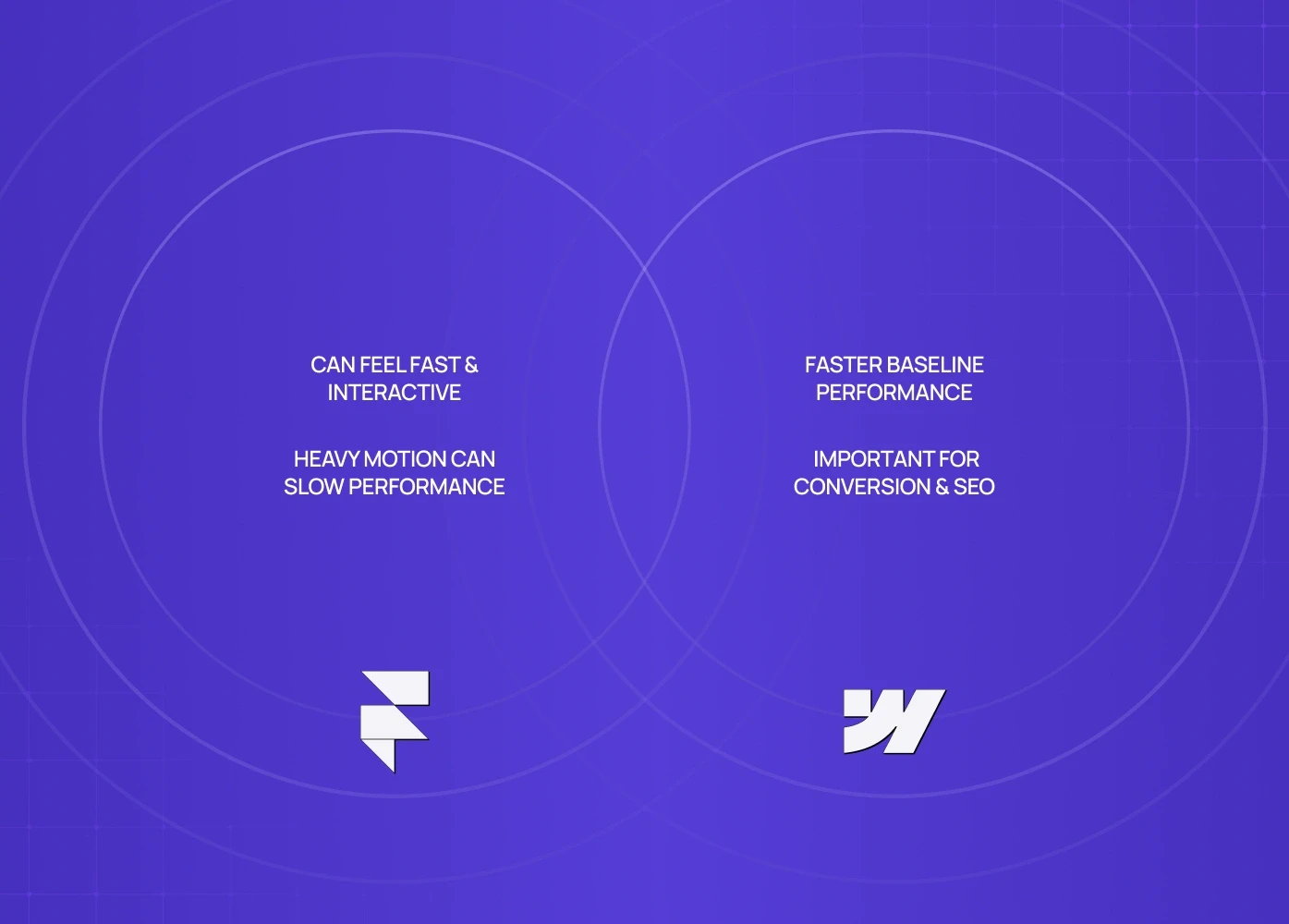
Framer’s sites can feel fast and interactive, but heavy motion can slow perceived performance if not optimized.
Webflow’s clean code and global class system often yield faster baseline performance — important for conversion and SEO.
Why this matters:
A 1-second improvement in load time can increase conversions by up to 7% — especially on mobile. But platform choice is just one piece of the conversion puzzle, and tactics to lift conversion rate on your site covers the copy, layout, and UX changes that compound on top of a fast, well-built foundation.
6. Best Use Cases (and Who Wins)
Scenario | Best Choice |
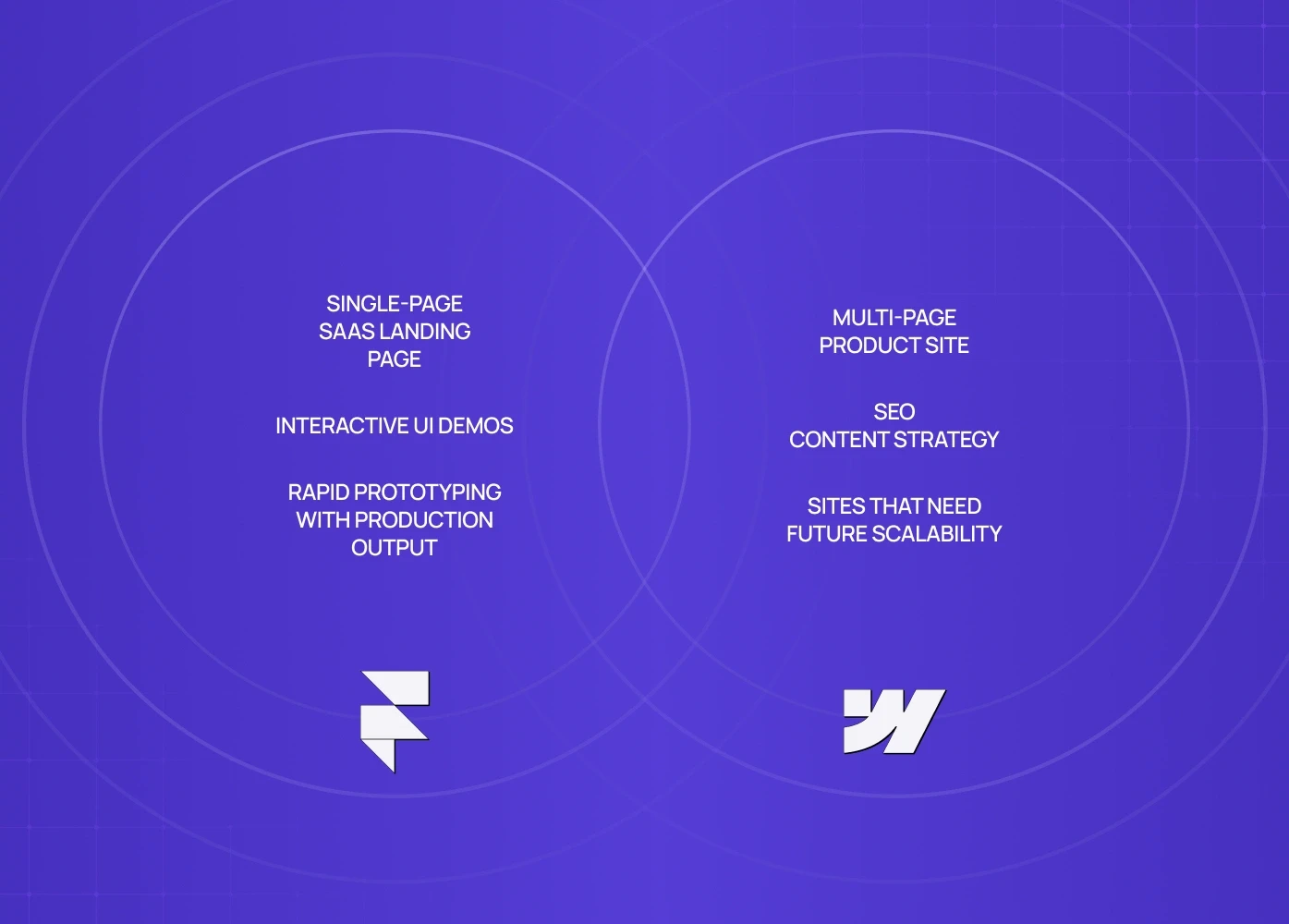
Single-page SaaS landing page | Framer |
Multi-page product site | Webflow |
SEO content strategy | Webflow |
Interactive UI demos | Framer |
Sites that need future scalability | Webflow |
Rapid prototyping with production output | Framer |
Framer vs Webflow: Final Recommendation
Choose Framer if:
You need visually impressive, interactive experiences
Your site is a landing page or product promo
You want rapid iteration without code — or you're working with a no-code website design agency that specialises in Framer-built experiences and can deliver a production-ready site faster than an in-house build.
Motion and micro-interactions are part of your conversion strategy
Choose Webflow if:
You need a scalable CMS, SEO power, and content growth
Your business relies on organic traffic (blogs, guides, resources)
Your site will grow beyond a single or few pages
You want a balance of design freedom and structured design logic
Both are excellent no-code tools, but your choice should align with your business model — not just designer preferences. Before either, though, it's worth settling the build or hire question of whether to DIY at all.
Conclusion
Both Framer and Webflow are powerful website builder tools that unlock visual design without code.
As products mature, this decision often shifts from tools to architecture — especially when responsive sites start struggling with complex flows, performance, and scalability. No-code vs custom-built site architecture addresses exactly that crossover point, helping scaling teams decide when to move beyond Framer or Webflow into a fully custom frontend build.
Your choice hinges on strategy, not just features.
If your priority is rapid, interactive, conversion-focused landing pages, Framer delivers with minimal friction.
If your priority is scalable content, SEO strength, and future-proof growth, Webflow wins.
In the Framer vs Webflow debate, there is no one-size-fits-all — but there is a right choice for your product, your audience, and your conversion goals.
Make that choice strategically — and you’ll build not just a website, but a conversion engine.
FAQ
1. Is Webflow better for SEO than Framer?
Webflow has more advanced SEO controls — structured tags, global redirects, and CMS metadata — which makes it stronger for organic traffic and conversion optimization if search visibility is a goal.
2. Can I build a SaaS website entirely in Framer?
Yes. Framer is great for one-page or small SaaS websites where visual storytelling and motion support conversion goals. But if you expect future content growth or complex workflows, Webflow scales better.
3. Which platform loads faster?
Webflow tends to produce faster sites because of clean semantic code and fewer heavy interactions by default. Framer’s animations can be optimized, but need careful asset management.
4. Do both tools support forms and lead capture?
Yes. Both support forms and webhook integrations for lead capture. Webflow’s form logic is more robust for multi-step flows or complex data handling.
5. What’s the learning curve for each?
Framer’s visual focus makes it easier for beginners to get a high-fidelity prototype live. Webflow has more concepts (classes, CMS, breakpoints), which takes longer to master but gives more control long term.
6 . Do you offer professional web design services in multiple cities?
Yes. Groto provides professional web design services across multiple locations, including Web Design Services in New Jersey | Web Design Services in New Orleans | Web Design Services in New York City | Web Design Services in New York | Web Design Services in Norfolk | Web Design Services in Orlando | Web Design Services in Philadelphia | Web Design Services in Pittsburgh | Web Design Services in Raleigh