
Most people describe Midjourney as an AI image generator and leave it there. That undersells what it actually does. This guide breaks down how it works, what it's genuinely useful for, and what it doesn't — and can't — replace in a creative workflow.
Type a sentence. Get an image. What happens in between is the interesting part.
Type a sentence. Get an image. That's the premise — but the gap between that description and what Midjourney actually produces is where things get interesting.
What is Midjourney in plain terms: it's an AI image generator that converts text descriptions into images. But calling it that undersells what it actually does. It doesn't just generate images. It interprets aesthetic intent, applies compositional logic, reads artistic references, and produces outputs that often surprise the people who prompted them.
For designers, founders, creative directors, and anyone building visual products in 2026, understanding what Midjourney is and how it works isn't optional knowledge anymore. It's professional literacy.
What Is Midjourney, Exactly?
Midjourney is an independent AI research lab and the tool it produces by the same name. It was founded by David Holz — previously co-founder of Leap Motion — and the lab operates with a notably small team for the scale of what it's built.
Unlike tools developed inside large tech companies, Midjourney operates independently and has consistently prioritised image quality and aesthetic range over technical documentation or enterprise features — and if you want to see how it sits within the AI web design tools landscape more broadly, that breakdown covers the full range of AI tools shaping design workflows in 2026.That independence shows in the output — Midjourney images have a visual character that most competing tools haven't matched.
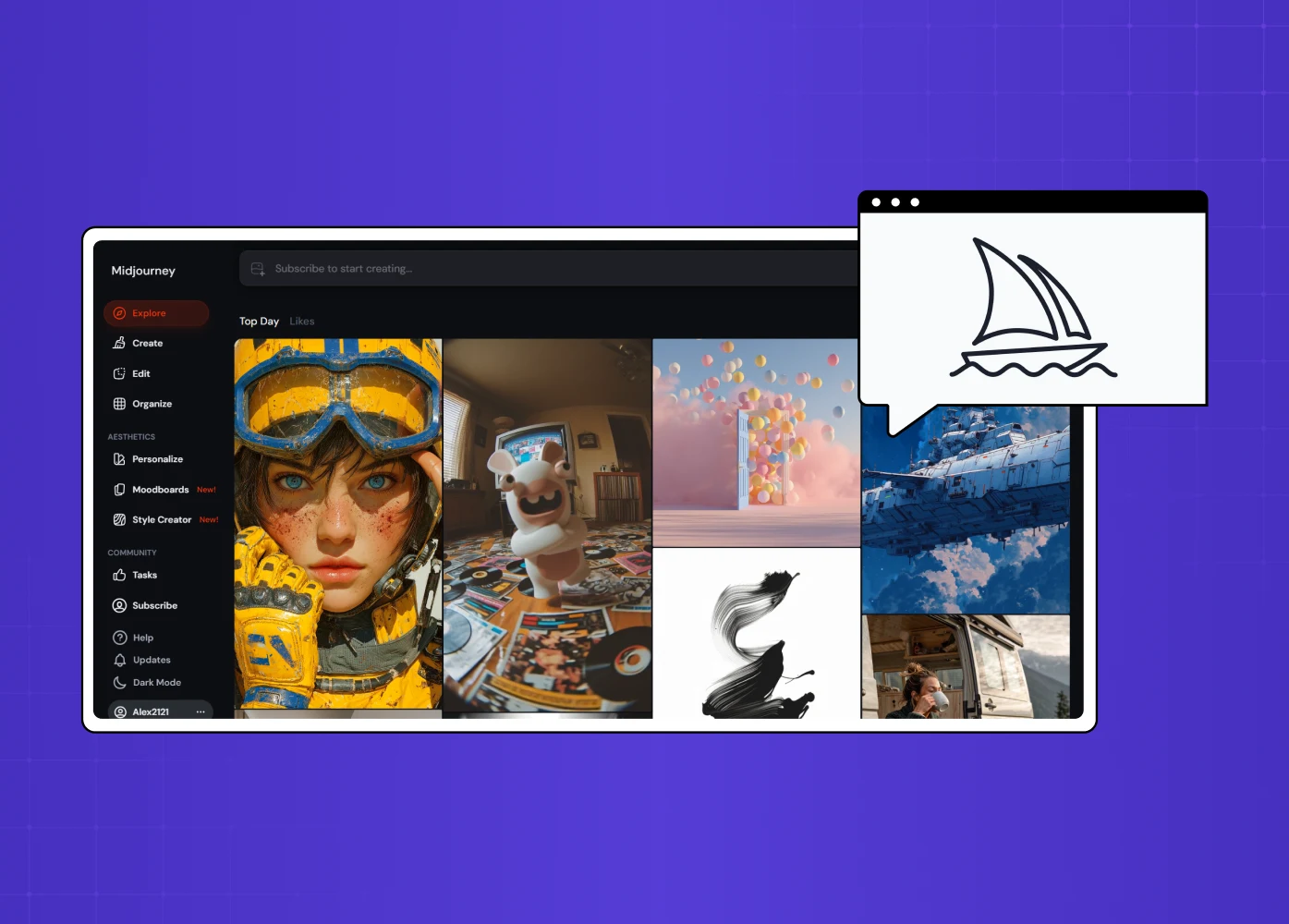
The tool is accessible via a web interface at midjourney.com, and historically via a Discord bot on the official Midjourney Discord server. Most users now work through the web interface, which offers more controls and a cleaner workflow than the original Discord commands.
How Does Midjourney Work?
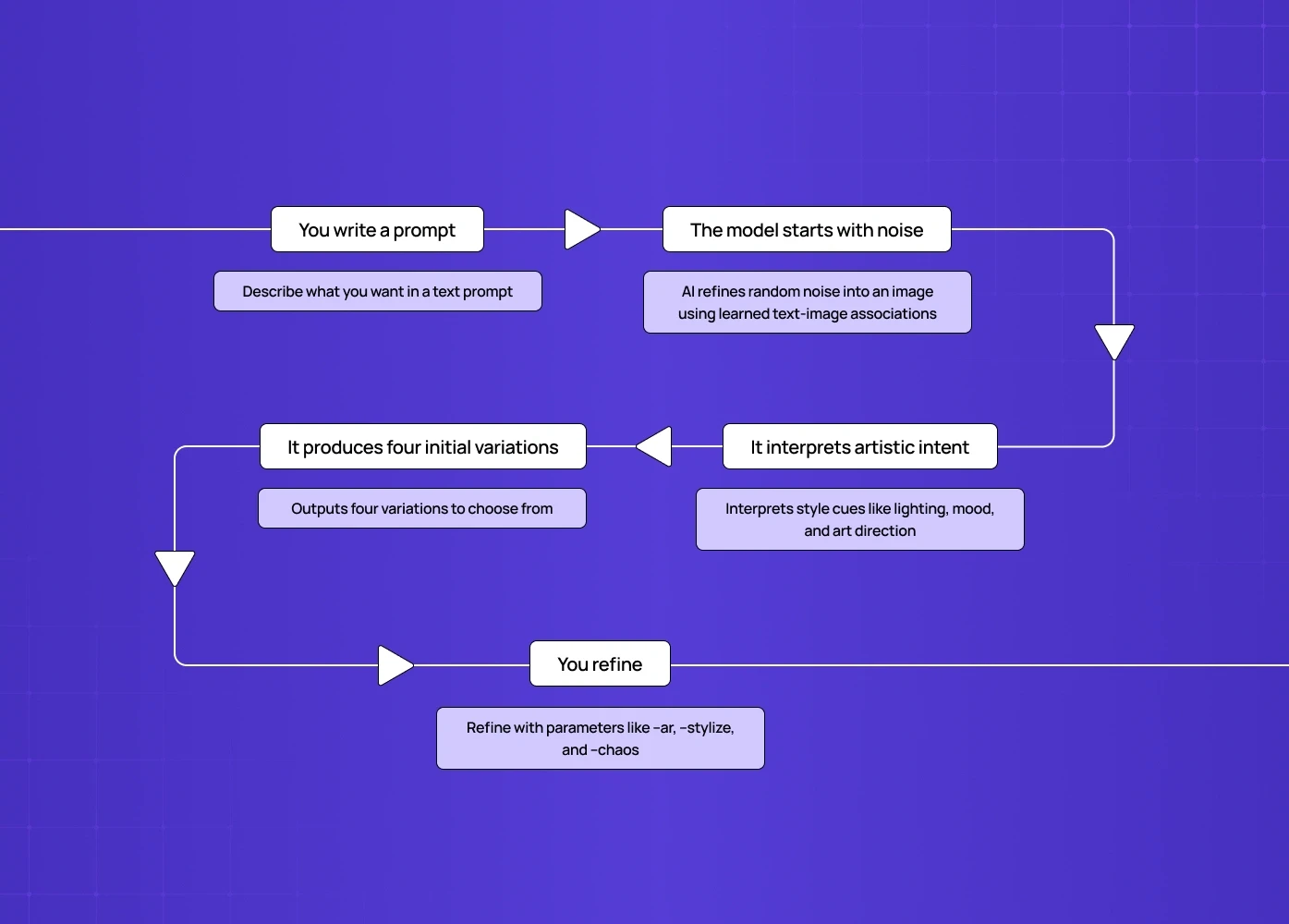
Midjourney runs on a diffusion-based generative model. Here's what that means in practice:
1. You write a prompt Using the /imagine command (on Discord) or the prompt field on the web interface, you describe what you want in natural language. The more specific and considered the prompt, the more directed the output.
2. The model starts with noise The AI begins with random visual noise and progressively refines it, guided by your text description. It's trained on billions of text-image pairs, which means it's learned to associate words, moods, art styles, lighting conditions, and compositions with visual patterns.
3. It interprets artistic intent This is what separates Midjourney from more literal tools. It reads style cues — "cinematic lighting," "brutalist architecture," "in the style of a 1970s editorial photograph" — and applies them with a level of aesthetic coherence that feels closer to creative interpretation than mechanical image retrieval.
4. It produces four initial variations The first output is always four image options, not one. You can upscale your preferred version, generate variations, edit specific regions, or remix the prompt entirely.
5. You refine Parameters like --ar (aspect ratio), --stylize (how much creative freedom the model takes), and --chaos (variation between outputs) give you precision controls beyond the prompt itself.
Key Features Worth Knowing
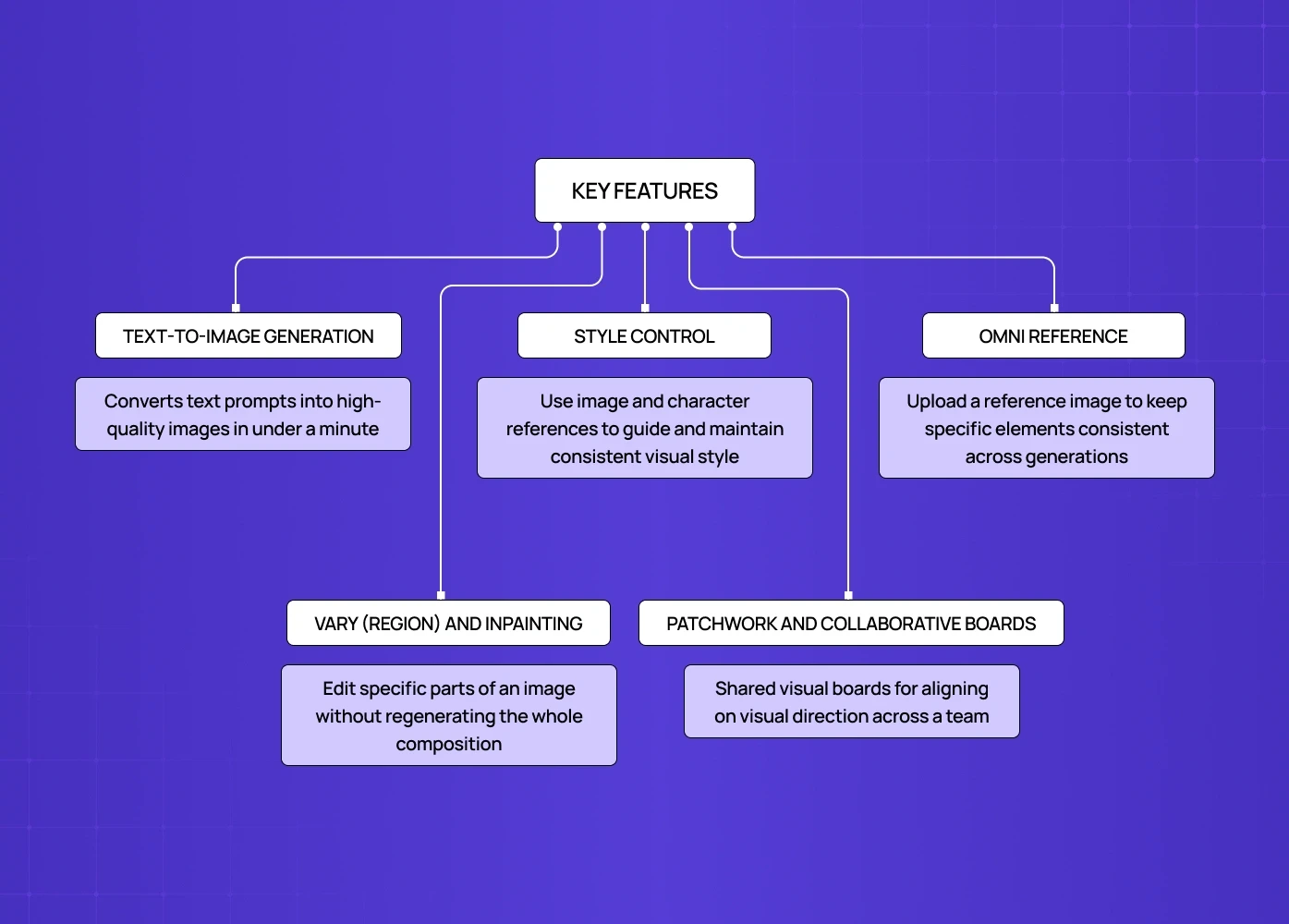
Text-to-Image Generation
Converts natural language descriptions into Midjourney images in under a minute
Excels at editorial, cinematic, surreal, and concept-art styles
Consistently outperforms most AI image generator alternatives on aesthetic quality and artistic range
Style Control
Reference existing images to guide visual style across generations
Use character references to maintain consistency within a project
Fine-tune outputs with parameters governing creativity, resolution, and variation
Omni Reference
Upload a reference image to control how specific elements — a face, object, or texture — appear consistently
Adjust influence weights to balance fidelity to the reference with creative variation
Useful for building characters or maintaining visual coherence across a series
Vary (Region) and Inpainting
Edit specific parts of a generated image without regenerating the whole composition
Fix details, swap elements, or extend compositions with surgical precision
This is what moved Midjourney from a generation tool into something closer to a production tool
Patchwork and Collaborative Boards
Shared visual boards for teams working on Midjourney as part of a collaborative workflow
More relevant for creative teams than individual users
Useful for aligning on visual direction without leaving the tool
What Midjourney Images Are Actually Good For
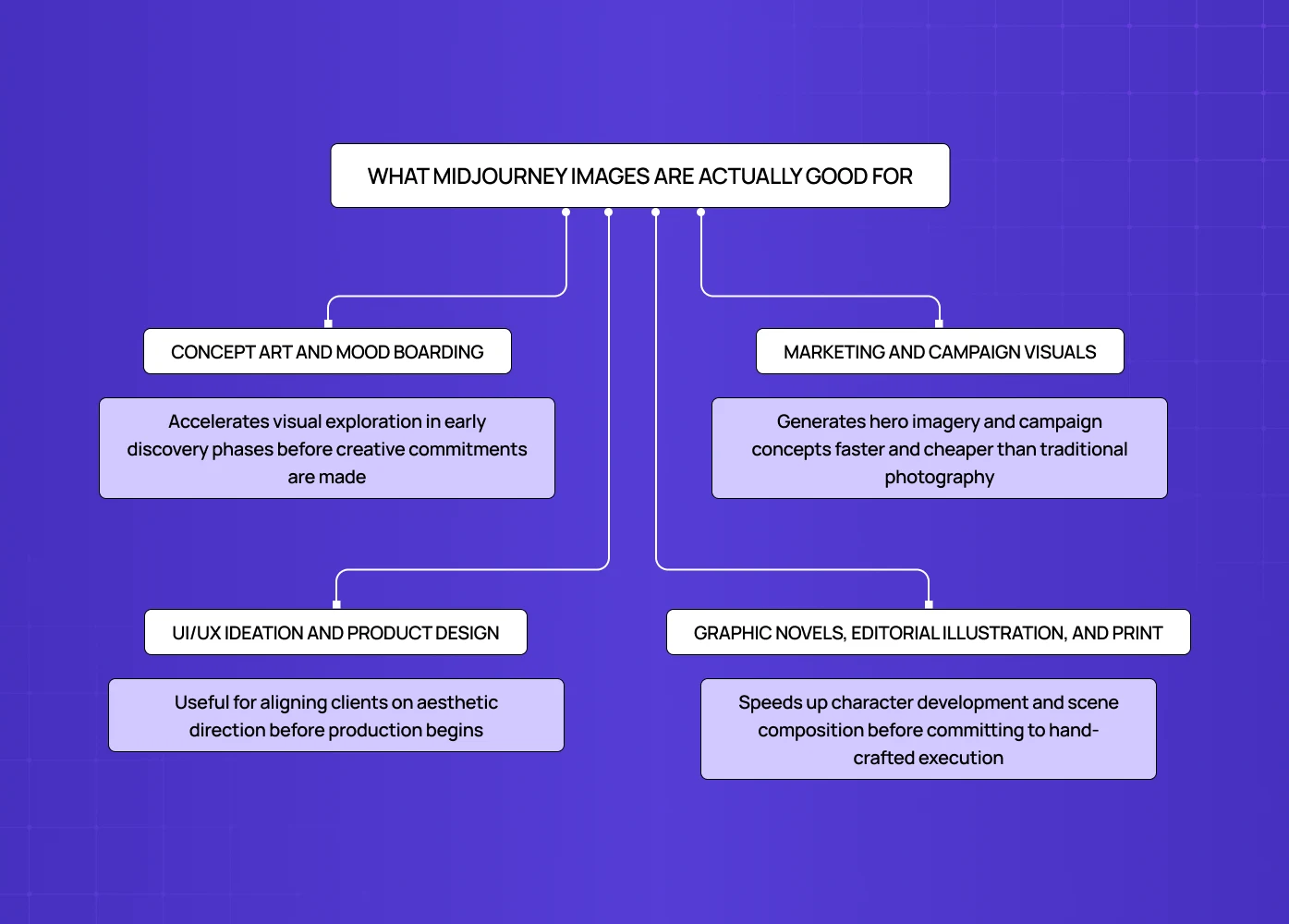
The range is wider than most people initially expect.
Concept art and mood boarding
This is where Midjourney changes creative workflows most significantly — and how AI is reshaping UI/UX design covers the full scope of that transformation across research, prototyping, testing, and delivery
We use it at Groto in early discovery phases — not to replace design thinking, but to externalise visual ideas faster than sketching allows
Doesn't replace creative direction — accelerates the exploration phase before commitments are made
Marketing and campaign visuals
Generates hero imagery, social content, and campaign concepts at a speed and cost traditional photography or illustration can't match
The output requires human art direction, but the generation handles the heavy lifting — a speed advantage that extends into data visualization production too, where AI-assisted ideation can rough out visual concepts for a chart or infographic before a designer refines the final accuracy.
Particularly useful for testing visual concepts before committing to production budgets
UI/UX ideation and product design
Midjourney is just one of the AI tools designers use in production today, alongside tools for research synthesis, component generation, and handoff automation
In our SaaS and app design work, it's become standard for aligning clients on aesthetic direction before production begins — where an AI app builder can turn that direction into a working prototype.
Graphic novels, editorial illustration, and print
Used for character development, scene composition, and visual world-building
The tool doesn't replace illustration skills — it augments them
Strong for rapid prototyping of visual styles before committing to hand-crafted execution, including exploring contour-based illustration directions before an illustrator commits to a final line-weight and stroke approach by hand.
How to Use Midjourney: Access and Pricing
How to access it?
Midjourney is available at midjourney.com. New users can sign up and access the web interface directly. The Discord bot remains an option, but the web interface is the primary experience for most users in 2026.
Is Midjourney free?
There is no permanent free tier. Midjourney has occasionally offered limited free trials, but the tool currently requires a paid subscription to use. This is a common point of friction for new users — most competing AI image generators offer at least some free access.
How much is Midjourney?
Pricing tiers as of 2026:
Basic: ~$10/month — limited image generation (200 images/month)
Standard: ~$30/month — more generations, general commercial use
Pro: ~$60/month — unlimited relaxed generations, stealth mode for private work
Mega: ~$120/month — maximum generation capacity
All paid plans include commercial usage rights for generated images.
Midjourney vs. the Alternatives
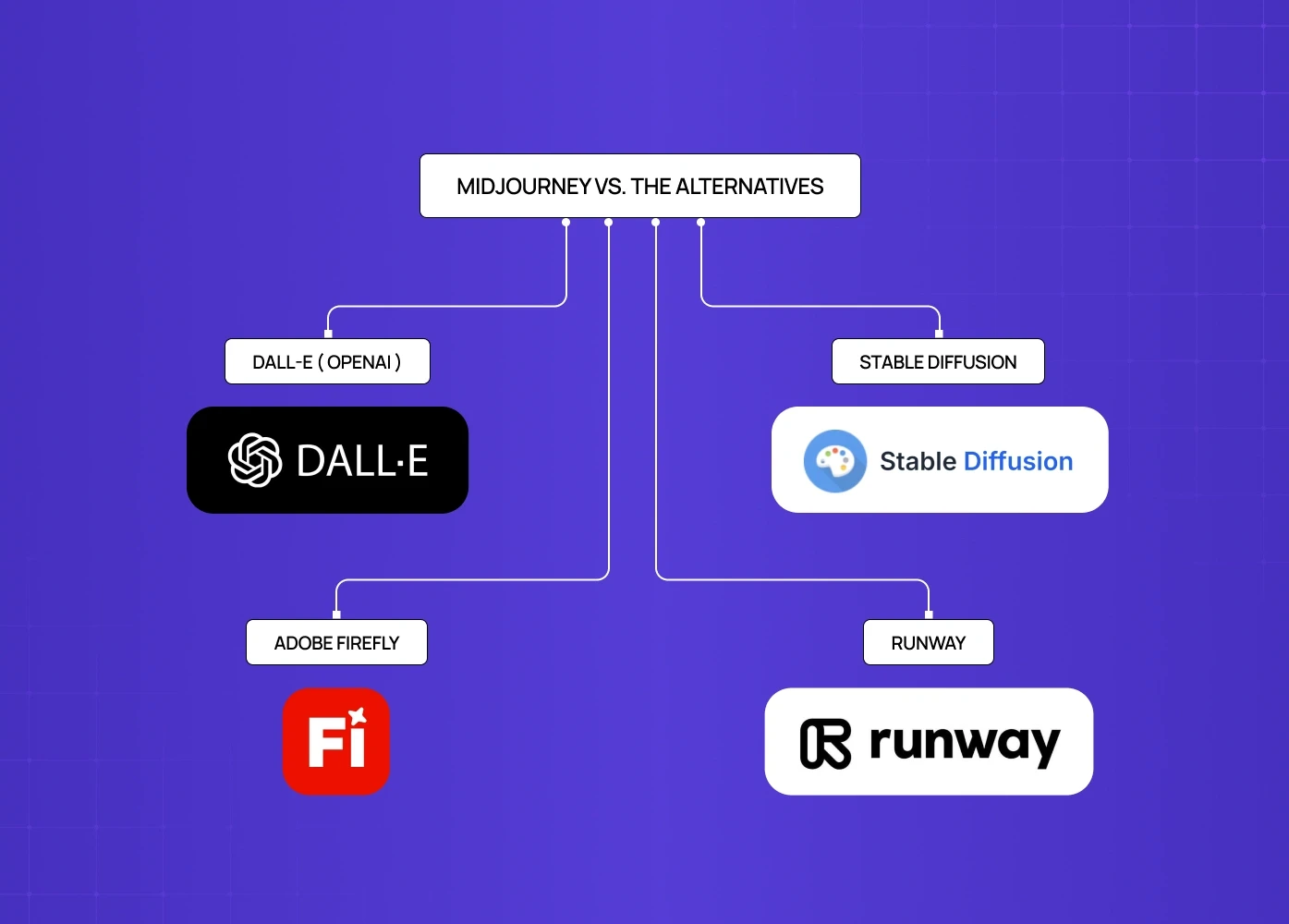
Midjourney doesn't operate in isolation. The AI image generator market has several strong options, and the right tool depends on what you're making.
DALL-E (OpenAI)
Stronger at realistic, accurate representations and follows literal instructions better than Midjourney
Google Stitch AI and alternatives covers where Google's tooling sits in this landscape and what it means for teams evaluating which platform to standardise on
Stable Diffusion
Open-source and free to run locally — the best Midjourney free alternative for budget-conscious users
Highly customisable with fine-tuned models, but requires significant technical setup
Better for developers building on top of the model than designers who need reliable outputs immediately
Adobe Firefly
Built into Adobe Creative Cloud — strong advantage for existing production workflows
Trained on licensed and public domain content only — commercially safer than Midjourney for brands with IP concerns
Output quality lags behind Midjourney but improving with each release
Runway
Built for video generation, not still images — a different use case entirely
Use it if the goal is AI-generated motion or video, not static imagery
For most design and creative work, Midjourney remains the benchmark for output quality. The case for alternatives is usually about price, ecosystem, or legal certainty — though for teams specifically focused on UI generation rather than image generation, Galileo AI for interface design takes a different approach entirely, generating screen-level UI components from prompts rather than aesthetic imagery.
Midjourney and Design: What It Changes (and What It Doesn't)
This is the conversation worth having for anyone working in design or creative fields.
What Midjourney is:
An AI image generator that interprets aesthetic intent, not just literal descriptions
A tool that produces outputs that often surprise the people who prompted them
A professional literacy requirement for designers, founders, and creative directors in 2026
What it changes:
Speed of visual ideation — what took a day now takes 20 minutes
The exploration phase of creative work becomes faster and less expensive
Early aesthetic alignment with clients and stakeholders becomes concrete, not abstract
What it doesn't change:
Midjourney sits upstream of product interface work — it doesn't replace the craft of building design systems or user experiences
The production tools where that work actually happens are covered in traditional design tools compared — AI image generation doesn't touch them
Who gets the most out of it:
People who already know how to think visually
Teams using it to explore before committing, not to skip the thinking
Founders, designers, and creative teams who treat it as a tool — not a replacement for judgment
Conclusion: A Tool Worth Understanding
Midjourney interprets aesthetic intent — it doesn't just generate images, it reads style, mood, composition, and creative references in a way most tools still can't match
It's genuinely changed how fast visual ideas can be explored — a direction that used to take a day can now be tested in 20 minutes, which shifts more creative time toward judgment and less toward production
But it rewards people who already know how to think visually — strong prompts come from strong creative direction, and the gap between a thoughtful prompt and a lazy one shows in the output every time
Bad briefs still produce bad images, just faster — the tool amplifies creative thinking, it doesn't replace it
It doesn't touch wireframing, UX research, design systems, or the craft of building a product interface — those disciplines are unchanged, and belong instead to AI UI generators and the prototyping stack
The teams getting the most out of it are using it as a discovery tool in early phases, not as a shortcut through the design process
For designers, brand teams, and creative directors, understanding how to use it well is professional literacy in 2026 — not optional knowledge. And for anyone building the foundational skills to use Midjourney outputs well, the complete graphic design reference covers the visual principles, techniques, and tools that make the difference between a good prompt and a great one.