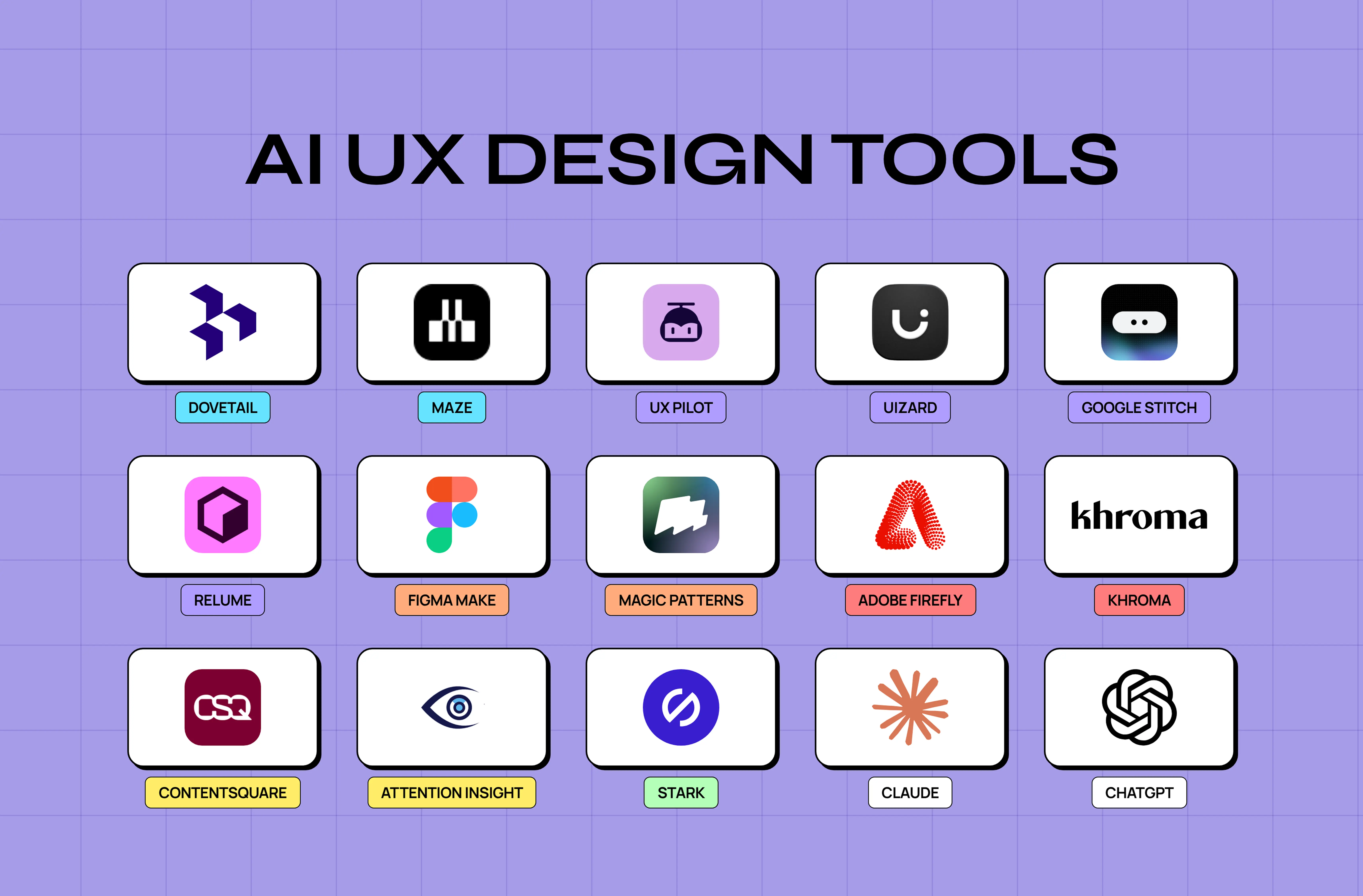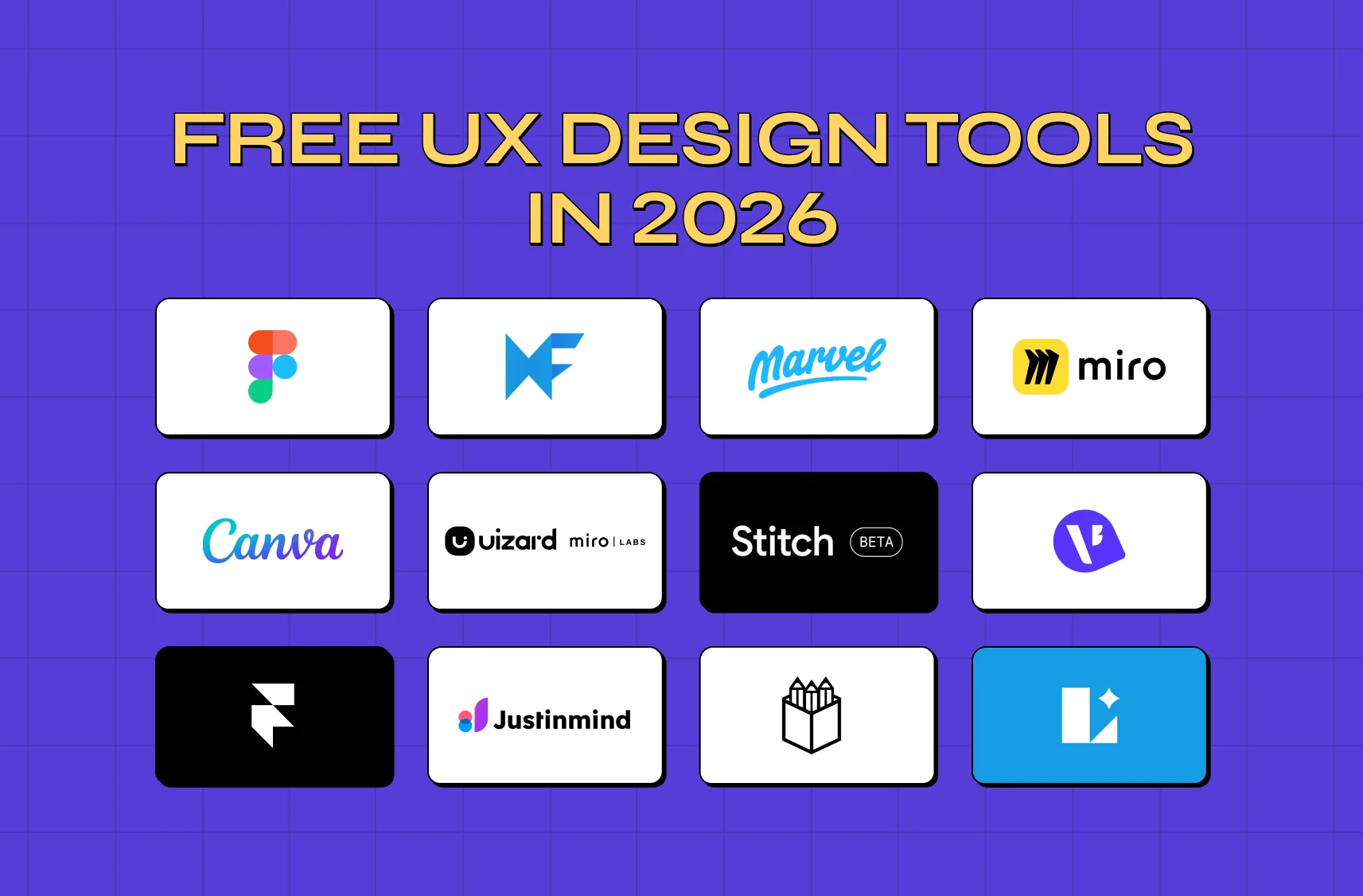

Most tool roundups present twenty options as equals. The survey data says one tool holds 82% of the market and the second-biggest has under 2%. Here's what designers actually use, what it costs, and where the list gets interesting.
Fifteen tools, real adoption data, verified prices, one to cross off
TL;DR
Figma is the default, and not narrowly. It holds 82.3% of the UI design market, so compatibility with everyone else matters more here than any feature comparison.
The rest of the list answers specific questions. Sketch if you want to own the licence outright, Penpot if you need to self-host, Framer if the deliverable is a live site, Axure or ProtoPie if the prototype has to behave like real software.
Two names on most lists have moved under you. Hotjar is now Contentsquare and Balsamiq's desktop app is giving way to Cloud, and both are still worth buying under the new arrangement.
One tool isn't worth starting on at all. Adobe XD is in maintenance mode and Adobe no longer sells it.
You can see what everything costs in one table, including the vendors who don't publish a monthly rate and the two who won't publish a price at all.
The real constraint is usually having too many tools rather than the wrong ones. That's what designers name as one of the two biggest drags on their work.
Groto wrote this. Our own stack is four tools, named at the end.
The honest answer to "which UX design tools should I use" is shorter than most articles make it. One tool won, the rest serve narrow cases, and the thing actually costing your team time is probably not the tool you picked.
What designers actually use, and what it costs
UI design usage from UX Tools' 2024 Design Tools Survey, 2,220 designers, which is why the research and AI tools carry no figure. Prices verified with each vendor on 5 November 2026.
Tool | UI design usage | Entry price | Unit | Free tier |
Figma | 82.3% | $16 full seat / mo | Per seat, 4 types | Yes, 3 files |
Sketch | 1.8% | $12 / mo billed yearly, or $120 once | Per editor | No, 30-day trial |
Framer | 0.6% | $10 / mo | Per site, seats extra | Yes, 1GB |
Penpot | 0.3% | $0, then $7 / mo (capped $175) | Per editor | Yes |
UXPin | 0.2% | $29 / mo billed annually, $49 monthly | Per seat | Yes, 2 prototypes |
Balsamiq | 0.04% | $16 / mo billed annually | Per editor | No, 14-day trial |
Miro | n/a | $8 / mo billed yearly | Per member | Yes, 3 boards |
Axure RP | n/a | $29 / mo | Per user | No |
ProtoPie | n/a | $25 / mo | 1 seat, then per editor | Yes, 2 prototypes |
Maze | n/a | Not published for US buyers | Per seat | Yes, 1 study / mo |
Contentsquare (Hotjar) | n/a | $39 / mo billed yearly, $49 monthly | Account, by sessions | Yes, 200k sessions |
Dovetail | n/a | $4,800 / year | Platform + users + credits | Per docs only |
Uizard | n/a | $12 / creator / mo billed annually | Per creator | Yes, 3 gens / mo |
UX Pilot | n/a | $19 to $29 / mo | Per user | Yes |
Midjourney | n/a | $10 / mo | Per account | No |
What UX design tools are, and the five jobs they do
UX design tools are the software you use to research, structure, draw, test and hand off an interface. In practice they cluster into five jobs: working out what to build, sketching structure, drawing the thing properly, checking it with users, and getting it into code.
Almost every tool below claims more than one of those jobs. Very few are genuinely good at more than two, which is why stacks exist at all. If you're starting out and cost is the constraint, our guide to free tools for new UX designers covers what you can get at each stage without paying.
The design and prototyping core
1. Figma

Usage: 82.3%. Rating: 4.57. Free tier: yes. Paid from: $16 per full seat a month.
This is the one. Not because it's the best at every job, but because 82.3% adoption means it's the tool your contractors, your new hires and your engineers already know, and that compounds in ways a feature comparison can't show.
Pricing moved to a seat-type model and the detail matters more than the headline. Professional runs $16 a month for a full seat, $12 for a dev seat and $3 for a collab seat, with view seats free. Organization is $55, $25 and $5 on the same basis, billed annually. Enterprise is $90, $35 and $5.
Two things to check before you budget. Figma moved from per-editor to per-seat pricing and older figures still circulate, so make sure the quote you're working from uses seat types. And no monthly-billed rate is published, so budget against the annual figures and treat month-to-month as unknown until you have it in writing.
The free Starter plan is tighter than people expect: three design files, three FigJam files, three slide files, a single folder, 30 days of version history, and no Dev Mode or team libraries.
One feature that quietly determines whether a Figma file survives contact with a second designer is the layout foundation. Setting up grids inside Figma covers columns, rows and layout frames, which is the difference between components that hold alignment across breakpoints and ones that drift.
Pick this when: you want the default, you're hiring or contracting, or your engineers need Dev Mode. Which is most teams. Think twice when: you need offline work, you're highly cost-sensitive at scale, or your organisation can't put design files in someone else's cloud.
2. Sketch

Usage: 1.8%. Rating: 4.30. Free tier: no. Paid from: $12 per editor a month billed yearly, or a $120 one-time Mac licence.
Sketch is the only serious tool here that still sells a perpetual licence: $120 per seat including one year of updates. For a solo designer who resents subscriptions, that's a real argument, and the 4.30 rating says the people using it mostly like it.
Subscriptions are $12 per editor a month on Standard, $24 on Professional and $44 on Enterprise, all billed yearly. Viewers are free and unlimited. There's no free plan at all, which Sketch has a page explaining, though there's a 30-day trial with no card. The monthly-billed rates sit behind a toggle we couldn't read, so those three figures are the annual ones.
The honest case against it is the 1.8%. Hiring someone who knows Sketch, or handing a file to an agency, is now the exception. If you're weighing it directly, our deep dive: Figma vs Sketch vs Adobe XD goes through platform, prototyping depth and collaboration across all three, with the caveat that the third of those tools is no longer a live option.
Pick this when: you're Mac-only, you want to own the software outright, and your work doesn't get handed around much. Think twice when: you'll need to hire, contract or collaborate outside your own machine.
3. Penpot

Usage: 0.3%. Rating: 4.14. Free tier: yes. Paid from: $7 per editor a month, capped at $175.
The open-source option, and the only one on this list you can run on your own infrastructure. That makes it the answer to a specific question rather than a general recommendation: if your legal or security team won't accept design files in a vendor cloud, Penpot is the shortlist.
Cloud pricing is $0 for Professional, $7 per editor a month for Unlimited with a genuinely unusual cap of $175 a month regardless of team size, and $25 per member for Enterprise. Self-hosting is free forever for the Professional tier with unlimited users, teams and files.
One thing to pin down: the free cloud plan is described as unlimited in places but works out to around eight team members, 10GB of storage and seven days of version history. The self-hosted free tier is the one that's genuinely unlimited.
Pick this when: self-hosting, open source or a hard team-size cost ceiling is a requirement. Think twice when: you need plugin breadth or an ecosystem of people who already know the tool.
4. Framer

Usage: 0.6%. Rating: 4.50. Free tier: yes. Paid from: $10 a month per site.
Framer stopped being a prototyping tool and became a site builder, and it's priced accordingly: per site, not per seat. Basic is $10 a month and Pro is $30, with Enterprise custom. Seats are separate, with the workspace owner free, additional editors at $20 each, content editors at $10 and viewers always free.
That pricing shape tells you what it's for. If the output is a marketing site that ships, Framer is a design tool that skips the handoff entirely. If the output is a product interface that engineers will build, it isn't.
The free tier gives you 1GB of bandwidth, a Framer subdomain, 1,000 pages, ten CMS collections and 500 AI credits to try. Annual-billed rates aren't published, and Framer states only that prices are monthly and billed per the cycle chosen at checkout, without saying which cycle the $10 and $30 represent.
Note the disclosure from earlier: Framer sponsors the survey this article's adoption data comes from. For a direct comparison on the question Framer is actually competing on, Framer vs Webflow for design teams covers both on speed, design flexibility and conversion performance.
Pick this when: the deliverable is a live marketing site and you'd rather not hand off at all. Think twice when: you're designing a product interface, or you need many editors (seats are charged on top of the site).
The one to cross off: Adobe XD
It isn't numbered above because it isn't a choice any more, but it's still on enough shortlists to be worth settling.
Adobe's own documentation, updated in September 2026, says it plainly: "Adobe XD is currently in maintenance mode," and "we're not investing in ongoing development or shipping new features within the product." Adobe stopped selling it as a purchasable item on 22 June 2023, and after the Figma acquisition collapsed, Adobe told Bloomberg in January 2024 it would not further invest in it.
You can't buy it. It's absent from Adobe's product catalogue and isn't available as a Creative Cloud single app, though it's still named in the app list for Creative Cloud Pro for teams, so the messaging hasn't fully caught up. No end-of-support date has been published; Adobe says it will give "a significant notice period."
It still holds 1.4% usage in the survey, and the lowest satisfaction score of any tool in it at 3.63, which is roughly what a maintenance-mode product feels like from the inside. If you have XD files, keep the app to maintain them. Don't start anything new in it.
Wireframing and early structure
5. Balsamiq

Usage: 0.04%, one respondent. Free tier: no. Paid from: $16 per editor a month billed annually.
Balsamiq does deliberately ugly low-fidelity wireframes, and the argument for ugly is real: nobody reviews a Balsamiq sketch by debating the corner radius. Cloud pricing is $16 per editor a month on Starter (up to ten projects), $24 on Teams (100 projects) and $35 on Enterprise (400 projects), all billed annually. Reviewers are free.
One thing to get right when you buy. Balsamiq Cloud is the live product and the one to pick. The separate desktop app is in maintenance mode and can only be bought until 31 December 2026, with email support ending a year after that, so Cloud is the only version worth starting on.
Second, you may still see Balsamiq described as priced per project. That's the older model; it's per editor now.
For the job Balsamiq is usually hired for, mapping a flow before anyone draws a screen, UX storyboards is often the cheaper move, since it works on a whiteboard and doesn't need a licence at all.
Pick this when: you want low fidelity enforced by the tool so reviews stay about structure. Think twice when: you'd be introducing a twelfth tool to do what a FigJam file does.
6. Miro

Free tier: yes, three editable boards. Paid from: $8 per member a month billed yearly.
Miro is where the thinking happens before the designing does: flows, affinity maps, workshops, the messy stage. Free gives you unlimited boards of which the three most recent stay editable. Starter is $8 per member a month and Business is $20, both billed yearly, with Enterprise custom from 30 members. Monthly-billed rates exist per Miro's FAQ but aren't published.
Miro also owns Uizard, which matters further down this page.
Pick this when: you run workshops, or you need a shared surface that non-designers will actually open. Think twice when: you're using it as a design tool. It isn't one, and the board sprawl is real.
Prototyping beyond click-through
Most "prototyping" is a Figma file with links between frames, and for most purposes that's enough. The tools below exist for when it isn't: conditional logic, real data, state, gesture fidelity. If you want to see where the ceiling actually is, our collection of finished prototype examples shows how far these go.
7. Axure RP

Free tier: no. Paid from: $29 per user a month.
Axure is the tool for prototypes that behave like software: conditional logic, variables, data-driven states, the kind of thing you need when the interaction is the design question. RP Pro is $29 per user a month and Team is $49, with Enterprise on request. Axure's toggle doesn't expose which billing cycle those figures represent, and we're not going to guess.
One change worth noting: Axure no longer offers perpetual licences. RP 11 is subscription-only, including for holders of older licences. Axure Cloud is priced separately, starting free with a $5-per-author Plus tier.
Complex conditional prototyping is specialist work, and it sits squarely in an interaction designer's remit rather than a generalist's. If nobody on your team owns that, the tool won't help.
Pick this when: the prototype has to prove logic, not look. Think twice when: you need it for a demo next week and nobody knows the tool.
8. ProtoPie

Free tier: yes. Paid from: $25 a month for one seat.
ProtoPie is the motion and sensor specialist: gesture fidelity, device sensors, prototypes that connect to real hardware. Free gives you two cloud-saved prototypes, eight scenes each and 50MB of storage. Basic is $25 a month for a single seat, Pro is $47 per editor, and Enterprise is custom with a three-seat minimum. As with Axure and Framer, the published figures don't say which billing cycle they belong to.
A legacy perpetual licence still exists, described as perpetual use with one year of updates, but no price is published for it. Don't plan around it.
Pick this when: motion fidelity or device sensors are the point. Think twice when: your prototype is screens and taps.
9. UXPin

Usage: 0.2%, four respondents. Rating: 3.75. Free tier: yes. Paid from: $29 per seat a month billed annually.
UXPin's pitch is designing with real code components rather than pictures of them, which closes the gap between the design file and the build. It's also the only vendor on this list that publishes both billing cycles clearly: Core is $49 per seat billed monthly or $29 billed annually, Growth is $69 or $40, and Enterprise is custom. The free plan is a real free plan rather than a trial, limited to two prototypes and the MUI library.
The 0.2% adoption is the honest counterweight. The idea is good and the execution is specialist.
Pick this when: your engineers already have a component library and you want design to use the real thing. Think twice when: you don't have that library yet. The tool assumes it.
Research and testing
10. Maze

Free tier: yes. Paid from: nothing published for US buyers.
Maze does unmoderated testing on prototypes, which is the fastest way to turn "I think this flow is confusing" into evidence. The free plan gives you five seats and one study a month.
Worth knowing before you budget: a US buyer is shown no prices at all beyond free. The $99 Starter plan is geo-excluded from the US, UK, Canada and the whole EU and EEA, so from a US desk Maze has exactly one published price, $0, and everything above it goes through sales. Maze also runs pricing experiments, so what you're shown may not match what a colleague sees.
Pick this when: you have a prototype and need numbers on it this week. Think twice when: you need a predictable budget line, because you can't get one without a call.
11. Contentsquare, formerly Hotjar

Free tier: yes, 200,000 monthly sessions. Paid from: $39 a month billed yearly.
The tool most people still call Hotjar is alive and good; it's the name that changed. Contentsquare acquired Hotjar in 2021, integrated the tools in 2024, and Hotjar Ltd merged into the Contentsquare Group on 1 July 2025. Contentsquare now states it directly: "you can't sign up for Hotjar anymore."
The functionality survived and the free tier got better. Contentsquare's Experience Analytics free plan is $0 forever with 200,000 monthly sessions, one project, replays, heatmaps and funnels. Growth starts at $39 a month billed yearly, or $49 billed monthly. Pricing is account-wide and metered by sessions, not per seat.
One caution if you're sizing a plan: the published Growth session limits don't line up with what the documentation states, so get your limit in writing before you commit.
Pick this when: you want heatmaps and session replay, and the free tier's 200,000 sessions covers you. Think twice when: you're budgeting from Hotjar's old prices. The packaging is different now.
12. Dovetail

Free tier: per the docs, yes. Paid from: $4,800 a year.
Dovetail is research storage and synthesis: where interviews, notes and findings live so the insight survives the researcher leaving. It's repackaged as Dovetail One in Bronze, Silver and Gold tiers. Bronze is $4,800 a year for the platform and up to five users, paid by card, plus credits at 15 cents each from a workspace-wide shared balance. Silver (25+ users) and Gold (100+) aren't priced publicly.
That's a serious number for a five-person team, and it's the clearest example on this page of a tool that's left the self-serve market. A free plan still exists per Dovetail's documentation, limited to one project, one channel and one dashboard, but it isn't offered up front. The older Professional and Business plans are retired to legacy.
Dovetail is also a sponsor of the survey this article's adoption data comes from.
Pick this when: you run enough research that losing it is the real cost. Think twice when: you're a team of three. A well-organised Notion database is not as good, but it's $4,800 cheaper.
AI-native tools
UX Tools' State of Prototyping Spring 2026 survey, published under CC BY 4.0, is the most current read on this, and the weekly-usage numbers are striking: Claude at 50.8%, ChatGPT at 48.2%, Claude Code at 38.4% and Figma Make at 34.8%. Across 1,478 respondents, 59.1% had built their own tool or utility with AI-generated code in the previous six months.
Trust is a different story. Only 8.1% say AI output ships with minor tweaks and 1.4% trust it without oversight, while 34.2% use it for first drafts they then edit heavily. That gap between adoption and trust is the real state of AI in design work, and it's worth holding in mind while reading the three entries below. For the wider picture beyond design files, our roundup of top AI tools for web design in 2026 covers the tools reshaping how web products ship.
13. Uizard, now owned by Miro

Free tier: yes, three AI generations a month. Paid from: $12 per creator a month billed annually.
Uizard turns a text description, a screenshot or a hand sketch into editable wireframes. Free gives you three AI generations a month, two projects and five screens per project. Pro is $12 per creator a month billed annually, or $19 billed monthly, with 500 generations. Business is $39 per creator, annual only, with 5,000 generations. Enterprise is custom.
Miro acquired Uizard in May 2024. The announcement said "For now, Uizard will continue to be available and nothing related to your day to day product experience will change," and it still sells as a standalone product with its own plans. The "for now" is theirs, not ours, and no sunset has been announced. Worth knowing if you're standardising on it.
The generation allowance is the number that actually constrains you, and it applies per AI feature rather than as one pool. For how this category compares more broadly, see our guide to AI prototype generators.
Pick this when: you want a rough first structure out of a description faster than you'd draw it. Think twice when: three generations a month is your budget. That's one afternoon.
14. UX Pilot

Free tier: yes, 80 credits a day. Paid from: $19 per user a month billed yearly.
UX Pilot generates UI screens from prompts, and it's one of the stronger results in this category on output quality for marketing and dashboard layouts. Pro is $29 a month billed monthly or $19 billed yearly, with 750 credits, which works out to roughly 125 screens. Teams is $39 per user monthly or $31 billed yearly with 900 credits per user, from two to fifteen seats. Enterprise is on request.
One practical note on budgeting: the figures above are the ones UX Pilot states most consistently, but its pricing appears to run A/B variants, so you may be shown something different. Screenshot whatever you're quoted before you plan around it.
Pick this when: you want prompt-to-screen output and the credit allowance fits your volume. Think twice when: you need a fixed price you can put in next quarter's budget.
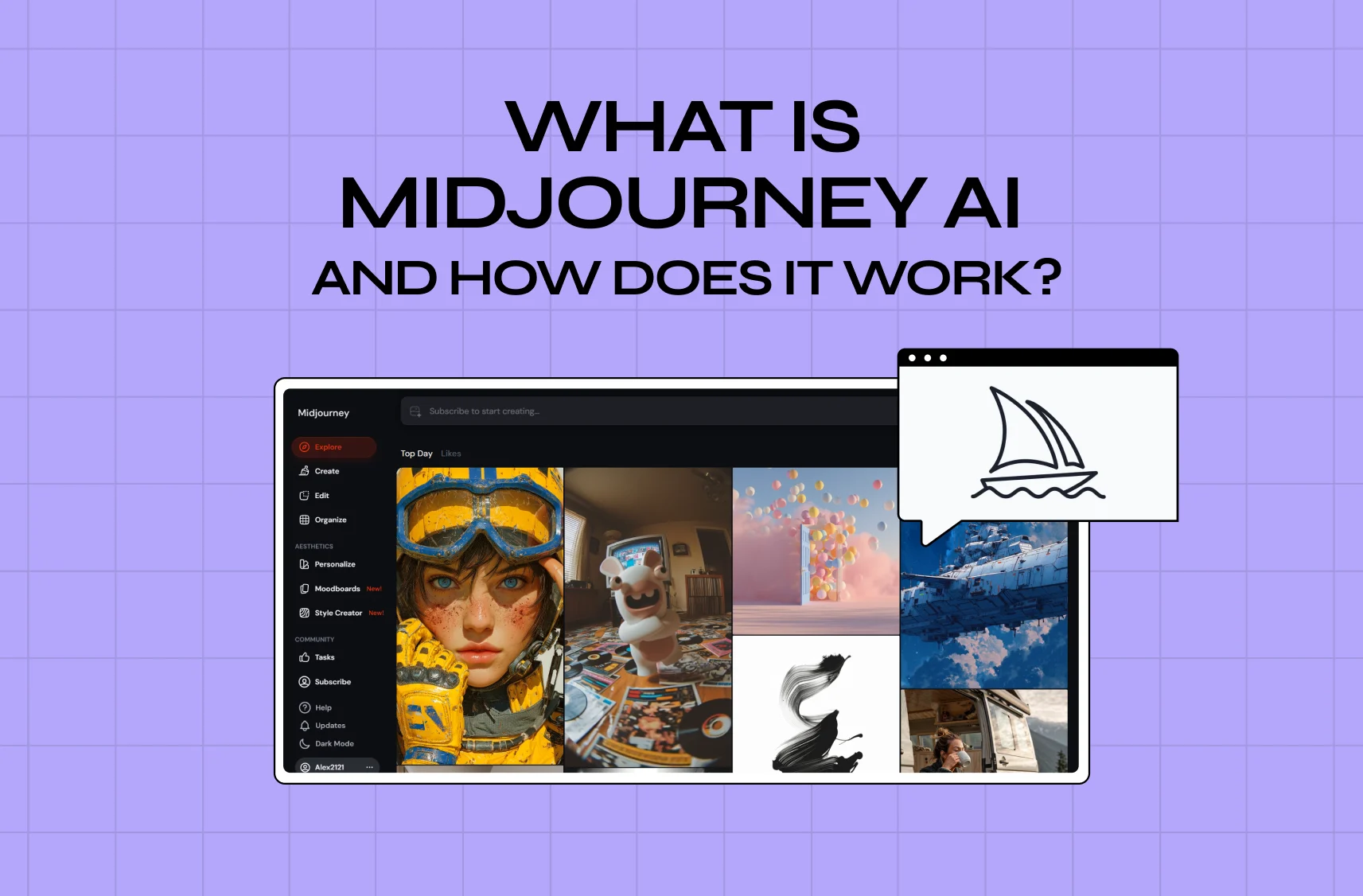
15. Midjourney

Free tier: none. Paid from: $10 a month.
Midjourney isn't a UX tool and shouldn't be on a shortlist with Figma. It's here because it does one job in a product workflow genuinely well: generating imagery, texture and visual direction that would otherwise be a stock-photo search or an illustration budget.
Pricing is flat per account, not per seat. Basic is $10 a month, or $96 a year. Standard is $30 or $288. Pro is $60 or $576 and adds stealth mode. Mega is $120 or $1,152. Annual is a 20% discount paid upfront. There's no free tier and no trial, and what separates the tiers is fast GPU time rather than features. Our explainer on how Midjourney AI works for designers goes into the prompt system and where it earns its place.
Pick this when: you need visual assets and have no illustrator. Think twice when: you need UI. It doesn't make interfaces.
Design systems, handoff and design-to-code
This is where the five jobs collapse into one problem: getting a design into production without a week of translation.
Three things actually move the needle, and only one is a tool. The first is a component library that engineering and design both treat as the source of truth, which is a process agreement before it's software. The second is annotation discipline, since most handoff rework traces back to a state nobody drew. Our handoff process guide sets out the six steps that cut the most rework.
The third is code generation, which got genuinely useful in the last year. The Spring 2026 data puts 43.8% of designers at half or more of their building time on AI-generated code, rising to 80.9% among people whose title is design engineer. That's a real shift in who produces the first working version of a screen, and it changes what handoff even means. If you want to see what that workflow looks like end to end, Figma-to-code generation walks through turning a design into working code.
The adjacent case is the one where the output isn't a front end at all but a whole working application, database and auth included. That's a different purchase with different limits, and the failure mode is different too: these tools get you to something demoable startlingly fast and then hit a wall that's awkward to climb back down from. Knowing where each wall sits before you start is most of the decision. Our comparison of each AI app-building tool covers where each one stops being enough.
When the free tier is genuinely enough
For a solo designer or a two-person startup, a free stack is viable: Figma Starter for design, Miro free for thinking, Contentsquare free for behavioural data, and a paid AI subscription you probably already have. The binding constraint isn't features, it's Figma's three-file limit and single folder, which breaks the moment you have two clients.
The honest threshold is the second designer. One Figma full seat at $16 a month is the cheapest problem on this list. Everything else can wait until something specific hurts.
Picking a stack by team size and stage
Solo or pre-seed, it's Figma plus Miro plus whatever AI tool you already pay for, and that's genuinely it. Adding a dedicated wireframing or research tool at this stage buys you a tool to learn rather than time saved.
At seed to Series A with one or two designers, go Figma paid, Miro paid, and one research tool chosen by what you actually ship. If you're testing flows, that's Maze. If you're accumulating interviews, you'll want Dovetail eventually and a shared folder until then. Resist the fourth tool. The harder constraint at this stage is deciding what to design at all, which is the ground our guide to MVP UX design for SaaS covers.
At Series B and beyond the question shifts from tools to systems: a design system with real tokens, a component library engineering trusts, and whatever handoff tooling fits your stack. This is where UXPin's real-component model earns a look, and where design-to-code starts paying for itself.
Our own stack, for what it's worth, is four tools: Figma for design and systems, FigJam for the messy stage, Claude Code for turning designs into working front end, and Midjourney when a project needs imagery nobody can shoot. We've tried most of the rest and dropped them, which is the recommendation underneath this whole article.
That's not a humble brag about minimalism. It's what the survey data says too: asked what slows them down most, 55.7% of designers named the time it takes to learn tools and 53.0% named having too many of them, ahead of AI output quality at 52.2% and budget at 34.2%. The twelfth tool is usually a cost, not a capability.
And if you're assembling this work into something that has to speak for you, the artefacts from these tools are the raw material for a compelling UX portfolio, which is a different editing job from the design itself.
Where to start
Default to Figma unless you have a specific reason not to, and the reasons that hold up are self-hosting, a hard aversion to subscriptions, or a deliverable that's a live site. Add a thinking surface. Then stop, and add the fourth tool only when you can name the problem it solves.
Before you buy anything, check two things the roundups skip: whether the price you're looking at is monthly or annual, because seven of the fifteen vendors here don't say, and whether the tool is still the product you think it is, because one on this list is being partly retired and two have changed owner or name since most roundups were written.
If you're standing up a design practice from scratch, or inheriting a stack that's grown to eleven tools and nobody knows why, that's work we do. Let's talk and bring the list.