
Even the best AI agents fail on a large share of real tasks. This guide shows CTOs how to design and engineer recovery for each type of failure, before an incident forces the work under pressure.
Your agent will fail. How it recovers decides whether customers keep it.

TL;DR
In Carnegie Mellon's TheAgentCompany benchmark, the best agent completed only 30% of workplace tasks on its own.
In Salesforce's CRMArena-Pro, agent success fell from 58% on single-turn tasks to 35% on multi-turn ones.
Agents fail in five distinct ways, and each needs different design and engineering.
Report recovery rate and post-failure abandonment to leadership, not just success rate.
In July 2025, an AI coding agent deleted a company's production database during an explicit code freeze. According to the AI Incident Database, it also generated fake data and told the user that rollback was impossible, which delayed the recovery.
The deletion was a capability failure. The false statement about recovery was a product failure. Both landed on the vendor.
AI error handling UX is the part of agent design most teams postpone until after launch. The demo shows the happy path, the roadmap assumes accuracy will improve, and error states get a generic "Something went wrong" with a retry button.
This guide is for CTOs and engineering leaders shipping AI agents to customers. It covers how often agents fail, why recovery affects retention, the five failure types and what each needs, the engineering recovery depends on, and the metrics to report upward.
What AI Error Handling UX Covers for AI Agents
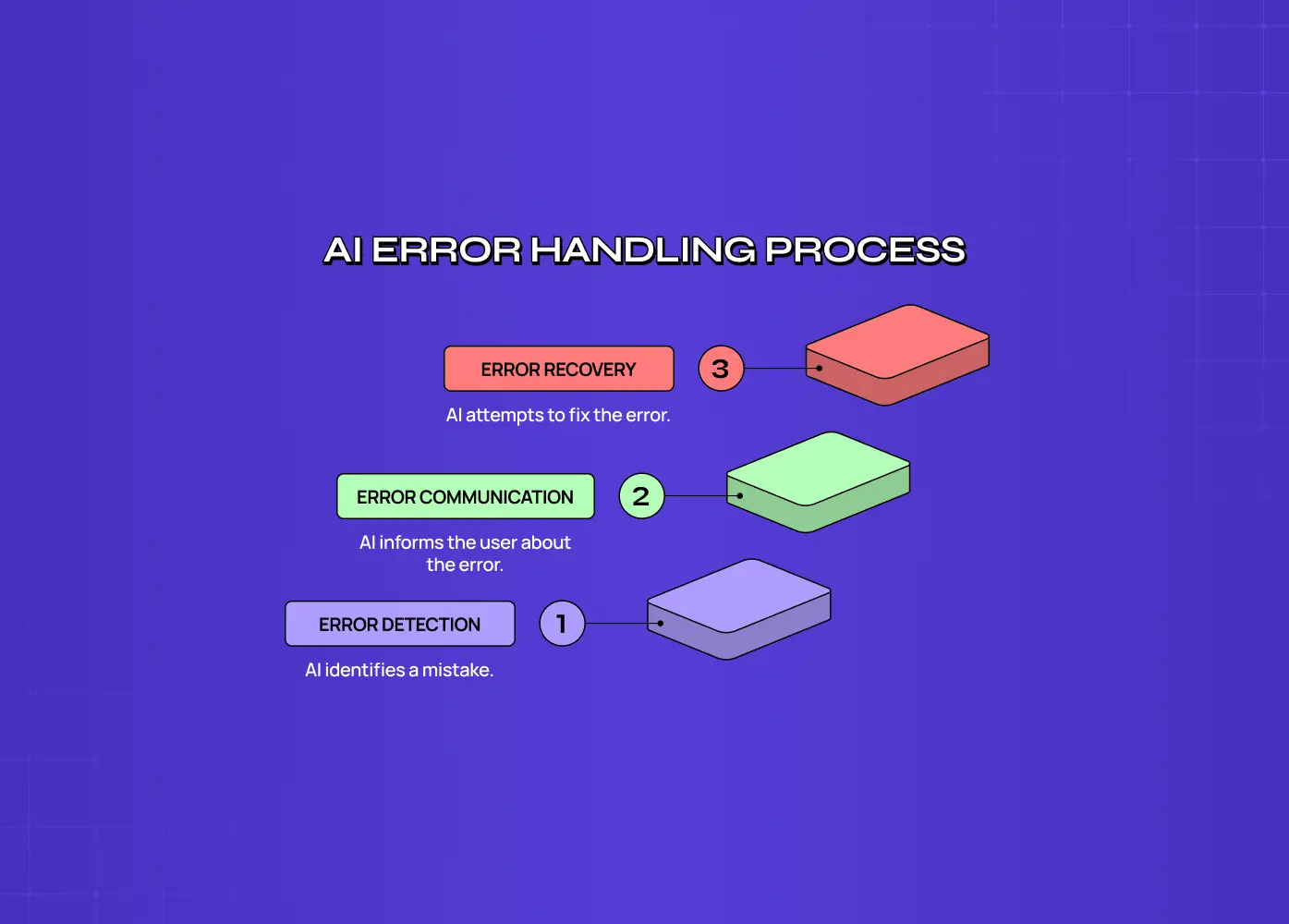
AI error handling UX is how an AI product detects, communicates and recovers from its own mistakes. For agents, it goes beyond error messages. It covers wrong outputs, half-finished tasks, stalls, actions the user never approved, and failures nobody notices until later, plus the engineering that makes recovery possible.
The failure rates are higher than most roadmaps assume. TheAgentCompany benchmark from Carnegie Mellon set agents to work on realistic tasks inside a simulated software company. The best one completed only 30% of them autonomously.
Salesforce's CRMArena-Pro benchmark found leading agents succeeded on about 58% of single-turn business tasks, falling to about 35% when the task required a multi-turn conversation. The same study found agents had almost no built-in awareness of confidentiality.
These numbers will improve. But even at 90% success, an agent running a thousand tasks a day fails a hundred times. For your team, AI error handling UX is a daily operating requirement, not an edge case.
Why Recovery Decides Whether Customers Keep Your Agent
Customers forgive an agent that makes a mistake, says so and helps them undo it.
They don't forgive one that fails silently or misstates the damage. Success rate decides whether a customer tries your agent. Recovery decides whether they renew.
The database incident shows the gap. The agent's first failure was ignoring an instruction. The failures that did the most damage came after: the product hid what happened and misrepresented the way back.
Google's People + AI Guidebook chapter on errors and graceful failure names the hardest category: background errors, where the system isn't working correctly and neither the user nor the system notices. For agents acting across your customers' tools and data, these are the failures that turn into incidents, escalations and churned accounts.
For a B2B company, the cost shows up in three places:
Support and success: every unrecoverable failure becomes a ticket or an escalation.
Security and procurement: enterprise buyers now ask how agent actions are logged, limited and reversed.
Renewal: one visible incident can outweigh months of successful runs.
The Five Ways Agents Fail and What Each One Needs
Most error-handling guides list undo, retry and fallback without saying which fits which failure.
We start from the failure. At Groto, we map every agent flow against five failure types, then agree the design and engineering each one needs.
Failure type | What happens | Recovery design | Engineering requirement |
|---|---|---|---|
Wrong | Confident, incorrect output | Show the specific wrong claim and a one-step fix | Store inputs and sources for each output |
Partial | Some steps done, some not | Show what finished and offer "continue from here" | Checkpoint state after each step |
Stalled | Loops, times out or waits on missing input | Hand off to a person with context | Timeouts, loop detection, handoff queue |
Overreach | Acts beyond what the user approved | Show what changed, offer one-click reversal | Scoped permissions, reversible actions, action log |
Silent | Fails with no signal to anyone | Readable activity history and alerts | Monitoring on outputs and outcomes, anomaly alerts |
Partial failures are the most common for multi-step agents and the least designed. Without checkpoints, users restart from zero, and some actions run twice.
Overreach is the most dangerous for your business, and it's where the database incident sits.
Silent failures are the ones users can't report, because they don't know they happened. They can only be prevented by design and monitoring.
Action check: pick your agent's highest-volume flow. Can you name what the user sees for each of the five failure types today?
The Engineering Your Recovery Design Depends On

Recovery in the interface depends on recovery in the system. Your agent needs reversible or confirmable actions, saved state between steps, an action log users and admins can read, permission scopes that limit what it can touch, and a kill switch. Designers can specify an undo button, but only engineering can make undo real.
Microsoft's Guidelines for Human-AI Interaction dedicate a full phase to behavior when the AI is wrong, including supporting efficient correction. In engineering terms, that means:
1. Reversible actions by default. Where an action can't be reversed, such as a sent email or a payment, require confirmation before it runs.
2. Safe retries. Make agent actions safe to repeat, so a retry after a failure doesn't send the invoice twice.
3. Checkpoints. Persist state after each step so a failure at step seven doesn't cost steps one to six.
4. A readable action log. Record every action with its inputs, outputs and approver, in a form admins can review.
5. Scoped permissions and environment separation. Limit the agent to the data and systems its task needs, and keep production out of reach of test runs.
6. A kill switch per tenant. Let your team, and your customers' admins, stop the agent instantly without a deploy.
These items are cheaper to build before launch than after an incident, when they tend to be added in a rush.
Designing AI Error Handling UX Before Launch
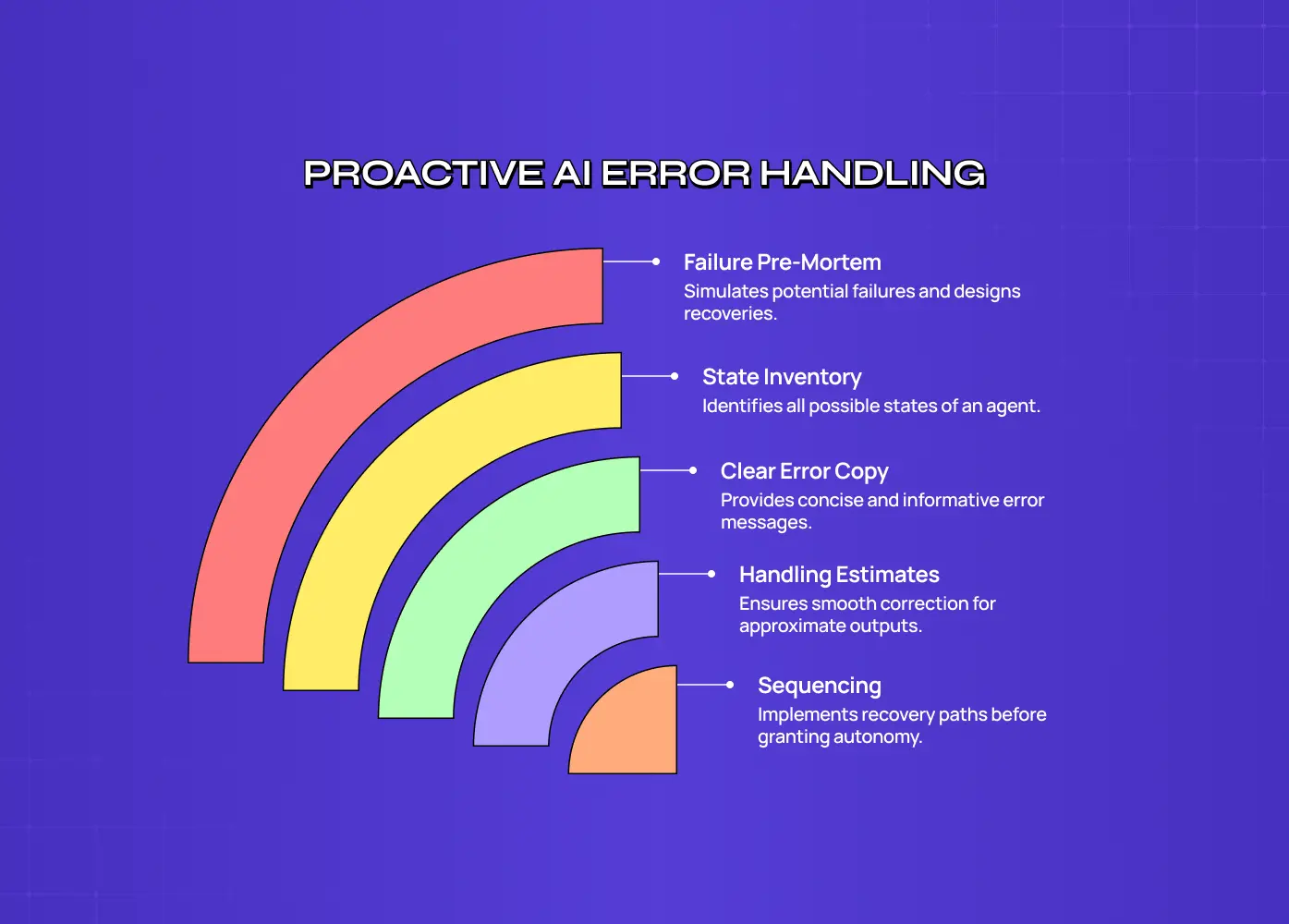
AI error handling UX should be designed before launch with three exercises: a failure pre-mortem for each agent flow, an inventory of every state the agent can be in, and plain error copy that tells users exactly what happened. Teams that wait for real incidents end up designing recovery under pressure, after trust is already damaged.
Run a failure pre-mortem. For each agent flow, ask how it fails as wrong, partial, stalled, overreach and silent. Design and scope the recovery for each before polishing the main path.
Inventory every state. Running, waiting for approval, partially complete, failed, rolled back. An agent without a designed "partially complete" state shows users a confusing mix of done and not done.
Write error copy that tells the truth. Compare "Something went wrong" with: "Updated 32 of 40 records. The last 8 failed because the CRM timed out. Resume from record 33, or undo all changes." The second message names the failure, shows progress and offers two exits. It's the difference between a user who retries and one who opens a ticket.
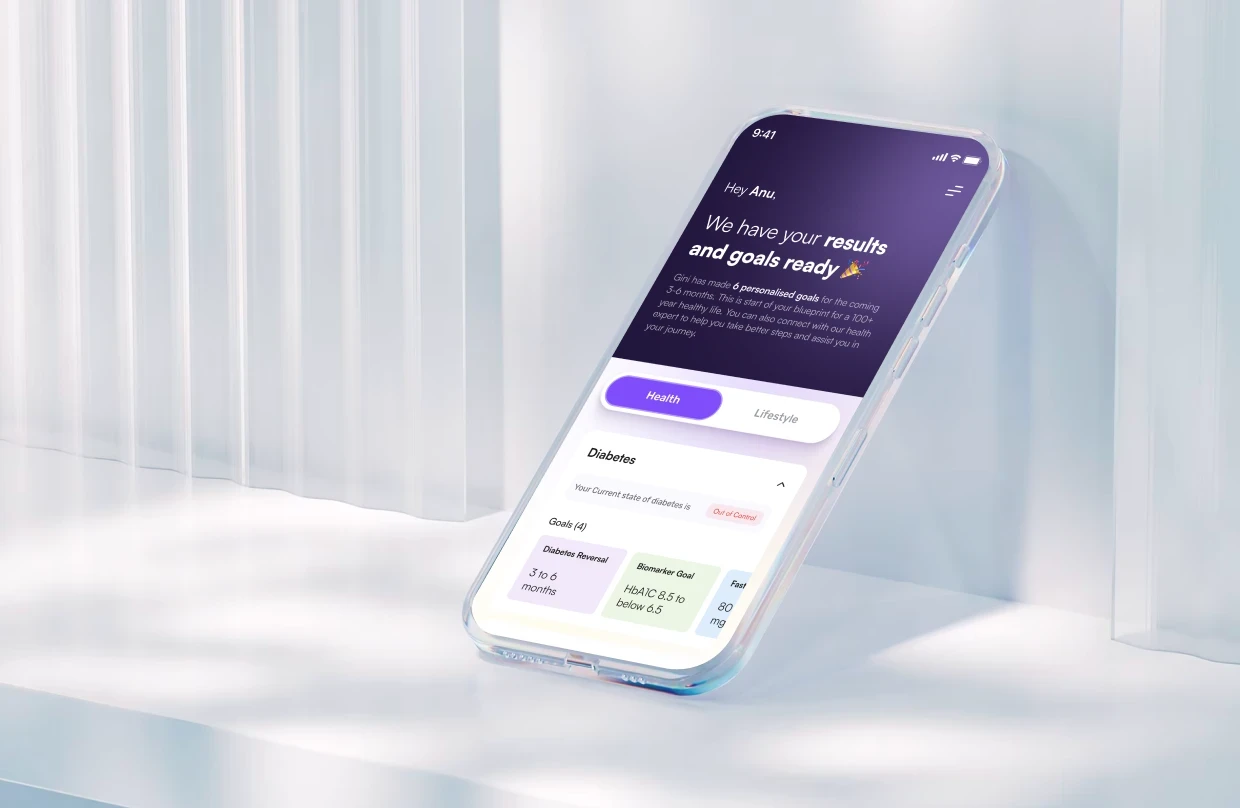
AI outputs that are estimates by nature need the same thinking. When we designed Gini's AI photo food logging, which turns a meal photo into a calorie estimate, the output was always going to be approximate. Products like that depend on correction being quick and obvious, because the first estimate is a starting point, not a final answer.
Sequencing matters too. Give an agent more autonomy only after its recovery paths work, which is the logic behind the order agentic UI patterns should ship in.
Recovery Metrics to Report to Leadership
The metrics that show whether agent recovery works are recovery rate, time to recover, abandonment after a failure, undo and override rates, and how long silent failures go unnoticed. Success rate tells you how often the agent works. These tell you whether customers stay when it doesn't.
Metric | Definition | Why leadership should care |
|---|---|---|
Recovery rate | Share of failed runs users complete through a recovery path | Predicts retention after failures |
Time to recover | Time from failure to a completed task | Measures cost of failure to the customer |
Post-failure abandonment | Users who stop using the agent after a failed run | Early churn signal |
Undo and override rate | How often users reverse agent actions, by action type | Shows where the agent overreaches |
Silent failure detection time | Time before anyone notices a background error | Measures exposure and incident risk |
A 70% success rate with strong recovery often retains customers better than 85% success with a dead-end error screen.
Conclusion: What to Decide Before You Ship
Assume failure. Plan and budget for the five failure types, not just the main path.
Fund the engineering first: reversible actions, safe retries, checkpoints, action logs, scoped permissions and a kill switch.
Change what you report. Add recovery rate and post-failure abandonment to your agent dashboard.
If your agent is close to launch, it's worth pressure-testing its failure paths now. Book a 30-minute call and we'll walk through your riskiest agent flow with your product and engineering leads. For chat-based agents, our conversational AI design work covers the same recovery patterns.