
Comparing the best AI app builders in 2026 goes beyond "which tool wins." This guide breaks down what each one is genuinely great for, where it stops being enough, real costs, beginner picks, and when it's time to build the real thing.
Every AI app builder has a ceiling. Here's exactly where each one hits it.
TL;DR
The best AI app builder for you depends on what you are actually trying to build, not which tool has the flashiest demo. We break down the top options by use case, budget, and technical comfort level.
Every AI app builder has a ceiling. Some stop at web-only apps, some lock your code inside their platform, some can't handle real backend logic at scale. Knowing the ceiling before you start saves you a rebuild later.
If you are non-technical, tools like Lovable, Base44, and Superapp get you from idea to working app the fastest. If you want code control from day one, Bolt.new, Replit, and Claude Code are the better fit.
Free tiers exist across almost every tool on this list, but "free" usually means limited credits, not limited features. We cover realistic costs further down.
The real skill isn't picking a tool. It's knowing exactly when you've outgrown it and need real product design and engineering to take over.
What is the best AI app builder, really?
If you search "best ai app builder," you'll find dozens of ranked lists that all name the same five or six tools and call it a day. That's not wrong, but it's incomplete. The honest answer is that there is no single best AI app builder in 2026. There's a best tool for a fast prototype, a different one for a real backend, another one if you need a native mobile app, and yet another if code ownership matters more to you than speed. This guide walks through all of it: what each builder is genuinely good at, where it breaks down, what it actually costs, and how to know when it's time to move from a prompt-built app to a properly designed and engineered product.
You can now describe an app in a sentence and watch an AI build it in minutes. It's genuinely remarkable, and it's created a wave of "best AI app builder" listicles that all rank the same tools and conveniently forget to mention the thing that matters most: where each one stops being enough. The same thing happened with AI tools for UI UX designers, where the roundups multiplied a lot faster than the honest assessments did. Every AI app builder has a ceiling. Hit it (a feature it can't handle, a scale it can't reach, an app store it can't publish to) and the "just build it with AI" dream turns into a stalled project and a scramble.
This is the honest version. We cover the best AI app builders in 2026, what each is genuinely great for, and the part the affiliate roundups skip: exactly where each one stops being enough. You'll also get the universal limits that trip up every builder, real feedback from people who've actually shipped apps with these tools, and a clear read on when it's time to graduate from a builder to real product design and engineering.
The two kinds of AI app builders
Before comparing individual tools, it helps to know the broad categories, because they hit different ceilings for different reasons. Worth separating out first: if what you need is a marketing or content site, the best AI web design tools are a different category again, with different trade-offs and limits.
Prompt-to-app tools (Lovable, Bolt.new, v0, Replit, Base44, Superapp) generate an app, often with real code, from a natural-language description.
Visual no-code builders with AI (Bubble, Glide, Softr, FlutterFlow) let you assemble apps in a visual editor, with AI features bolted on to speed things up.
Code-first AI assistants (Claude Code, Cursor) sit closer to traditional development. You're writing and reviewing real code, just with an AI doing most of the typing.
The biggest practical differences between these categories come down to three questions. Keep them in mind as you read on, because this is where every tool's ceiling actually lives:
Code ownership. Can you take your app and leave the platform, or does it only run inside that platform's walls?
Backend capability. Can it handle real data, real logic, and real traffic, or does it fall apart past a simple demo?
Mobile publishing. Can it produce a native app you can actually submit to the App Store or Google Play?
Best AI app builders in 2026, at a glance
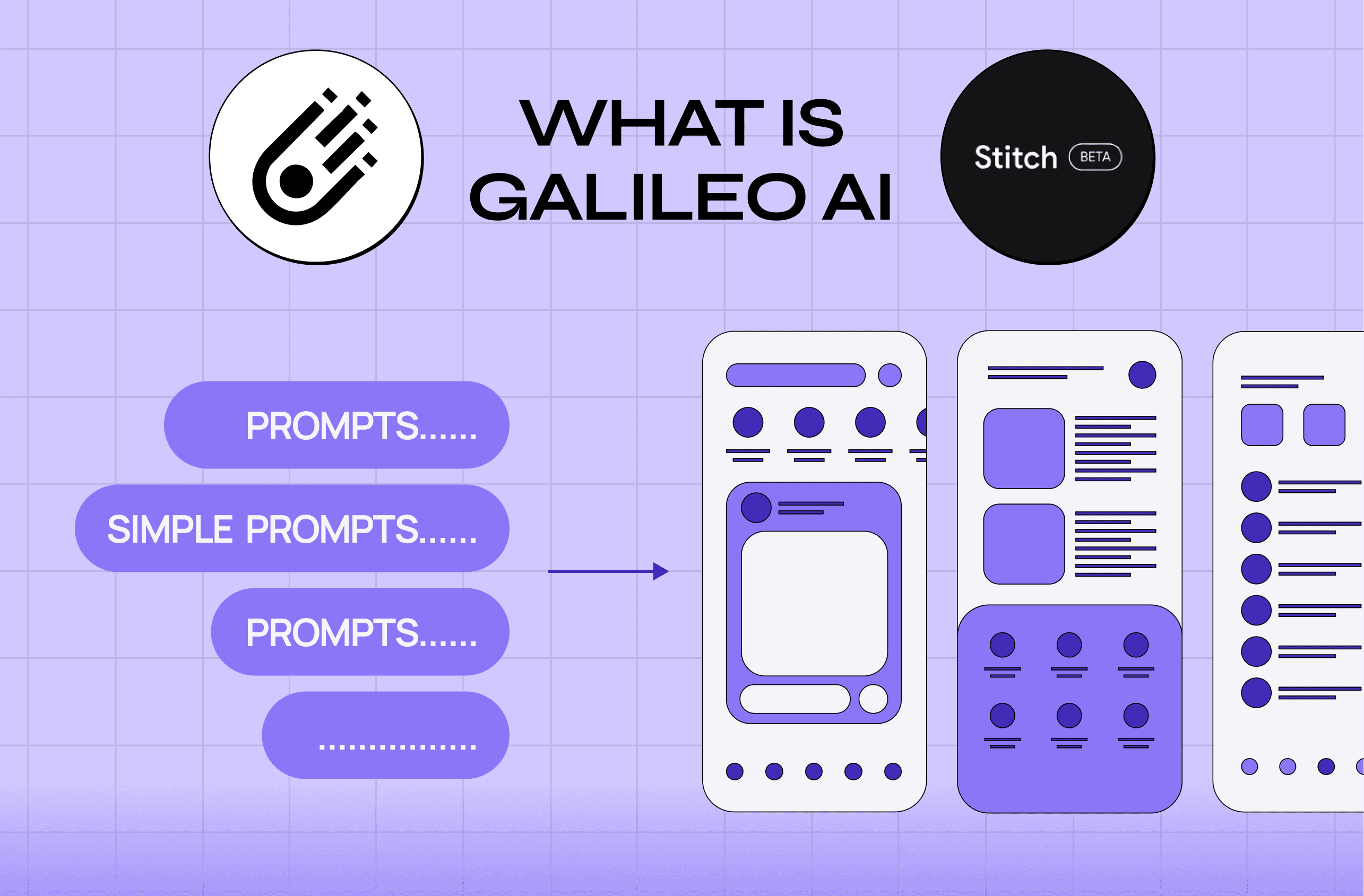
Pricing is directional and current as of 2026. Confirm on each tool's site. Note: this table covers full-app builders founders ask about most. Adjacent screen generators like Google Stitch AI primarily produce UI concepts rather than a shippable application.
Tool | Best for | Native mobile | Code export | Starting price |
Lovable | Polished web apps, fast iteration | No | Yes | ~$25/mo |
Bolt.new | Full-stack-leaning prototypes | No | Yes | ~$25/mo |
v0 by Vercel | Developer-grade UI and components | No | Yes | ~$20/mo |
Replit | Full-stack apps with real code control | No | Yes | ~$25/mo |
Base44 | Prompt-to-app with a real backend | No | Limited | ~$25/mo |
Superapp | Native mobile from a prompt, non-technical founders | Yes | Yes | Freemium |
Bubble | Complex web apps, powerful visual editor | Limited | No | ~$29–59/mo |
Glide | Quick apps from spreadsheets | No | No | Freemium |
Softr | Client portals and internal tools | No | No | ~$49/mo |
FlutterFlow | True native mobile you control by hand | Yes | Yes | ~$39/mo |
Claude Code | Real engineering, full control, steepest curve | Depends on stack | Yes | Usage-based |
Can I build an app without being a developer?
Yes, and this is genuinely one of the biggest shifts in software over the last two years. Non-technical founders are shipping real, revenue-generating apps using nothing but plain-English prompts. On community forums like Reddit, this comes up constantly, and the honest answers from people who've actually done it are worth more than any polished case study.
Here's what non-technical builders are reporting works in practice:
Start with a prompt-to-app tool, not a blank code editor. Tools like Lovable, Base44, and Superapp are built specifically so you never have to touch a line of code to get a working first version.
Expect the first version to be a draft, not a finished product. Even the best AI-generated app needs a few rounds of refinement before it feels right.
You will hit a wall eventually, and that's normal. Non-technical founders who've scaled past their first prototype often describe a point where the AI "gets dumber" on complex requests, loops the same bug, or quietly falls back to mock data instead of real functionality. That's not a personal failure. It's the tool reaching its ceiling.
A hybrid workflow tends to outperform sticking with one tool. A pattern we're seeing more often: prototype in a no-code AI builder, sync the code to GitHub, refine specific features with a more code-capable AI assistant, then publish from the original builder. This gets non-technical founders real code ownership without needing to learn to program from scratch.
Code ownership matters more than it seems like it should at first. Founders who started on fully closed platforms often regret it later, describing painful, sometimes near-impossible migrations once they needed to scale or switch providers.
The short version: you don't need to be a developer to start. You do need to know that the tool you pick today shapes how painful (or painless) it is to grow past your first version.
The best AI app builders in 2026 (and where each stops)
Lovable: best for polished web apps, fast
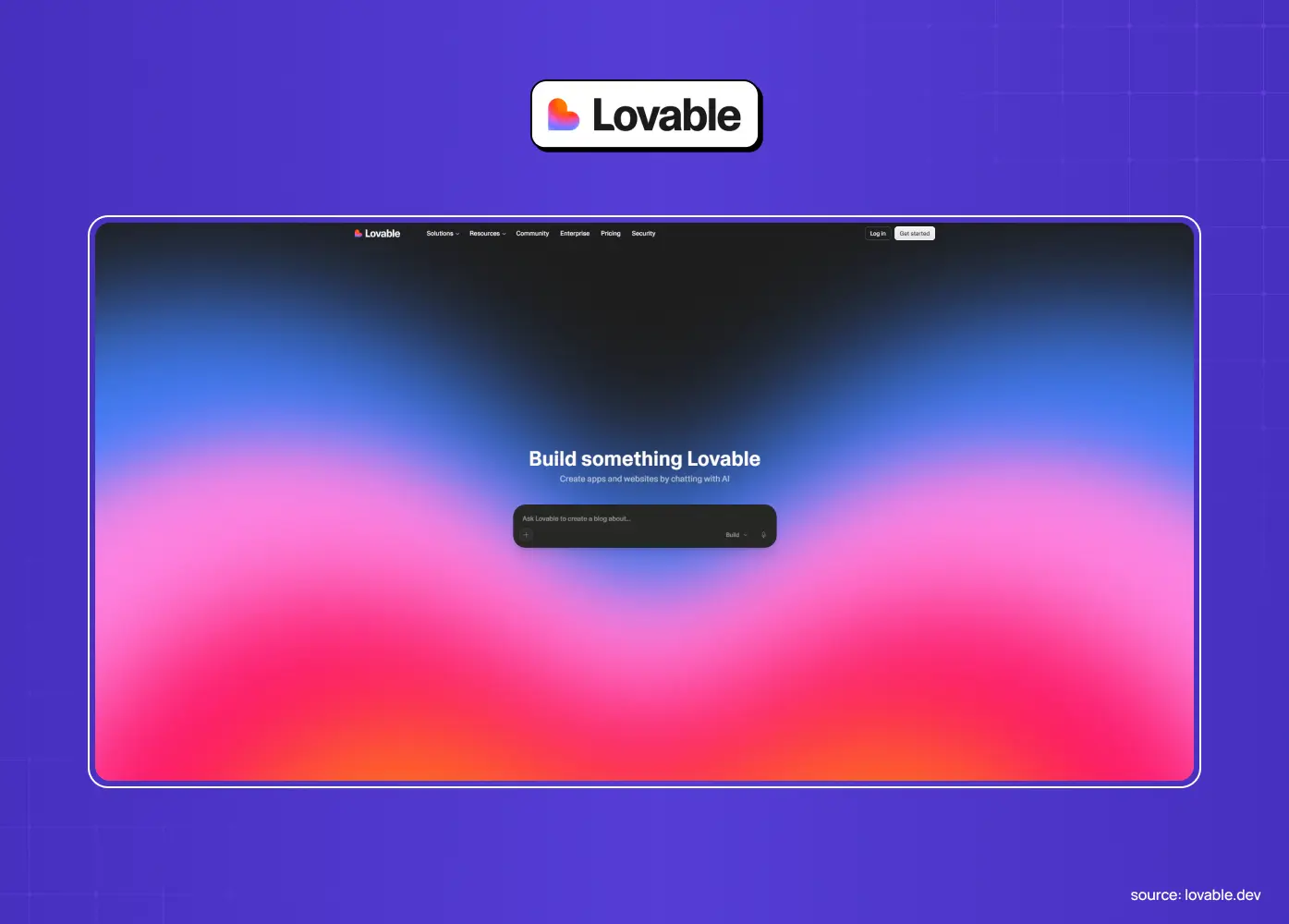
Lovable turns prompts into good-looking web apps with smooth, conversational iteration. It's the go-to when a polished front end and fast tweaking matter most.
Strengths: clean, exportable React code, fast iteration, intuitive enough for non-technical founders
Where it stops: web apps only, no native mobile you can publish to the App Store, needs external services wired up for a real backend
Worth knowing: some experienced builders note that Lovable's output has a recognizable "look" once you've seen a few apps built on it, so distinctive branding may take extra design work on top
Bolt.new: best for fast, full-stack-ish prototypes
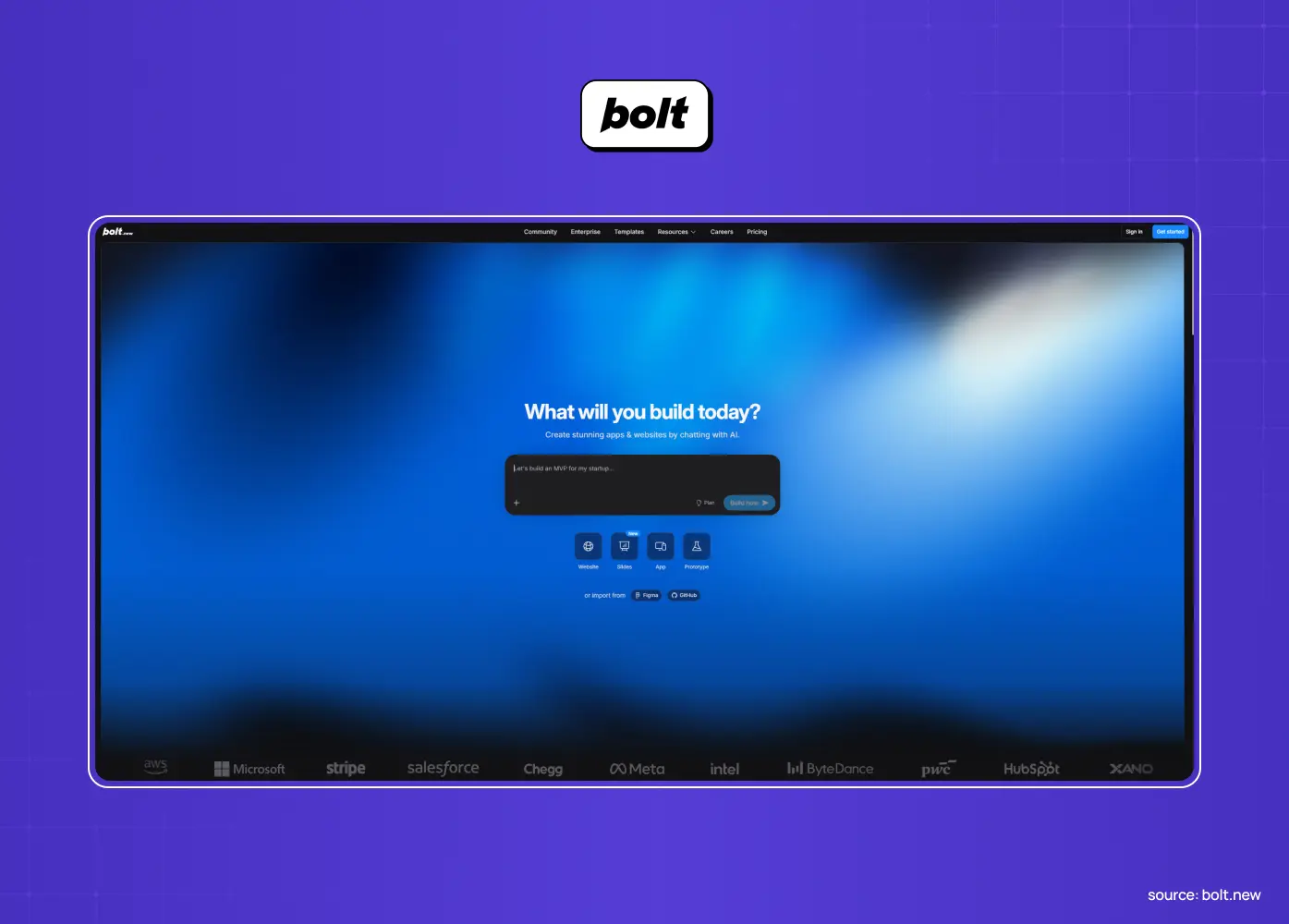
Bolt.new builds full-stack-leaning web prototypes quickly and suits people comfortable getting closer to code.
Strengths: strong context retention across long build sessions, click-to-edit UI plus direct code access, two-way GitHub sync
Where it stops: frontend-first with backend via integrations you configure, web-only for publishing, output is a strong draft that still needs real engineering to harden for production
v0 by Vercel: best for developers and production-leaning UI
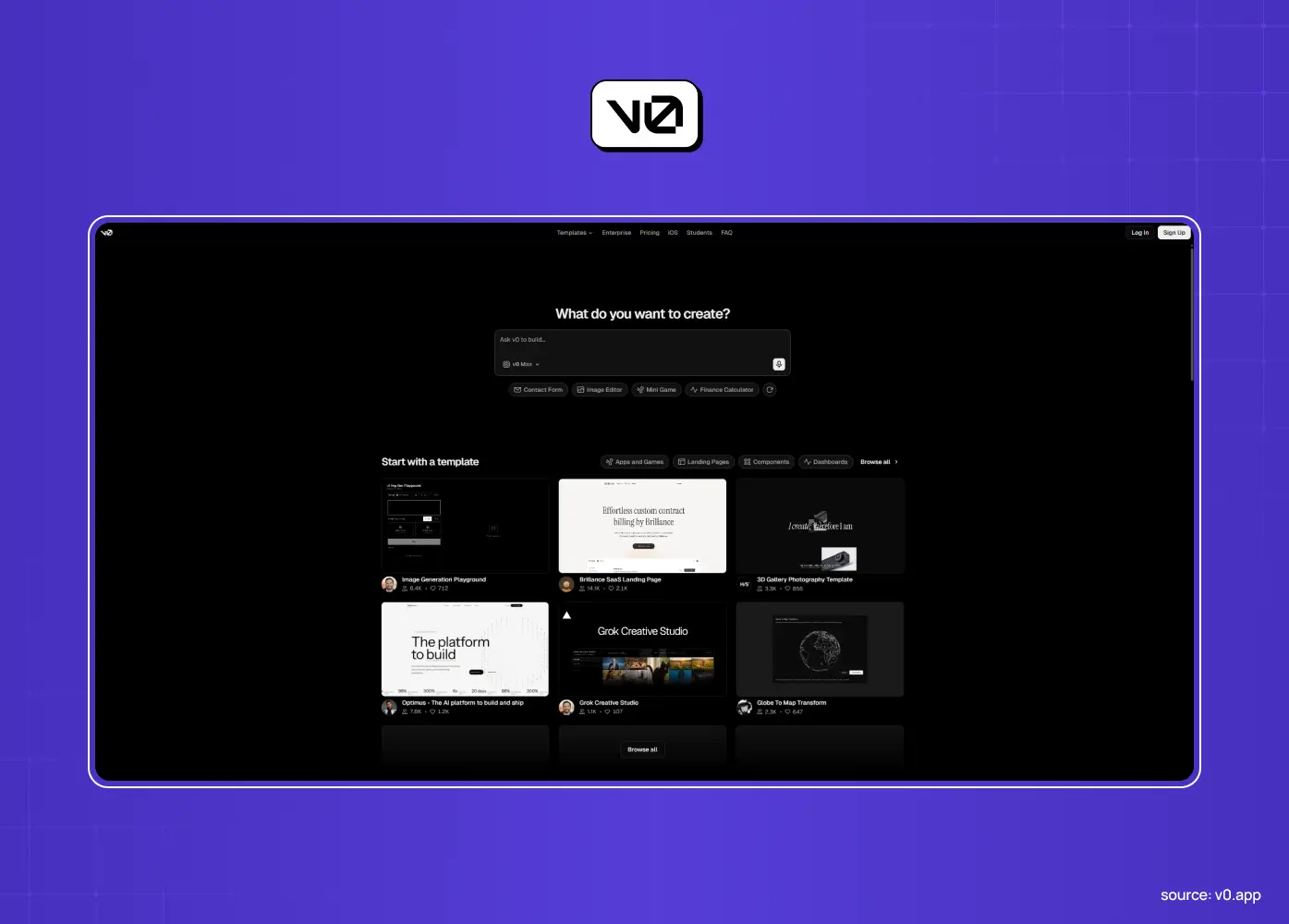
v0 generates React components and functional UIs, exports clean code, and offers real full-stack capability via integrations. It's a favorite of developers and product teams.
Strengths: production-ready component quality, strong TypeScript and accessibility defaults, tight Vercel deployment pipeline
Where it stops: frontend and component-focused, web-based, turning its output into a polished, scalable, native product still requires a developer and design judgment it doesn't provide
Replit Agent: best for real full-stack with code control
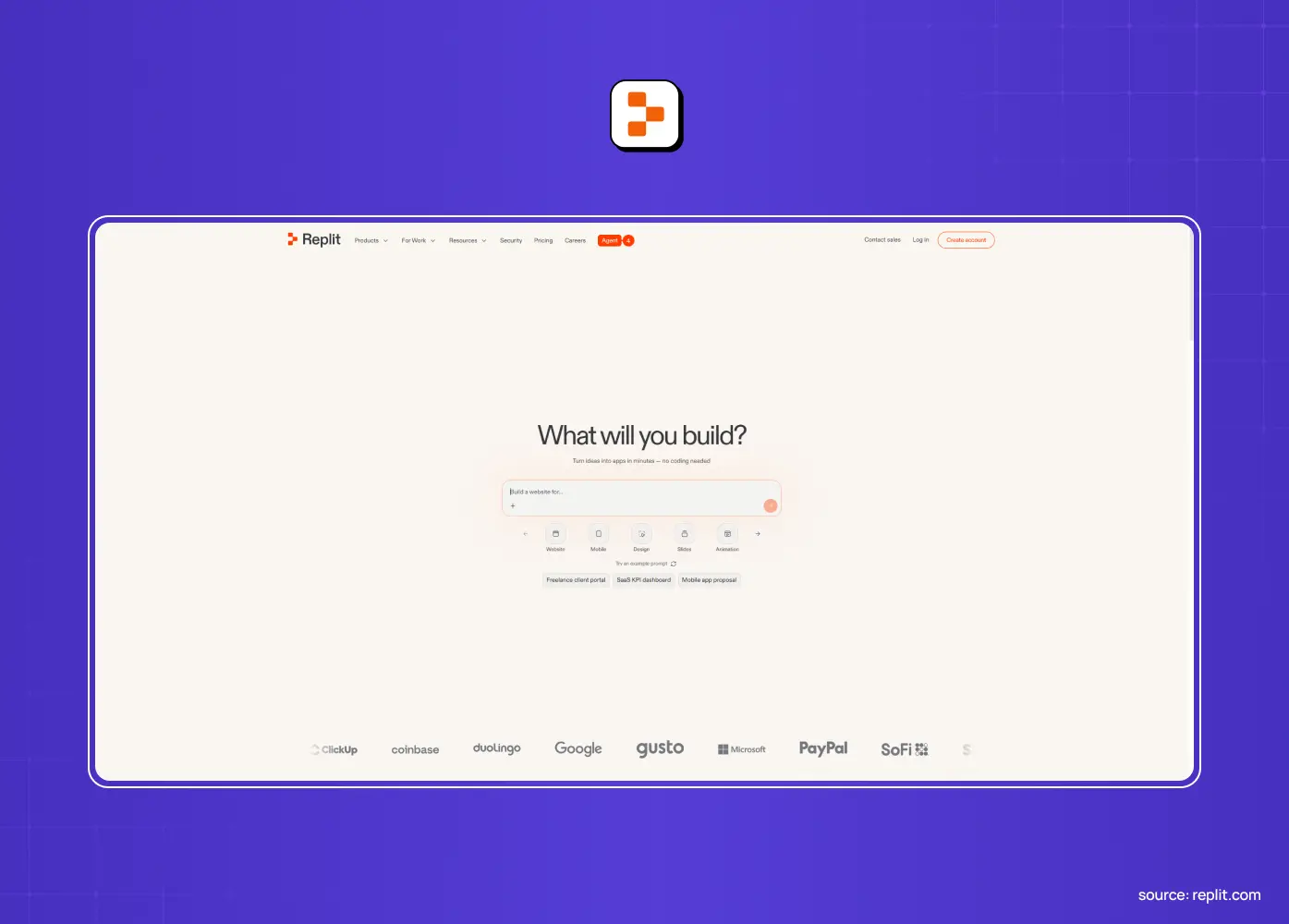
Replit's agent builds real full-stack apps with a built-in database and hosting, giving a technical owner genuine code and runtime control.
Strengths: self-checking agent that tests and fixes as it builds, native database and auth, works entirely in-browser
Where it stops: web-oriented, pricing can become unpredictable on long-running or complex builds
A word of caution from real users: several founders report that once a project scales past a simple app, Replit's agent can start looping on the same bugs, generate mock data instead of real working features, and burn through credits fast while doing it. If you go this route, watch usage closely and treat long agent sessions with a healthy amount of skepticism.
Base44: best for prompt-to-app with a real backend|
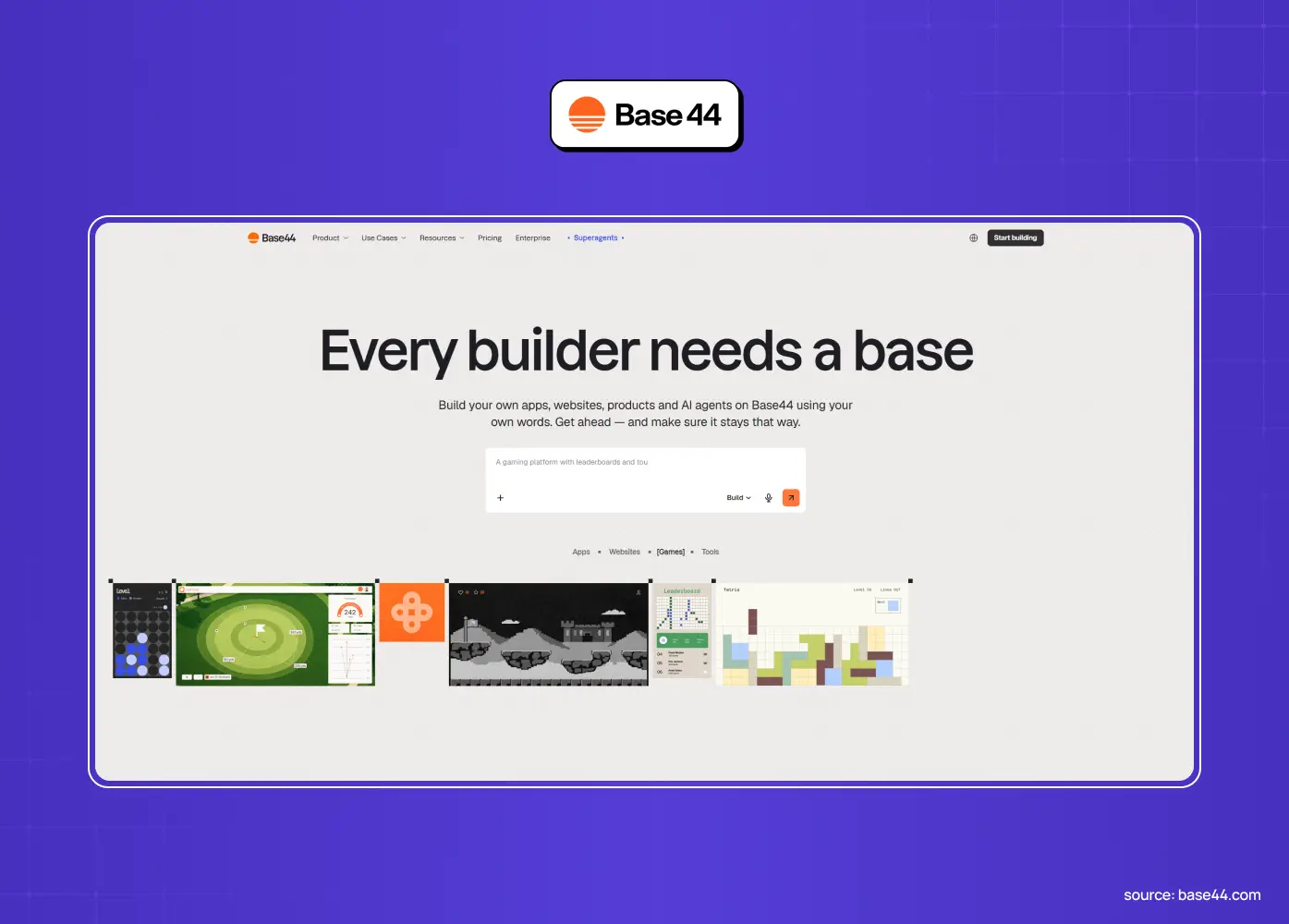
Base44 generates and hosts real backends from prompts, going further than the frontend-first tools, with almost zero setup decisions required.
Strengths: genuinely beginner-friendly, "Discuss Mode" for brainstorming before you build, visual drag-and-drop editing on top of AI generation
Where it stops: web-app territory, not native mobile, complex or highly custom logic pushes its limits fast
Superapp: best for native mobile from a prompt, no code required
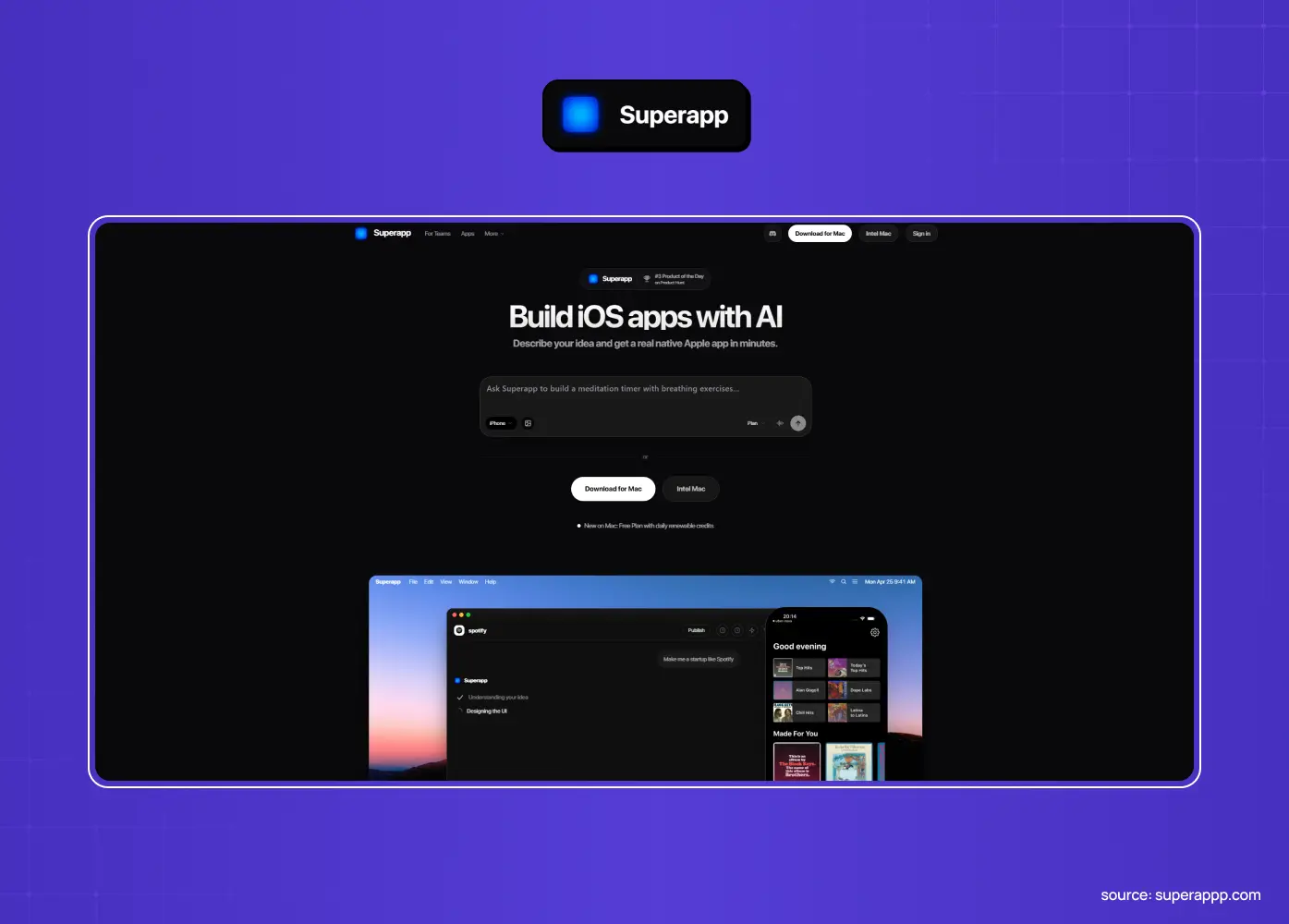
Superapp has emerged as a strong pick specifically for founders who want a real, publishable mobile app without becoming a developer first. Unlike most prompt-to-app tools, it's built mobile-first rather than treating mobile as an afterthought.
Strengths: genuine native mobile output, App Store submission without the usual friction, full code ownership, previews that reportedly load fast and reliably
Where it stops: newer entrant compared to the established web-first tools, so its ecosystem and community support are still growing
Worth knowing: a workflow some founders are using successfully is prototyping in Superapp, syncing to GitHub, refining specific logic with a code-capable AI assistant, then importing back to Superapp to publish. This pairs the speed of a no-code builder with the precision of hands-on code review.
Bubble: best powerful visual no-code for complex web apps
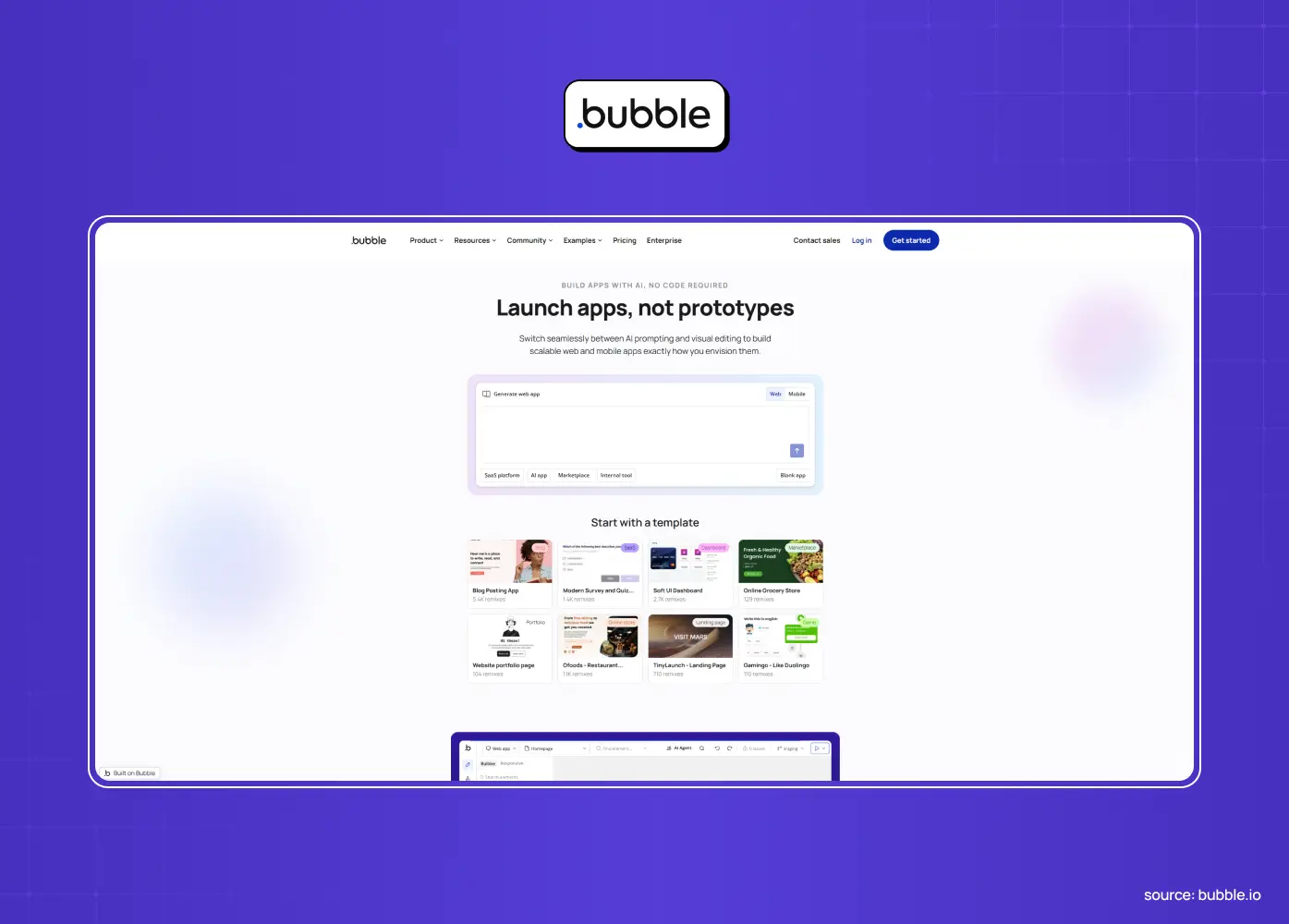
Bubble is the heavyweight visual no-code builder, capable of surprisingly complex web apps with databases and workflows.
Strengths: handles genuinely complex logic for a no-code tool, large and mature ecosystem, now supports both web and native mobile publishing from a shared backend
Where it stops: no code export, so your app lives on Bubble's infrastructure and stops working if you cancel, can hit performance and scaling ceilings, native mobile support is newer and less polished than its web experience
Glide: best for quick apps from your data
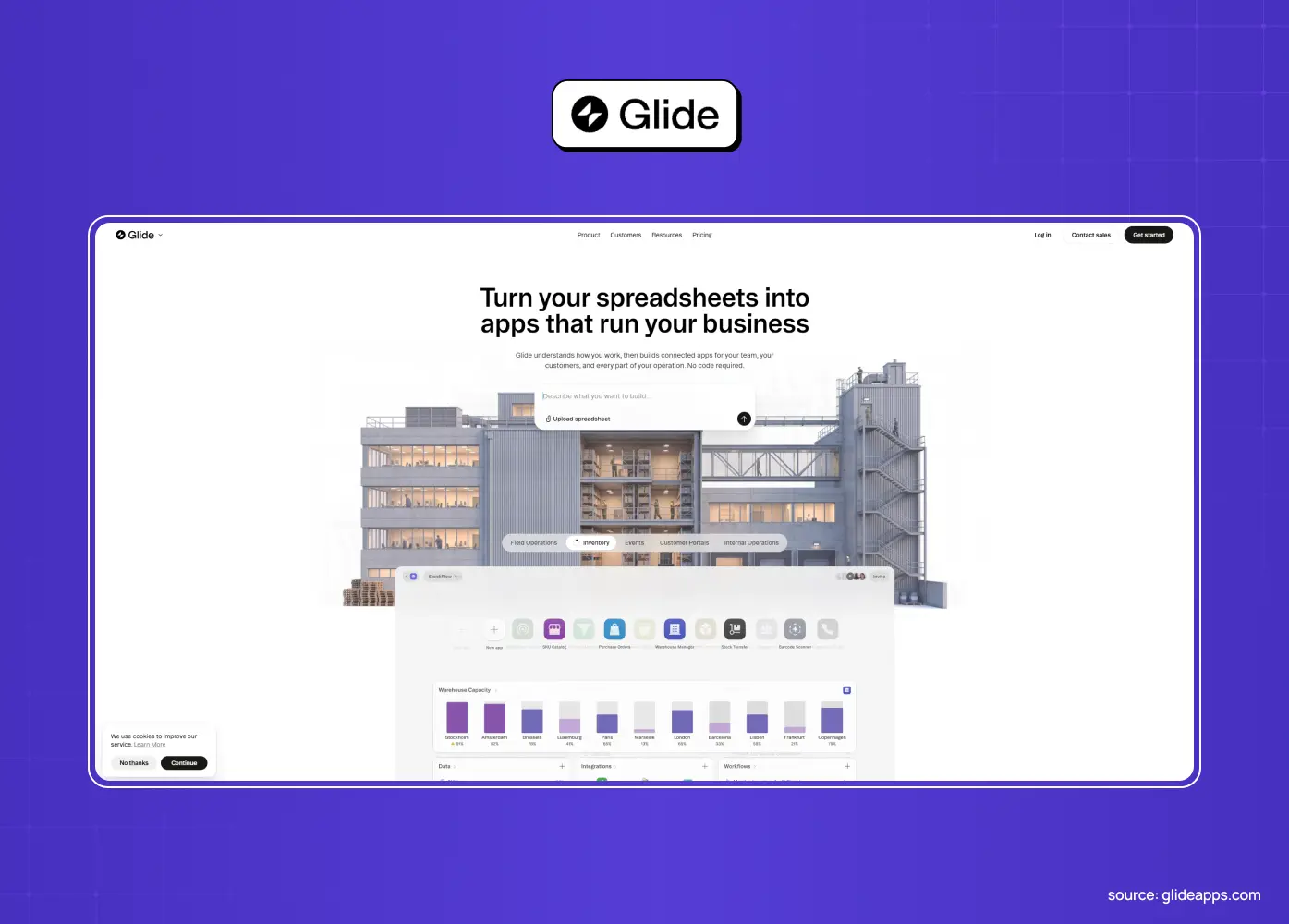
Glide spins up simple, tidy apps from spreadsheets and databases, ideal for internal tools and lightweight use cases.
Strengths: genuinely fast for simple, data-driven apps, minimal learning curve
Where it stops: no code export, limited customization, built for simple apps only, anything ambitious quickly exceeds it
Softr: best for portals and internal tools
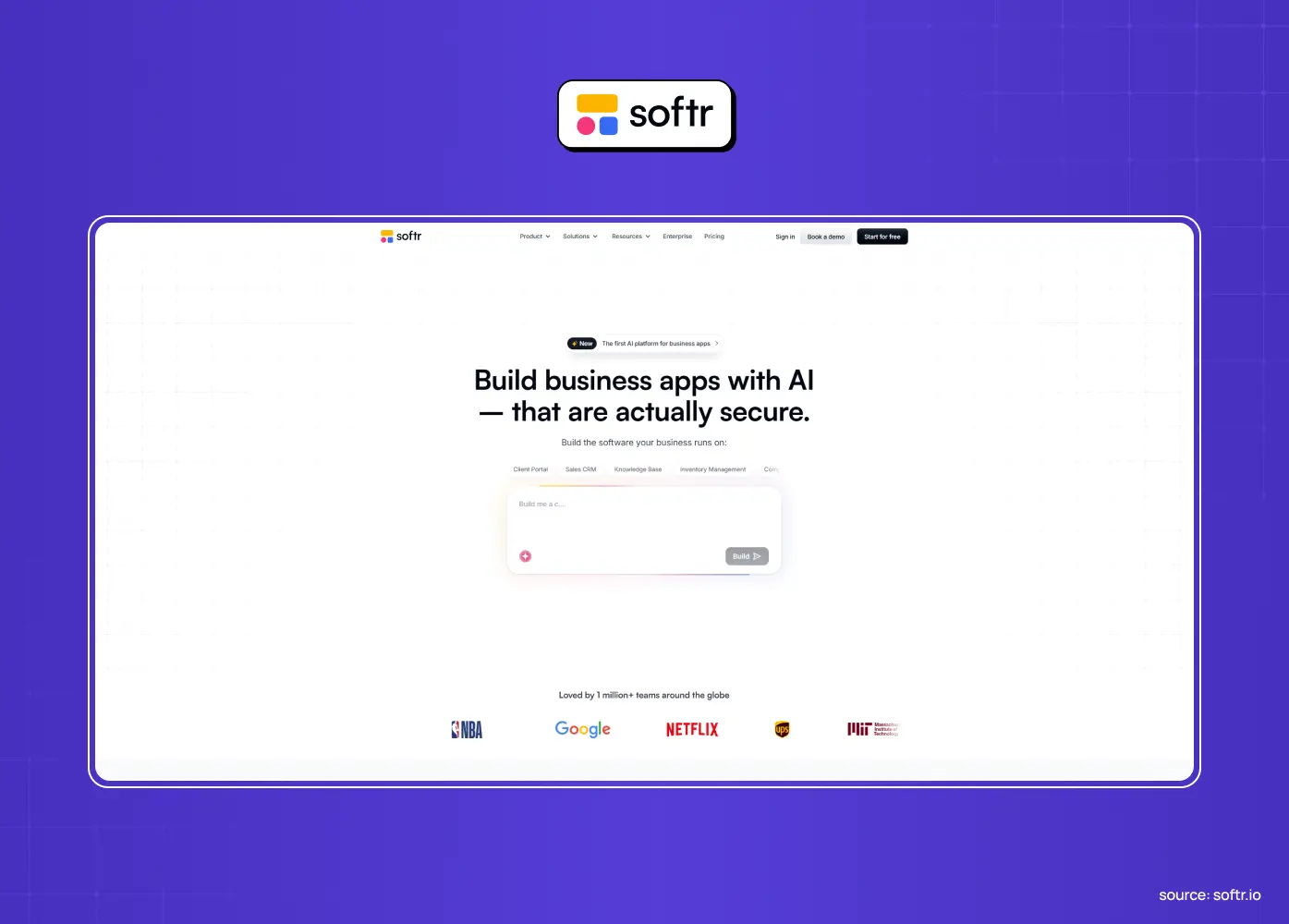
Softr builds client portals and internal tools on top of sources like Airtable, fast and without code.
Strengths: quick to launch, native Airtable and Google Sheets integration, built-in workflow automation
Where it stops: no code to take with you, limited flexibility and design control, not meant for complex, custom, consumer-facing products
FlutterFlow: best if you need hands-on control over native mobile
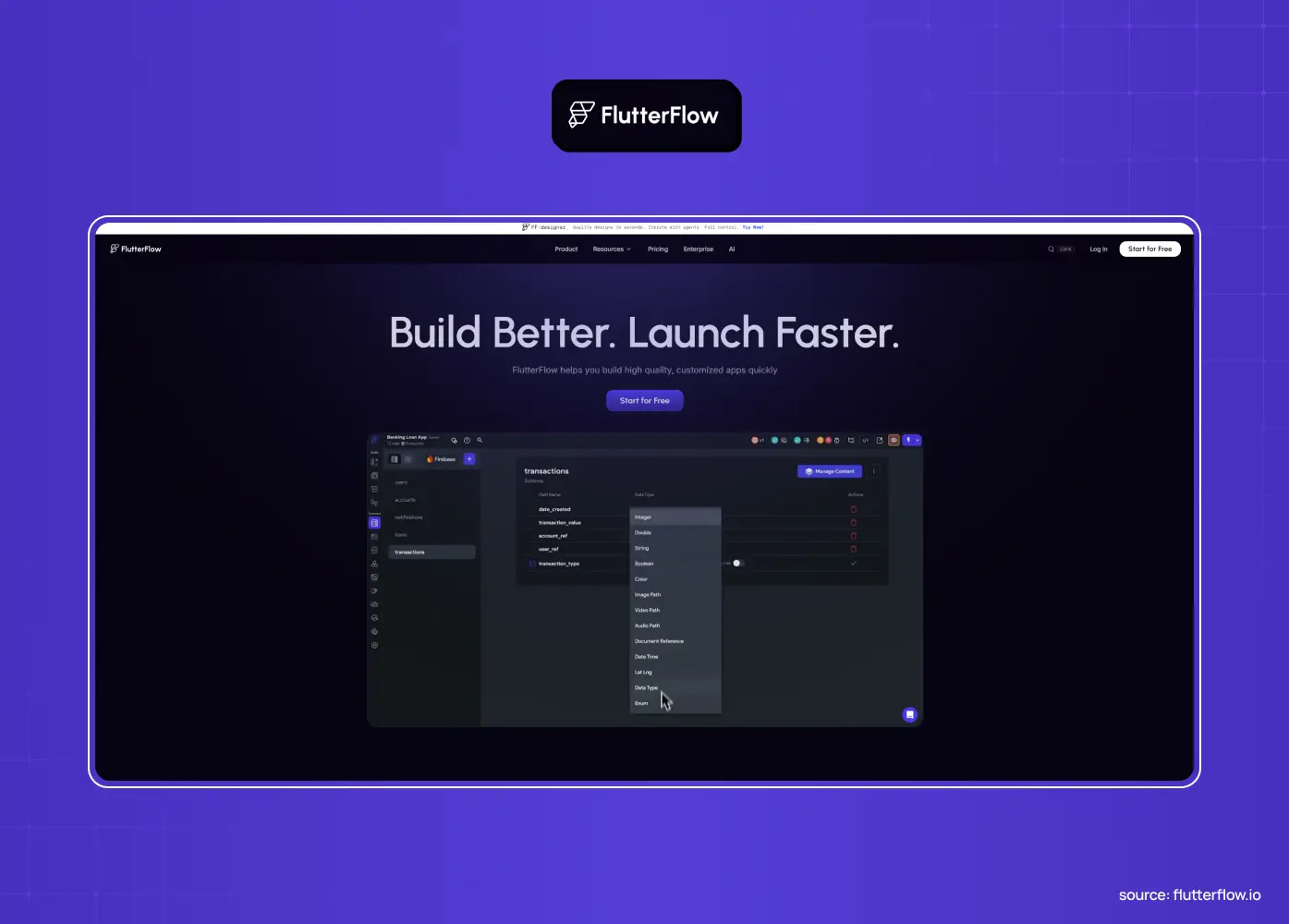
FlutterFlow stands out because it targets native mobile (built on Flutter) and can export code, the answer when a real iOS or Android app is the goal and you want to control the details yourself.
Strengths: true native output, full code export, strong choice if you want to fine-tune every visual detail
Where it stops: steeper learning curve than prompt-to-app tools, complex logic and truly custom experiences still demand real development and design skill
A note from builders who've compared it to newer AI-first tools: FlutterFlow still requires a fair amount of manual configuration for things like spacing and layout. If you'd rather let AI make more of those decisions for you, mobile-first prompt tools like Superapp tend to move faster, though FlutterFlow gives you more granular control if you want it.
Claude Code: best for founders ready to work closer to real engineering
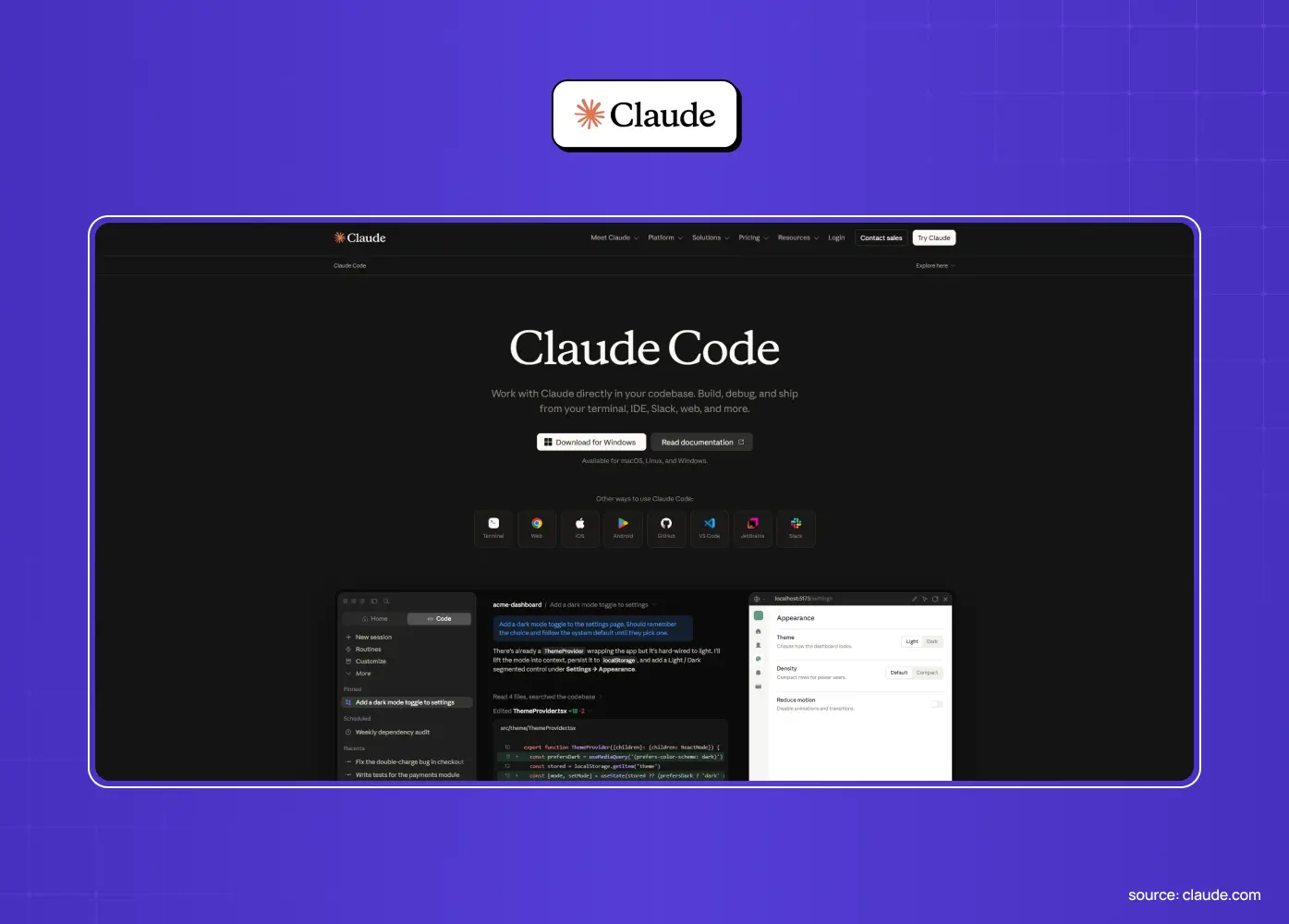
Claude Code isn't a traditional "app builder" in the drag-and-drop sense. It's an AI coding agent that works inside your terminal or IDE, writing and editing real code based on your instructions.
Strengths: genuine engineering capability rather than templated output, works well for parallel, complex builds once you're comfortable with the workflow, a natural next step once you've outgrown a no-code tool
Where it stops: the terminal-based workflow has a real learning curve for non-technical users, though newer app layers have made it more approachable
Worth knowing: some founders who started with zero coding experience have used Claude Code to build and scale real, revenue-generating products, often pairing it with a no-code prototyping tool for the first draft and using Claude Code for the deeper, custom logic. Designers running the same pattern tend to go Figma to Claude Code instead, handing the AI a structured UI file rather than a text prompt.
The ceilings every AI app builder hits
Notice the pattern? Across all of them, the same limits recur, and knowing them up front saves you a painful surprise later.
Native mobile. Most AI app builders make web apps that run in a browser and cannot be submitted to the App Store or Google Play. If you need a real mobile app, most of this list is out. FlutterFlow and Superapp are the main exceptions.
Real backend and scale. Simple apps are easy. Complex logic, heavy data, integrations, and real traffic expose the limits fast. Several tools need external services bolted on, and others hit performance walls or quietly fall back to mock data under pressure.
Code ownership and lock-in. The no-code visual tools (Bubble, Glide, Softr) don't export code. Your app only runs on their platform, so leaving means rebuilding from scratch. Founders who've lived through this describe it as a genuine "walled garden" problem, not just an inconvenience.
Deep customization, UX, and brand. Default output tends toward standard templates. If your product needs a distinctive, considered experience, you will quickly clash with the builders' default component sets. Hitting this wall is usually the point where founders bring in a no-code design agency to replace generic components with something custom and ownable.
Production hardening. Even the code-exporting tools produce a strong draft, not a production-ready, secure, scalable, tested product. Someone still has to finish the job.
Unpredictable pricing at scale. Credit-based and usage-based pricing can look cheap in a demo and get expensive fast once you're iterating heavily or running agents for long sessions.
None of this makes AI app builders bad. It makes them tools with a job. The trouble only starts when you don't know where their job ends.
How much does it cost to build an app with AI?
This is one of the most common questions we hear, and the honest answer is: it depends heavily on how you use the tool, not just which one you pick.
Free tiers are genuinely usable for a first prototype. Most tools on this list, including Lovable, Bolt.new, Replit, v0, and Base44, offer a free tier with enough credits to build and test a basic app.
Paid plans generally start between $19 and $30 a month. This covers a meaningful amount of AI credits or tokens for ongoing iteration, though what counts as "enough" varies a lot by how complex your app is.
Credit-based pricing is the biggest wildcard. A simple landing page and a data-heavy app with a real backend can cost very differently on the same plan, because you're paying for AI usage, not a flat seat.
No-code visual tools tend to have flatter, more predictable pricing (Softr, Bubble, Glide) since you're not burning AI credits on every small change the way you are with a prompt-to-app tool.
The real cost isn't the subscription, it's the rebuild. A cheap tool that locks your code in, or one that can't scale past a certain complexity, can end up costing far more in the long run than a slightly pricier tool that lets you keep your code and grow.
Budget for the graduation point, not just the build. If your app succeeds, plan for the cost of turning a validated prototype into a real product. That's a separate investment from your monthly AI builder subscription, and it's usually the one founders underestimate.
What's the easiest AI app builder for beginners?
If you have zero technical background and just want to see your idea working as fast as possible, a few tools consistently come up as the most beginner-friendly:
Base44 removes almost every setup decision. Its "Discuss Mode" lets you talk through your idea before anything gets built, which is genuinely useful if you're not sure how to describe what you want yet.
Lovable is intuitive enough that non-coders regularly ship functional apps, and its conversational editing style feels close to just chatting with an assistant.
Superapp stands out specifically for beginners who want a real mobile app, since it handles the technical pieces (APIs, backend, App Store prep) without asking you to touch configuration screens.
Softr and Glide are the easiest starting points if your "app" is really structured data (a client portal, an internal tool, a simple tracker) rather than a consumer product.
Whichever you pick, the same advice applies: start narrow, test with real users early, and never evaluate a tool by its demo. Judge it by how it holds up once you start asking for a second and third iteration. That test applies just as well to the AI UX design tools you end up pairing with your builder.
How to choose the right AI app builder
Match the tool to your goal and be realistic about its ceiling. It's the same principle as choosing traditional UX design tools: the right choice is the one that solves the specific bottleneck in front of you, not the one with the longest feature list.
Want a polished web app fast with easy iteration? Lovable leads.
Technical and want code and runtime control? Bolt.new, v0, or Replit fit.
Need a real full-stack app from a prompt? Replit or Base44.
Building internal tools or portals from data? Glide or Softr.
Need a genuinely powerful web app without code, and can accept the lock-in? Bubble.
Need native mobile without touching code? Superapp.
Need native mobile with hands-on visual control? FlutterFlow.
Ready to work closer to real code? Claude Code.
Above all, ask where you'll be in six months. If the app is a throwaway prototype, optimize for speed. If it's meant to become a real product, weigh code ownership and the ceiling heavily, because migrating off a locked-in platform later is painful. And if you need a marketing site rather than an app, the Framer vs Webflow breakdown is a better place to evaluate your stack.
How to get the most out of an AI app builder
A few habits maximize the value you get from any of these tools and delay the ceiling for as long as possible.
Start with a clear, specific prompt. The difference between generic and usable output is almost always the quality of your description, so spell out the goal, the key screens, and the data involved.
Keep the first version narrow. Build the core flow that proves your idea, not a sprawling feature set. Scope creep is where these tools get slow and confused. The principles of MVP UX design for SaaS apply directly here: one core flow done properly beats ten half-baked features.
Prepare your content and structure before you start, so the AI has real material to work with rather than placeholders.
Test with real users early. The whole point of building fast is to learn fast, so put it in front of people the moment it's usable. Looking at real prototype examples can help you judge how complete an interactive flow needs to be before that test is worth running.
Watch for the ceiling deliberately. The moment you find yourself fighting the tool to do something it wasn't built for (native mobile, complex logic, a custom interaction), that's data, not a bug to brute-force.
Used this way, an AI app builder becomes a genuine validation engine rather than a dead end you back into.
When you've outgrown the builder
Here's the moment this whole article is really about. AI app builders are fantastic for validating an idea, building an MVP, or shipping something simple fast, and you should absolutely use them for that. But there's a predictable point where they stop being enough: when you need native mobile at scale, real backend performance, complex business logic, tight integrations, a distinctive and trustworthy user experience, or simply an app you fully own and can evolve without fighting a platform's limits. Teams building AI-powered SaaS products tend to reach this ceiling fastest, as API model costs, data handling, and custom evaluation logic outgrow what a prompt-based builder can generate. That's not a failure of the tool. It's the natural graduation point of a successful product.
When you hit it, the answer isn't to keep wrestling the builder. It's to transition to custom code, or to bring in real product design and engineering to turn the working prototype into a proper product. That second phase looks like true SaaS application development, where architecture, security, and testability get decided deliberately. The smartest founders use AI builders to test the idea cheaply, then invest in a custom build once it's earned that investment.
That's exactly where a design and product partner comes in. At Groto, we've worked with founders and teams across very different starting points, from early-stage ideas to established platforms that had already outgrown their first version, on projects like Meydan, PolicyBazaar, Camb.ai, and Nicotex Begin. What connects that work is the same pattern this article keeps coming back to: a prototype earns its next investment by proving something real, and then it needs design and engineering judgment an AI builder simply isn't built to provide. Taking what worked in a fast prototype and shaping it into something scalable, ownable, and genuinely well designed is where we come in.
Common mistakes when choosing an AI app builder
A few predictable errors cost founders time and money, and they overlap heavily with common AI UX design mistakes that show up across AI-assisted product workflows.
Choosing on the demo, not the ceiling. Every builder looks magical in a 60-second demo. Tools like Galileo AI demo especially well for the same reason—generating a clean first screen is the easiest part of interface design. What matters is whether it can handle your app at step 50.
Ignoring code ownership. Picking a no-code tool with no export, then discovering you're locked in when you want to scale or leave.
Assuming you're getting a native app when the tool only makes web apps, then hitting a wall when you try to publish to the App Store.
Over-investing too early. Building a polished, complex app in a builder before validating anyone wants it, when a rougher version would have taught you the same thing faster.
Treating the output as finished. Shipping a prototype as if it were a production product, complete with the security, performance, and UX gaps AI leaves behind.
Avoiding these comes down to one discipline: pick for where you're going, not just where you are, and be honest about which of these tools can actually take you there.
Conclusion
The best AI app builder isn't a single winner. It's the one that fits your goal and whose ceiling you understand before you hit it. Those ceilings will keep moving, and observing the future of AI in web design suggests they will lift again every few months.
Use Lovable, Bolt.new, v0, Replit, Base44, or Superapp to move fast and validate cheaply, just know that web-only limits, backend and scale walls, code lock-in, and generic UX are waiting at the edges.
Non-technical founders can genuinely build and ship real apps today, but the tool you start with shapes how painful (or painless) growing past your first version turns out to be.
Budget for the graduation point, not just the monthly subscription. The real cost of a good idea is what it takes to turn it into a real product once it's proven itself.
When your app outgrows the builder, which, if it succeeds, it will, treat that as a milestone, not a setback, and bring in real design and engineering to build the version that lasts.
If your AI-built prototype has proven the idea and you're ready to turn it into a scalable, ownable, genuinely great product, book a discovery call with Groto. We help founders take what worked in the builder and design and build the real thing, fast, without the ceilings.